Comprehensive Guide
AI Tools & Content Creation: A Practical Starting Guide
ai-toolscontent-creationtext-to-imagepromptingmonetizationdigital-products
Nov 16, 2025 • 2 min
Use these six recommended articles to explore AI image generation, prompt refinement, and creative product ideas. The short action plan below helps you choose one use case and start practicing.
Recommended reading
These published articles are the best next steps for this topic.
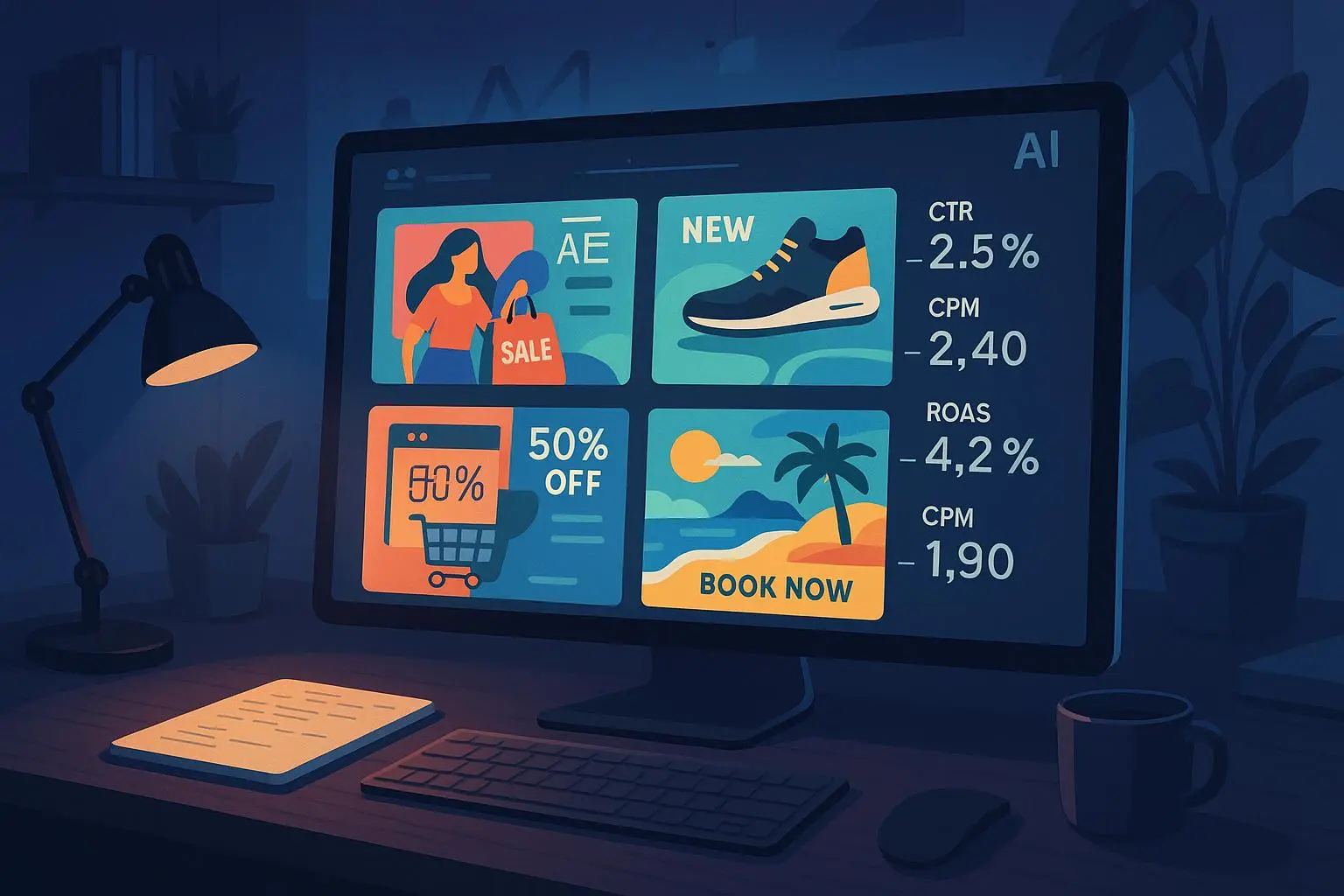
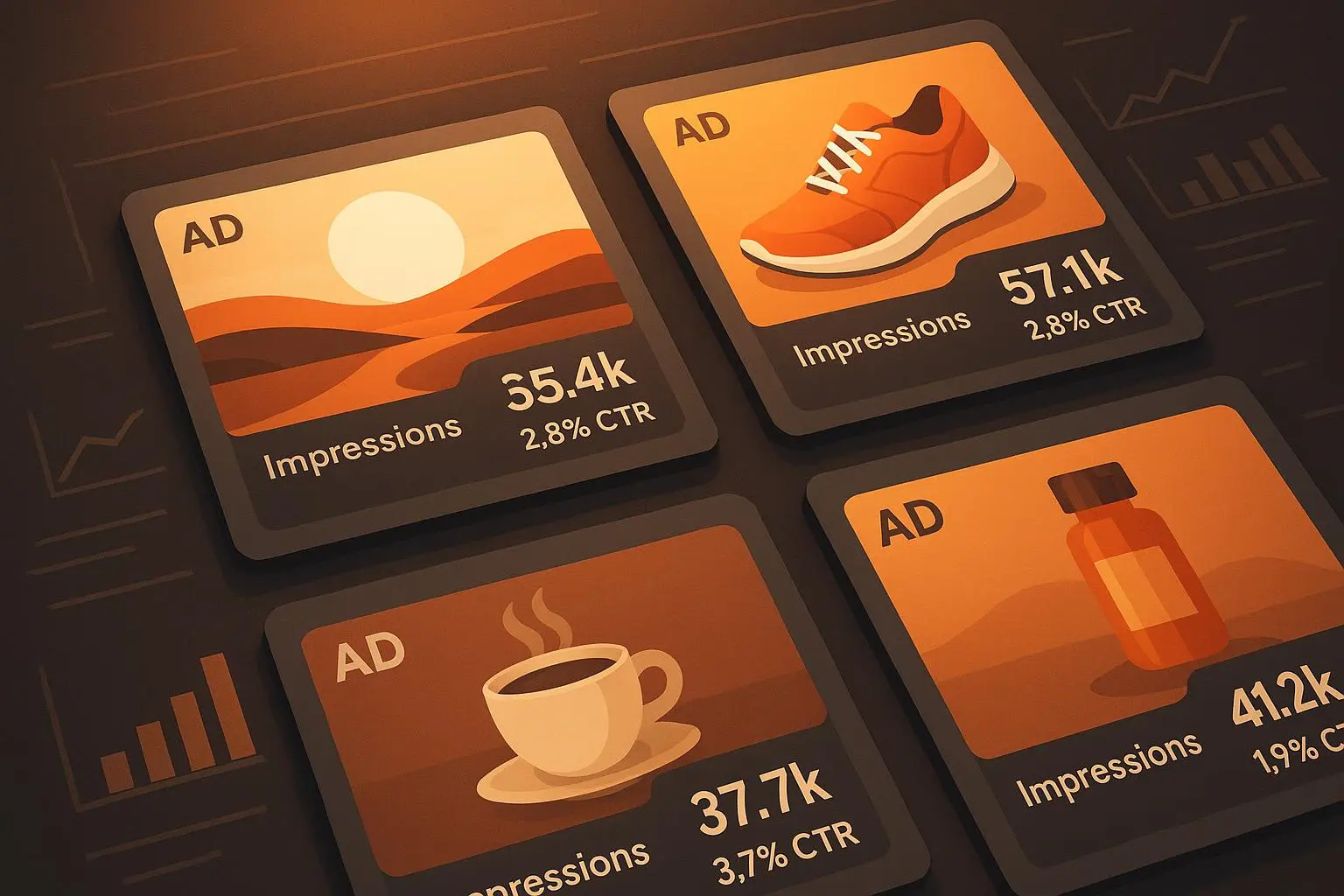
- Advanced Techniques for Ad Visualizer AI: Prompt Engineering and Variant Strategies for Higher CTR
- Advanced Text Prompt Techniques to Improve E-commerce Mockup Conversion Rates
- Getting Started with VisionScribe Studio: AI Image to Text and Text to Image
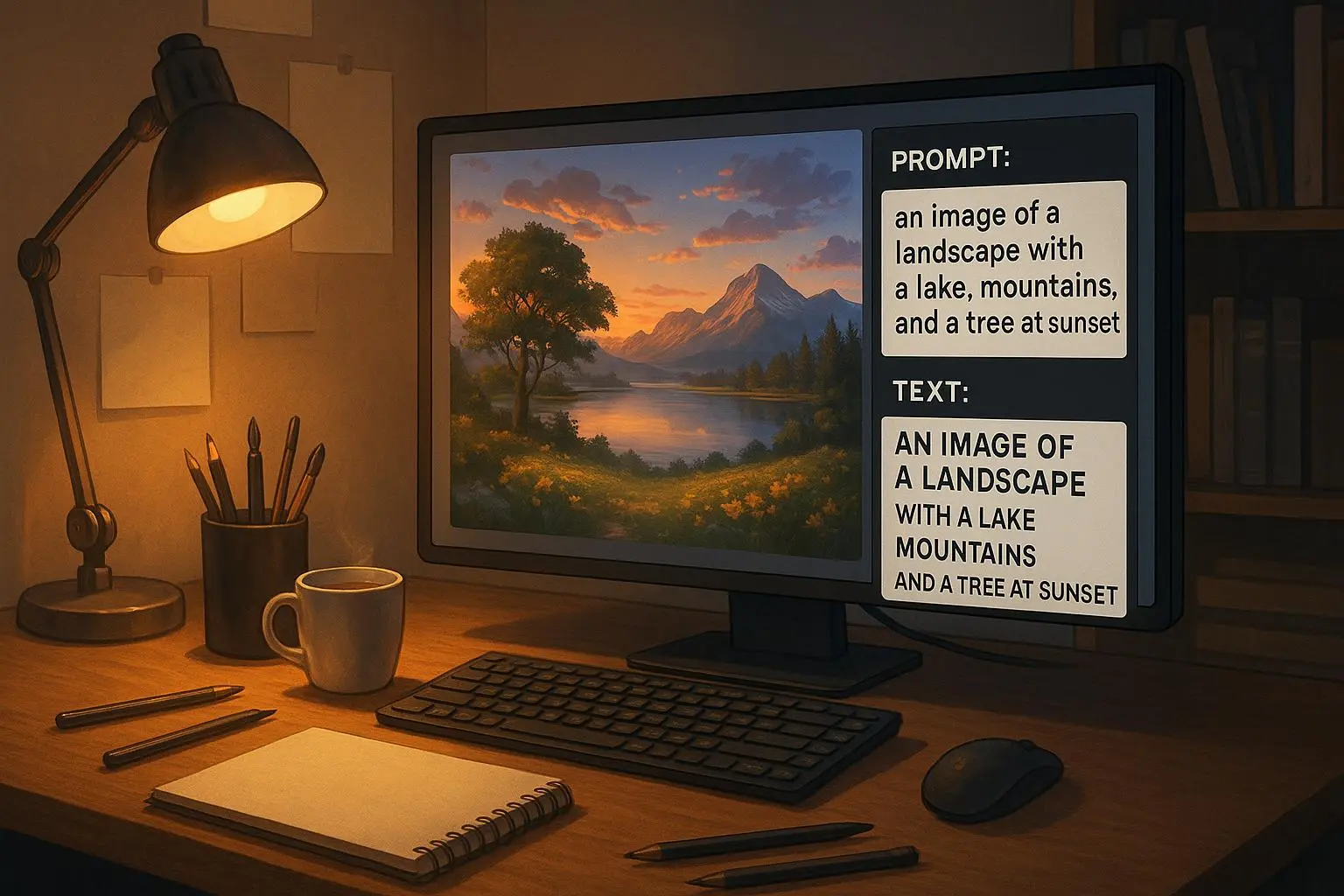
- Getting Started with AI Text-to-Image: Fast Paths to Stunning Visuals
- PromptForge AI: Effortless Text-to-Image Creations for Revenue
- Advanced Techniques: Fine-Tuning Prompts for Studio-Quality AI Images
Your First Month with AI Tools
Week 1: Choose 1-2 AI tools and create 10 test images
Week 2: Improve prompting techniques for your chosen tools
Week 3: Identify your niche and ideal customer
Week 4: Create your first product (bundle, template, or digital asset)
Key Takeaways
- ✅ AI image tools are fast and improve continuously
- ✅ Quality improves dramatically with better prompts
- ✅ Consistency comes from systems, not luck
- ✅ Multiple revenue streams can diversify a creative business
- ✅ A clear niche can make your offer easier to understand
Next Steps
- Pick your primary use case: Ads, product images, book covers, or pet art?
- Follow the beginner guide for your chosen tool
- Practice with 10-15 images to improve your prompting
- Start creating your first product this week
Start today: Create your first AI image using the beginner guide that matches your goal.