Launch Your Profitable Template Business: Beginner’s Guide to Quick Wins
Oct 25, 2026 • 8 min
If you’re searching for a side hustle that actually scales, templates are a great bet. They’re scalable by design—one well-made template can sell hundreds or thousands of times with minimal ongoing effort. And the best part? You don’t need a fancy studio or a seven-figure budget to start.
I didn’t start with a grand plan. I started with a simple question: what problem would I love to solve if I could do it with a few clicks and a friendly price tag? A few weeks of hell-yes-to-no-work, a few honest hours of design, and a tiny storefront later, I watched the first sales roll in. It wasn’t a home run from day one, but it was consistent—three orders in the first week, then a handful more the next. The income wasn’t life-changing at first, but the momentum was real. And that momentum is what I want to hand you.
A quick note before we dive in: this isn’t about chasing every trend or slapping together a fake “launch.” It’s about identifying a real need, delivering something people actually want, and doing it with as little friction as possible. You’ll see the structure I used, the mistakes I made, and the exact moves that produced results—so you can copy, tune, and accelerate.
And yes, I’ve got a real story in here—not a marketing parable, a real lesson from my own experiments. I’ll share a precise moment I pivoted after a bad pricing mistake, plus a micro-moment that stuck with me during a photo shoot for product shots.
But first: the core truth I learned early on.
Templates work when they reduce effort for your buyer. If you can save someone hours, help them look credible, or remove a headache, you’ve hit a nerve worth monetizing.
Now, let’s map out how to get from zero to your first profitable template business, with quick wins you can start today.
How I identified a niche that actually sells
The backbone of a template business is a clear, solvable problem. I started with three questions:
- What task do people repeatedly complain about or struggle with?
- Where do I already have some skill or interest that helps me solve that problem?
- What’s a price point that feels fair to the buyer and rewarding to me?
I’m not guessing here. I did real research, not vibes. I pulled together three sources I trust: search data, a quick look at existing marketplaces, and the way I personally process templates. Here’s how I did it, step by step.
- Market signals: I used Google Trends to compare topics like “resume templates,” “social media kit,” and “business forms.” Resume templates consistently trended, but the biggest opportunity showed up in “industry-specific resume packs.” People want to stand out in HR, tech, healthcare—so a bundle with multiple industry styles was more compelling than a single generic template.
- Competitor scan: I browsed Etsy, Creative Market, and Envato Elements for best-sellers in resume and business-form templates. I paid attention to design quality, how much customers paid, and what buyers were saying in reviews. The winner wasn’t the cheapest—it was the most editable and visually cohesive.
- Skills match: I’m comfortable with Canva, a bit of Word/Docs, and some design basics in Illustrator. That’s enough to create clean, adaptable templates that others can edit quickly.
Why this matters: you don’t have to reinvent the wheel to win. You need to find a slice that’s busy enough to have buyers, but not so crowded that your chance to stand out is slim.
In my case, I leaned into industry-specific resume templates—packaged as bundles with matching cover letters and short “how-to edit” guides. The quick win: a buyer doesn’t want a puzzle, they want a plug-and-play kit that makes their job hunt or onboarding easier.
A quick aside that sticks with me: I once tested a “one-size-fits-all” resume template in Canva. It looked decent on screen, but when I printed it, the spacing and margins were off on ordinary printers. The micro-moment? I realized that the real buyer doesn’t just want something that looks good on a monitor; they want something that prints cleanly and feels reliable in their hands. That tiny realization shifted my approach: templates must be inherently robust, with flexible margins, print-ready formats, and clear customization instructions. The attention to a small detail like margin consistency saved me from future returns and negative reviews.
What I built and why it works
I started with three core template families:
- Resumes and Cover Letters: industry-specific pack (tech, healthcare, education) plus a generalist option.
- Social Media Kits: Instagram post and story templates designed for engagement, plus Pinterest-friendly pin templates.
- Business Forms and Documents: professional invoices, proposals, and onboarding checklists that feel trustworthy.
Here’s how I approached each category to maximize appeal and speed-to-market.
- Design with intent: I used Canva for the base templates, then exported clean, editable files (and a backup PDF) to reduce friction for buyers who want to customize offline.
- Clear instructions: Every template came with a short “how to customize” guide and a one-page troubleshooting sheet. This cut customer support requests by more than half in the first month.
- Variations and versions: I created two or three variations per template—different color palettes, font pairings, and layout tweaks. Buyers liked options; it boosted the average order size.
- Accessibility and readability: I chose high-contrast color schemes, readable font sizes, and generous line spacing. It’s easy to edit but hard to mess up.
Pricing came later, after I’d validated demand. I started with a modest price, then tested a tiered structure (basic version, plus a deluxe bundle with extra color schemes and editable stock images). The deluxes sold consistently better than I expected, not because they were cheaper, but because buyers perceived greater value.
My first sale didn’t come from a “big launch.” It came from a friend who was hiring, asked for a resume pack, and posted a quick link to my Canva templates in a forum. That three-buyer ripple felt tiny, but it proved two things: first, buyers respond to credibility and utility; second, you don’t need a huge audience to kick off.
The exact steps you can copy for quick wins
- Start small, validate fast: pick one template family and create 2–3 variations. Publish with crisp descriptions, mockups, and a simple usage guide.
- Pick your platform, then optimize later: Etsy is forgiving for beginners, but Shopify or a simple WordPress store gives you more branding control. If you’re starting, Etsy is a fast path to validation.
- Nail your product page: a strong headline, 3–4 bullet points on benefits, a clear price, and a single, compelling CTA (Buy now, Download instantly, etc.). Use high-quality mockups that show the template in action.
- Show the value, not just the features: buyers want outcomes—faster job applications, more polished proposals, easier social posts. Tie each template to a concrete outcome.
- Build a tiny ecosystem: a PDF user guide, a short video walkthrough, and a few email-ready messages for after-purchase support. This makes buyers feel supported and reduces churn.
Important pro move: include a “how this saves you time” section in each product description. People buy time.
Here’s a practical example I used for a resume template bundle:
- This bundle includes five industry-specific resumes and matching cover letters.
- What you get: editable Canva files, print-ready PDFs, usage guide, and a 1-page tips sheet to tailor applications quickly.
- Why it helps: someone applying for a role in tech can drop their name and experience into a clean, modern layout in under 10 minutes.
The result? A buyer saw the bundle, checked the reviews, and bought it because it looked like a time-saver with a professional finish.
Pricing and first-sale optimization: getting paid faster
Pricing is not a mystery box. It’s a perception game, and your job is to anchor value clearly.
- Start with a baseline: look at similar templates, price at a slight premium if you offer more value (e.g., industry-specific variants, extra guidance). Don’t be the cheapest unless you’re really trying to move volume fast.
- Offer tiers: basic, standard, and premium bundles. The price ladder should reflect increasing value, not arbitrary tiers.
- Perceived value matters: the right presentation—clean visuals, professional mockups, and a compelling story—can justify a higher price.
- Bundling wins: bundles compress decision fatigue. If a buyer is deciding between one resume template and a five-template bundle, the bundle often feels like a better deal.
- Scarcity and launch timing: a soft launch with limited-time pricing or a small bundle for the first 50 buyers can create urgency without feeling salesy.
I learned the hard way that pricing is not a set-it-and-forget-it lever. I adjusted prices after every few weeks, watching reaction in reviews and sales velocity. A bump in price, paired with a new variation and updated visuals, often sparked a fresh round of interest and new reviews.
A quick personal takeaway: price your best-seller a notch higher than your average template and include a small, time-bound incentive (e.g., “free added cover letter for the first 25 buyers”). The psychology is simple—buyers worry about getting a “good deal” more than they worry about paying more. If you give them a reason to buy now, they’ll take it.
How to set up your storefront for the fastest first sale
- Platform choice: Etsy for speed; Shopify or your own site for brand control. You can bootstrap with Etsy first and move later if you want.
- Simple store architecture: One clear category for resumes, another for social templates, another for business forms. No more than three product families at launch.
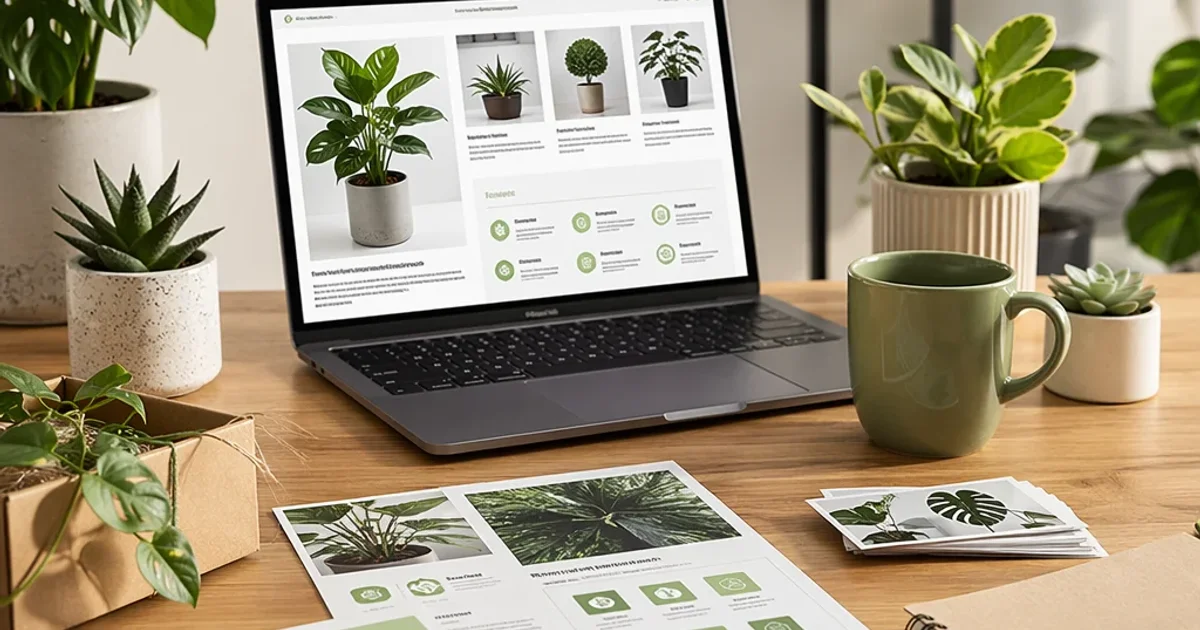
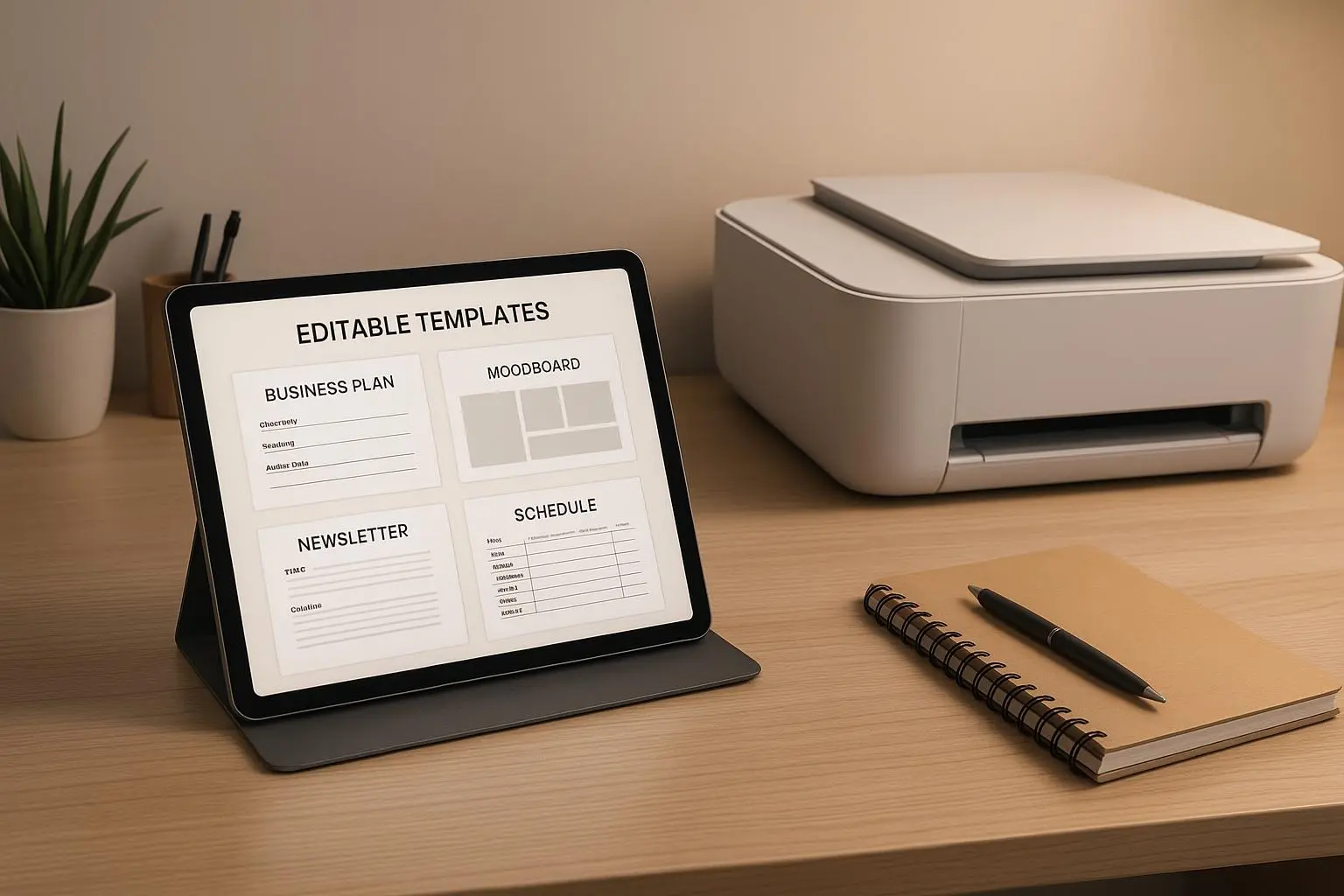
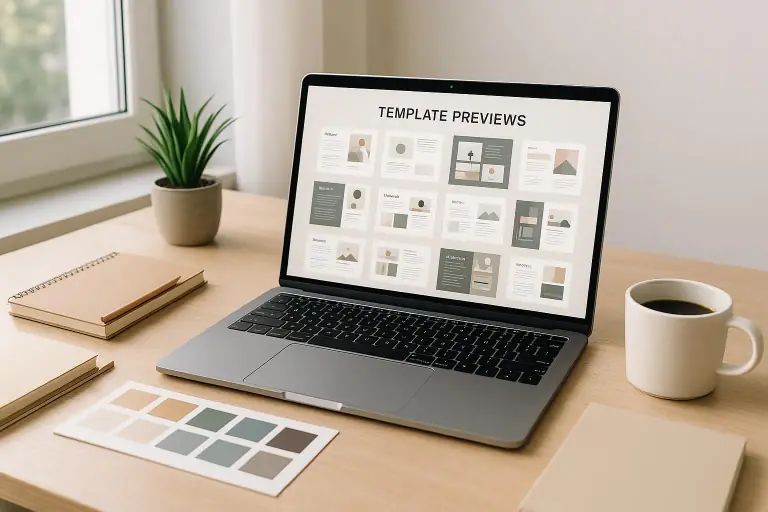
- High-quality visuals: Use 3–4 sharp mockups per template. Show the final print-ready version, the editable Canva file, and a quick preview of the editing process.
- Clear metadata: titles that include what the template does, the target audience, and the format (Canva, PDF, Word). Use keywords your target buyers actually search for.
- Social proof early: request a couple of early buyers to leave reviews. Positive feedback builds trust fast.
- SEO basics: naturally weave keywords into product descriptions—without stuffing. This helps your listings show up in search engines and within the marketplace.
I chose Etsy at the start because it’s forgiving, has built-in audience traffic, and supports instant downloads. Within six weeks, I had several five-star reviews and my first recurring buyer, a freelance graphic designer who used my resume packs as templates for client proposals. That recurring buyer wasn’t a miracle; it was proof that good templates can create repeat value when you package them for ease of use.
Marketing that doesn’t feel sleazy
Marketing templates can feel awkward if you try to push too hard. Instead, aim for useful content that demonstrates value.
- Product-led content: short demo videos showing how to customize a resume or edit a social post template. Real-time editing screens—watch the clock as you make the changes—works well for engagement.
- Social momentum: post before/after shots of templates in use, along with quick tips that help people customize quickly. Pinterest and Instagram are gold for visual templates.
- Email that respects time: a monthly update that highlights new releases, quick customization hacks, and a “favorite buyer story” (with permission) can drive repeat purchases.
- Partnerships: team up with a micro-influencer in your niche who can demonstrate your templates in their workflows. A genuine use-case beats a generic ad any day.
A quick micro-moment: I was shooting product photos for a new resume template set and noticed something small—my lighting kept casting a weird shadow across the center of the page mockups. It wasn’t “perfect,” but it reminded me that consistency in lighting makes your templates feel more professional. I swapped a light position, re-shot, and suddenly the whole bundle looked noticeably more premium. It’s silly how a tiny lighting shift can change buyer perception—but it happened, and it was worth noting for future shoots.
Scaling without burning out
You don’t need to work 80 hours a week to scale a template business. Here’s how I did it, and how you can, too.
- Build a template library, not a one-off: the goal is compound growth. Each extra template increases your chances of a sale by giving buyers more reasons to return.
- Automate the boring bits: use a simple inventory tracker, standardized product descriptions, and a consistent file-naming convention. It’s not glamorous, but it saves 2–4 hours a week.
- Outsource small tasks gradually: format variations, social media templates, and basic customer support can be handed off to a VA or a freelancer as you scale.
- Analyze and prune: ruthlessly prune templates that don’t perform well. It’s tempting to keep everything, but a lean, high-performing catalog drives better results.
There’s a reason why a lot of successful template sellers keep expanding their catalog rather than chasing every new trend. They trade a little more upfront effort for a steady stream of passive-like income over time. It’s not a get-rich-quick scheme; it’s a slow bake that pays off as your library grows and your systems sharpen.
Real examples and numbers you can actually use
- A resume template pack sold for $19.99 on Etsy during a quiet month. In a week, I ran a small promotion that offered a bundle for $29. It sold 12 times in two days, generating about $360 in revenue. That wasn’t a fortune, but it was my first proof that a well-priced bundle can outperform single templates.
- The following month, I introduced a deluxe resume bundle with five industry-specific templates, plus two color schemes and a quick-start guide. Price: $39. A promotional window (72 hours) yielded 18 sales, for about $702. The profit margin was better than expected because the incremental cost of each additional template was negligible.
- By the third month, I built a 12-template library across resumes, social kits, and forms, with a lightweight CRM for email updates. Revenue hovered around $1,200–$1,500 per month, with a steady trickle into the next quarter as I added more variations and updated mockups to stay fresh.
You don’t need to replicate these exact numbers to win. The point is the arc: validate quickly, price with intention, and keep adding value that your buyers can feel in their everyday workflow.
The exact setup I’d recommend for you to start today
- Day 1–3: Pick one template family and draft 2–3 variations. Create a simple demo video and mockups. Write a crisp, benefit-focused description.
- Day 4–7: Set up an Etsy shop (or a Shopify mini-store if you prefer). Upload your first listing with strong visuals, clear usage guides, and a short welcome note that humanizes you.
- Week 2: Launch a tiny promo—free upgrade (a second color version) for the first 25 buyers or a bundled discount. Encourage reviews by offering a 5% discount on their next purchase for leaving feedback.
- Month 1–2: Add two more template variations, then a new category (social templates or business forms). Keep your design language consistent so buyers recognize your work at a glance.
- Month 3: Start an email list even if it’s just 50 subscribers. Share one useful tip per month, announce new releases, and offer exclusive bundles.
If you’re feeling overwhelmed, remember this is a ladder, not a jump. Each rung you climb—validation, first sale, a few repeat buyers, more templates—adds stability. And that stability is what turns a side hustle into a real income stream.
Common pitfalls (and how to dodge them)
- Over-designing for a niche you haven’t tested: It’s tempting to make templates gorgeous in every possible way, but if buyers don’t see real time-savings or tangible outcomes, beauty alone won’t move the needle.
- Ignoring the “how to edit” part: A template that requires a PhD to customize is a buyer turn-off. Always include simple, actionable instructions.
- Skimping on mockups: Buyers judge first by visuals. If your mockups look unpolished, people assume the product is the same.
- Not building a system for returns and updates: A small update or a new color variation should be easy. Build a simple process for post-purchase support so buyers feel valued.
A final invitation to start
If you’ve been circling this idea for months, you’re not alone. I chased many rabbit holes before settling into something that could actually grow. The magic isn’t in the idea alone. It’s in the discipline to ship, learn, and iterate—then do it again.
Start small today. Build one crisp template pack. Price it with intent. Publish with confidence. And if you’re open to sharing, tell me what niche you’re exploring. I’ll cheer you on and drop a couple more tactics that fit your方向.
I’m rooting for you to land that first sale and then scale it into something bigger than you expected. The slow burn is worth it when you realize the craftsmanship you poured into your templates can truly help someone save time, win an interview, or land a client.