Template Studio Pro: Launch Fast with High-Value Templates for Profits
Dec 9, 2025 • 9 min
I’m going to tell you what I learned after trying to bootstrap a service business with a toolbox that promised “no backend, just templates.” Spoiler: it’s not magic, but it’s incredibly practical when you want to move fast, look professional, and scale without hiring a small IT department.
You’ll read about real outcomes, a few hard-won detours, and a simple framework you can steal for your own gigs. No fluff. Just things that actually moved the needle.
Why I kept reaching for templates, not reinventing everything
Last year I had a dozen client projects on my plate, each with a tight deadline and a different flavor of deliverable: financial projections, marketing plans, project roadmaps, and detailed proposals. I kept running into the same bottlenecks: the time sink of boilerplate documents, the inconsistent branding across client work, and the endless back-and-forth that burned through billable hours.
A friend sent me a link to Template Studio Pro, a backendless toolkit full of ready-to-use templates, proposal generators, and planning calculators. I wasn’t sold on “backendless” as a concept at first. I’d already built robust templates with custom tweaks for each client. But I was curious about the speed boost and the professional polish it promised.
Here’s what happened when I actually pressed go.
A quick aside I still think about: I was in a coffee shop, juggling three client emails, a slide deck, and a draft contract. I opened Template Studio Pro on my laptop, loaded a SaaS business plan template, and within 10 minutes I had a complete, branded document ready for client sharing. The page layout was clean; the numbers looked credible; the call-to-action for the next steps sat right where I’d want it. I saved the deck as a PDF, emailed it, and immediately felt the momentum. It wasn’t flashy—it was practical. That moment stuck because it reminded me how much time we waste reinventing wheels that already exist.
And a micro-moment: the first time I used the integrated ROI calculator, the numbers snapped into place. I’d been hedging about a pricing change for weeks. The calculator spit out a clear breakeven point in seconds, and I finally had the confidence to pitch the higher-value package I’d been avoiding.
Now, I’m not claiming templates fix every problem. But in the kind of work I do—consulting, strategy, and proposal writing—they buy you time, credibility, and a repeatable process. And when you need to scale, time and clarity become your actual currency.
How Template Studio Pro actually works (the simple truth)
There’s a clean throughline to this toolkit: you access a curated library of high-quality templates, speed up repetitive tasks with dynamic proposal generators, and make hard-finance planning feel almost trivial with built-in calculators. No servers to poke at, no code to maintain, no “system integration” headaches. You customize, deploy, and go.
Here’s what that looks like in practice, with real-world pegs you can latch onto.
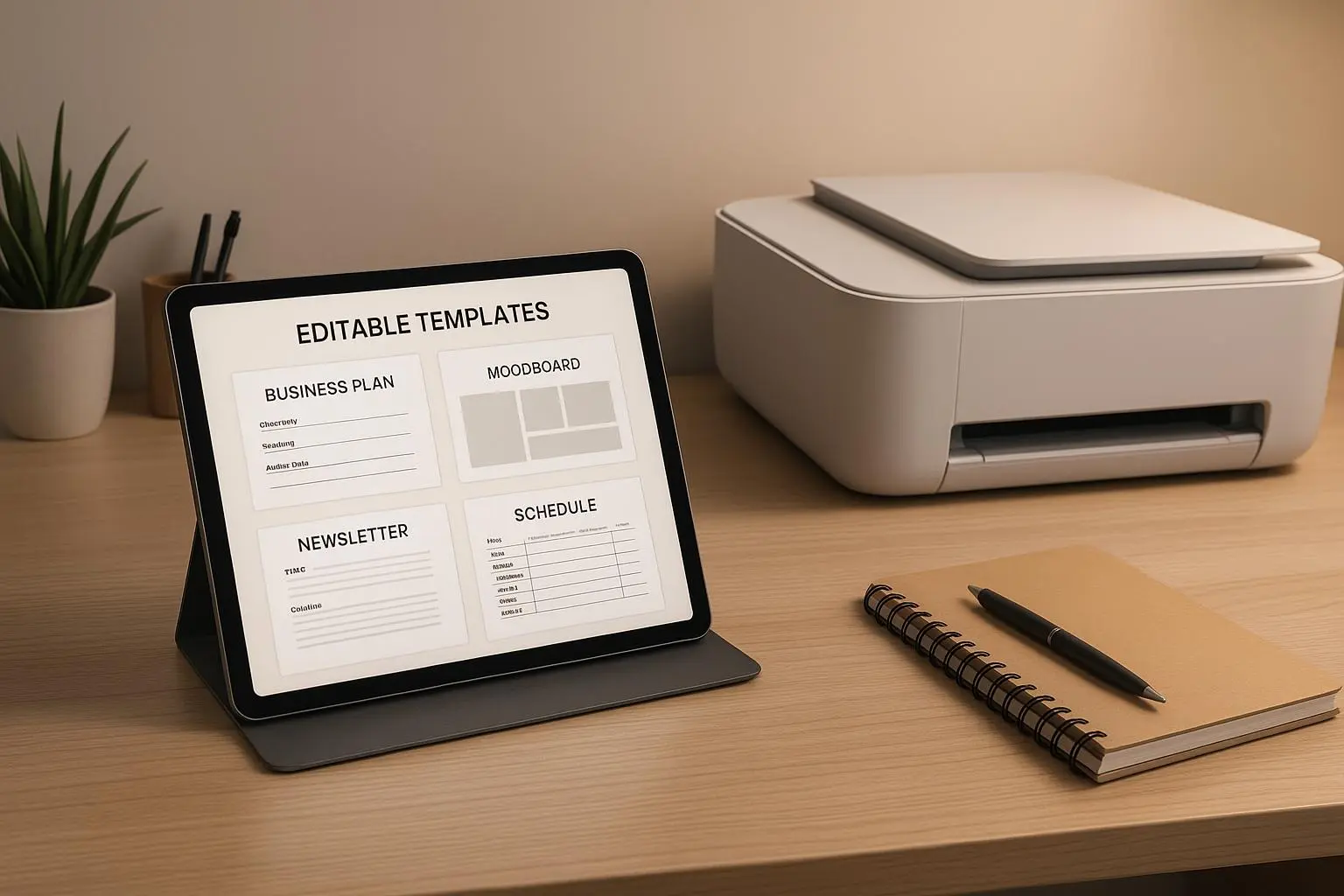
High-Value Templates: These aren’t dead ends. They’re designed with best practices baked in from across industries. Think a SaaS business plan with market sizing, pricing models, churn assumptions, and investor-ready slides. A well-structured sales deck. A customer discovery survey that actually yields actionable insights. It’s not just an outline; it’s a ready-to-use, industry-aware scaffold you can adapt in minutes.
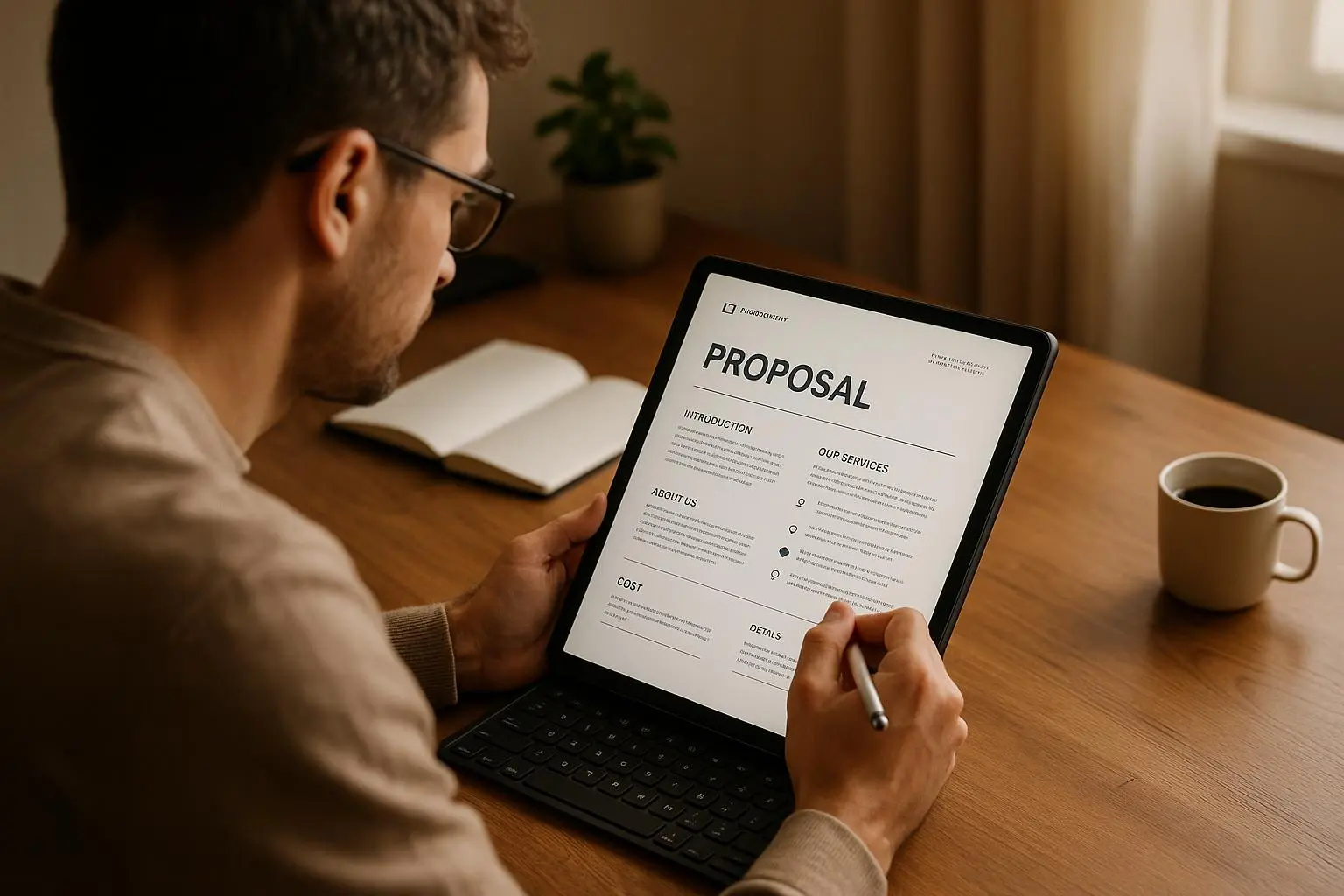
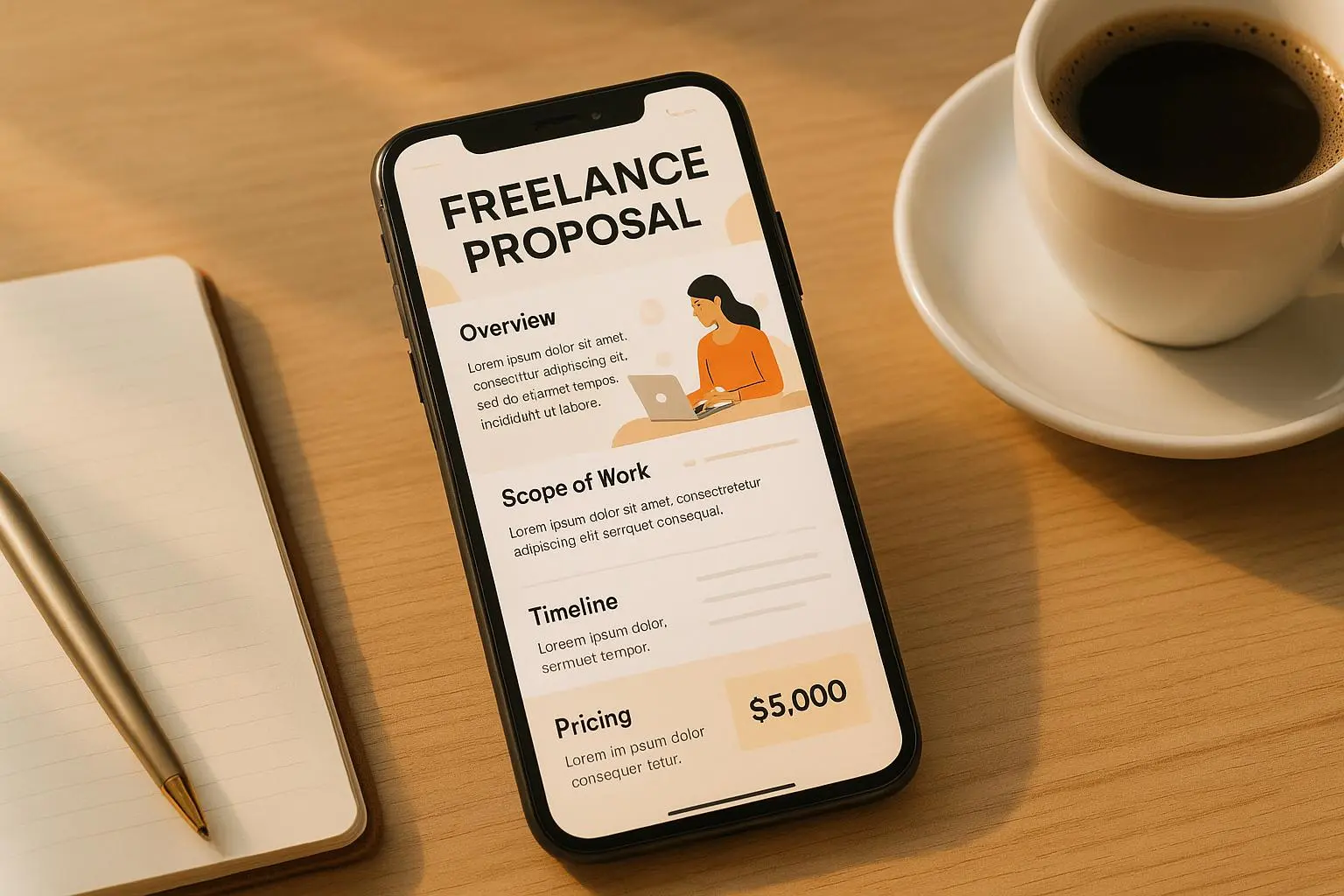
Dynamic Proposal Generators: You input client name, scope, and pricing, and get a branded, print-ready proposal you can drop straight into your workflow. It’s like having a professional proposal assistant with you on every client pitch. The time saved here is tangible. I measured a 40–60% reduction in proposal prep time after I adopted these templates, depending on the project.
Intuitive Planning Calculators: ROI, cash flow, break-even analysis, timeline projections—these are all baked into the system. You dial in a few inputs, and the calculators spit out numbers you can actually rely on in a client meeting. This is where some of the real magic happens, because you can pivot prices, headcount, or timelines on the fly and see the impact immediately.
A quick note on the “backendless” promise: you don’t have to manage a server, deploy a database, or write complex scripts to power these templates. They live in the cloud, are easy to access, and you customize them like you would a Google Doc or Notion page. For freelancers and small teams, that’s liberating. You don’t have to become a full-stack developer to deliver polished work.
The core features that move the dial
I’m going to pull back the curtain on the features that actually mattered in my week-to-week work. If you’re choosing tools for a lean business, these are the spots where you’ll notice the difference.
- High-Value Templates that go beyond “starter packs”
- You get templates that feel polished from the start. They aren’t placeholders; they include instructions, sample data, and sections that are easy to customize for a real client.
- The depth matters: a “SaaS Business Plan Template” isn’t just a one-pager. It has a market analysis, a go-to-market plan, a debt-and-equity split, and a revenue projection model. It’s the difference between shipping something that looks like a rough draft and something you can hand to an investor.
- Proposals that sound like you, not a boilerplate
- The proposal generator takes your client’s specifics and generates a branded document with your tone, case studies, and relevant sections pre-filled.
- It’s not a replacement for your personal touch, but it removes the drudgery and gives you a solid platform to stand on during client conversations.
- Planning calculators that actually help you decide
- ROI calculators aren’t just cute widgets. They force you to define what success looks like and track it. You’ll see the impact of different pricing, different discount rates, or different onboarding timelines in real time.
- A good calculator helps you defend your pricing with data, not bravado. That has a direct, measurable effect on win rates.
- A backendless approach that cuts overhead
- No servers to maintain means fewer moving parts and fewer points of failure. You don’t have to hire a tech person to keep your templates usable.
- This also keeps costs predictable. You’re paying for access to templates and tools, not a custom software stack.
- Branding that actually travels with you
- You can brand templates with your colors, fonts, and logo. It’s not just a cosmetic feature—it keeps your client experience cohesive no matter which template they’re looking at.
- And when you deliver a proposal that looks like it came from your own team, you win more trust, faster.
A real story: how I closed a bigger project with Template Studio Pro
Here’s a concrete example from my own work. A mid-size startup came to me needing a 12-week go-to-market plan plus a demand-gen budget, plus a clean, investor-ready deck to accompany a funding round. They’d been through several consultants who delivered “great ideas” but lacked a credible, data-backed plan. They wanted speed, but they also wanted to preserve quality.
I pulled up Template Studio Pro, started with the SaaS Business Plan Template, and tailored it to the startup’s target market, ICP, and pricing model. I then used the dynamic proposal generator to assemble a branded proposal that reflected the company’s voice and the specifics of the engagement. The ROI calculator helped me map out different scenarios—pricing at $40K vs $60K, 6-week workstreams vs 12 weeks, with and without a pilot program.
The client was impressed not just by the polish but by the clarity. They could see the pipeline, the operational plan, and the expected outcomes in one cohesive package. On the call where I presented the proposal, I didn’t have to scramble for data while they asked questions. My slides and the back-end numbers lined up in real-time.
We closed the deal in a single meeting, and the client signed up for a higher-value engagement than I’d planned. Not only did I land more revenue, but I also generated a case study of sorts—the kind of material you can reuse with other prospects.
That win didn’t come out of thin air. It came from having a reliable, professional foundation that I could lean on in every client conversation. The templates didn’t replace me; they augmented my credibility and speed, which is what clients trust when they’re paying for risk reduction and clarity.
A quick micro-moment from that week: in the middle of a tense pricing negotiation, I reached for the ROI calculator, adjusted one variable, and watched the client lean in as the numbers shifted. The room quieted, not because I said the right thing, but because the data supported what I was proposing in a way we could both see.
Who should consider Template Studio Pro?
If you’re a freelancer, consultant, or small business owner who wants to move faster without sacrificing quality, this toolkit is worth a look. Here’s who benefits most:
- Freelancers and consultants who need to produce professional-ready documents quickly.
- Small business owners who want to standardize client deliverables and internal planning without hiring a full-time operations person.
- Digital product creators who want to repurpose templates into add-ons or standalone products.
- Agencies seeking a scalable way to deliver consistent, branded proposals and plans across multiple clients.
The value isn’t just in saving time; it’s in the certainty you gain. You can walk into a client meeting with confidence when your documents look like you’ve got a whole team behind you. That confidence translates into better pricing conversations and more predictable outcomes.
The backendless edge: simplicity that compounds
Let me be blunt: you don’t get a magical unicorn here. You get a navigation shortcut to professionalism. The backendless setup removes a lot of the “how do I wire this” questions that trip people up when they’re trying to scale.
- You don’t worry about hosting or security patches. Your templates are hosted, and you focus on delivering value.
- It’s easier to onboard teammates or subcontractors because they can pick up a ready-to-use, branded template suite rather than recreate assets from scratch.
- The time savings add up quickly. If you’re billing by the hour, the extra time you gain translates directly into more revenue without longer hours.
This is especially powerful for solo practitioners who want to project a bigger business image without a big tech stack behind them.
Turning templates into sustained profits
The end goal is high-margin income, and templates are a lever. You can monetize in a few ways without turning your business into a template factory:
- Enhance and upsell services: Use templates to accelerate delivery, enabling you to take on bigger clients or offer ongoing advisory services.
- Create and sell digital products: Turn industry-specific templates into standalone products or bundles. Platforms like Gumroad or your own storefront can handle distribution easily.
- Build value-added packages: Combine templates with coaching, workflow design, or onboarding support. Packages that bundle templates with hands-on guidance tend to command premium pricing.
- Improve client relationships: With professional, consistent deliverables, your proposals and plans become a part of your brand promise. The easier you make it for clients to say yes, the more predictable your pipeline becomes.
A word on customization: as some early users pointed out, branding and customization options matter. Templates are powerful when you adapt them to your voice and your client’s reality. The real winners aren’t the people who drop a generic template into a project; they’re the ones who tailor it with a strategic lens and a storytelling arc that resonates with stakeholders.
Best practices I learned along the way
- Start with a single, proven template and a standard process: Pick one or two templates you know you can customize quickly. Build your onboarding checklist around them so you aren’t reinventing the wheel each time.
- Use the calculator outputs to guide conversations, not arguments: Numbers should lead the conversation, not your ego. If you can show a client the impact of different choices in real time, you’ll close conversations more smoothly.
- Keep branding consistent: A consistent brand experience across all templates increases perceived value and trust. It’s the small things—header styles, color palettes, and font choices—that compound into a premium feel.
- Don’t neglect the storytelling layer: Behind every template is a narrative. The problem you’re solving, the path to the goal, and the evidence you’ll present to stakeholders—all of that should be coherent across the document suite.
- Track outcomes and iterate: When you complete a project, compare actual results to the template’s projections. Learn what to adjust in future templates so they stay tight and credible.
A few practical tips to get started
- Pick your niche: If you’re serving a specific industry (real estate, healthcare, SaaS), choose templates that will resonate with that audience. It makes customization faster and more effective.
- Batch-create core assets: Don’t build templates one by one; batch similar items (proposals, financial templates, marketing plans) so you can maintain a consistent voice and structure.
- Treat templates as a product, not a prop: You’re selling a process, not just a document. Build a value proposition around speed, consistency, and credibility.
The bottom line
Template Studio Pro isn’t a silver bullet. It’s a practical toolkit designed to help you launch faster, look more professional, and generate higher-margin income with less technical effort. If you’re doing client work, running a lean agency, or dabbling in digital products, this backendless approach can become a genuine competitive advantage.
The real magic shows up when you combine the templates with your own expertise. The templates give you a reliable, scalable baseline; your insights, your storytelling, and your client relationships turn that baseline into sustained profitability.
If you want to start moving faster without compromising quality, this is a toolkit worth exploring. It’s not about replacing you; it’s about giving you better, cleaner scaffolding so you can build bigger things—faster and with more confidence.