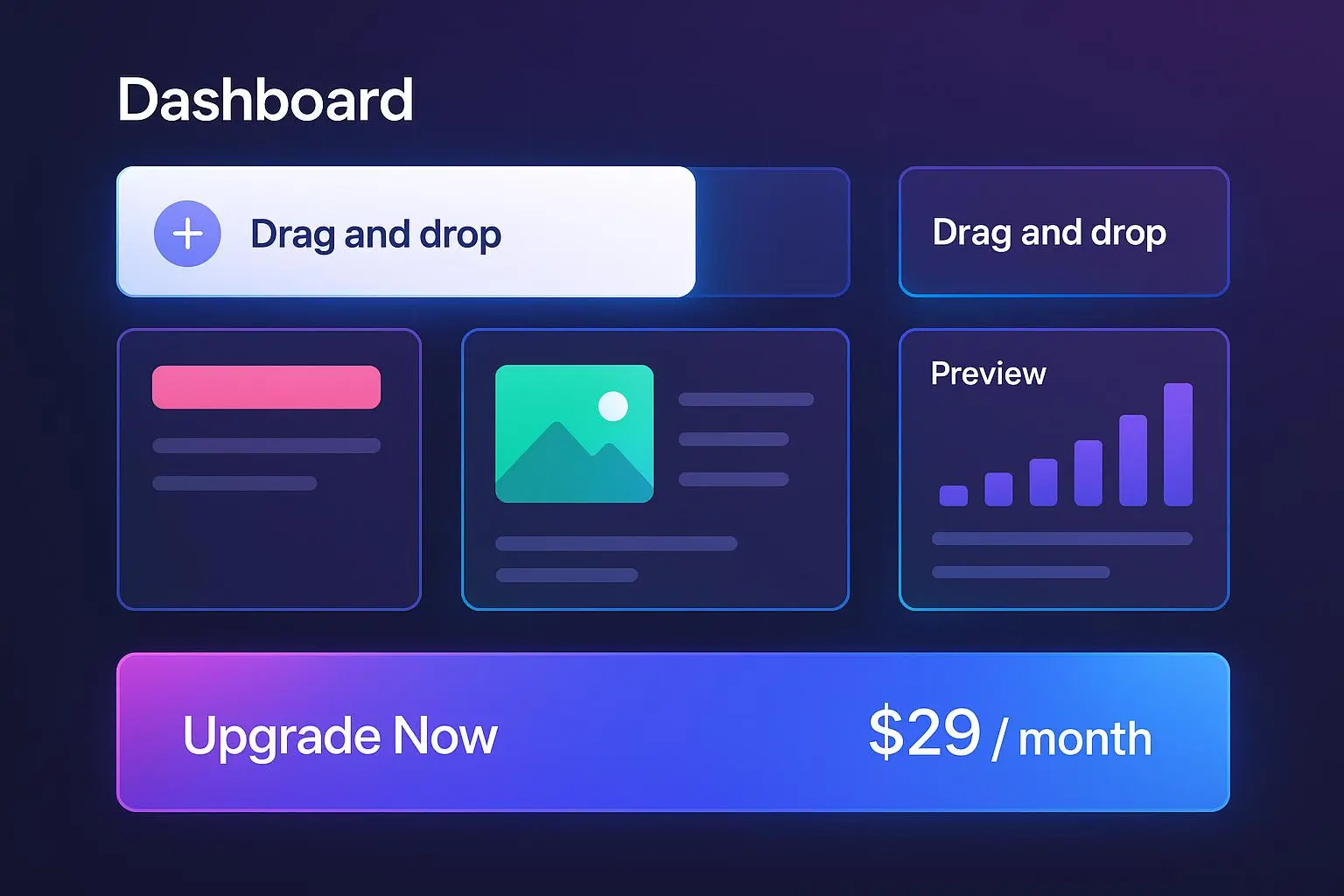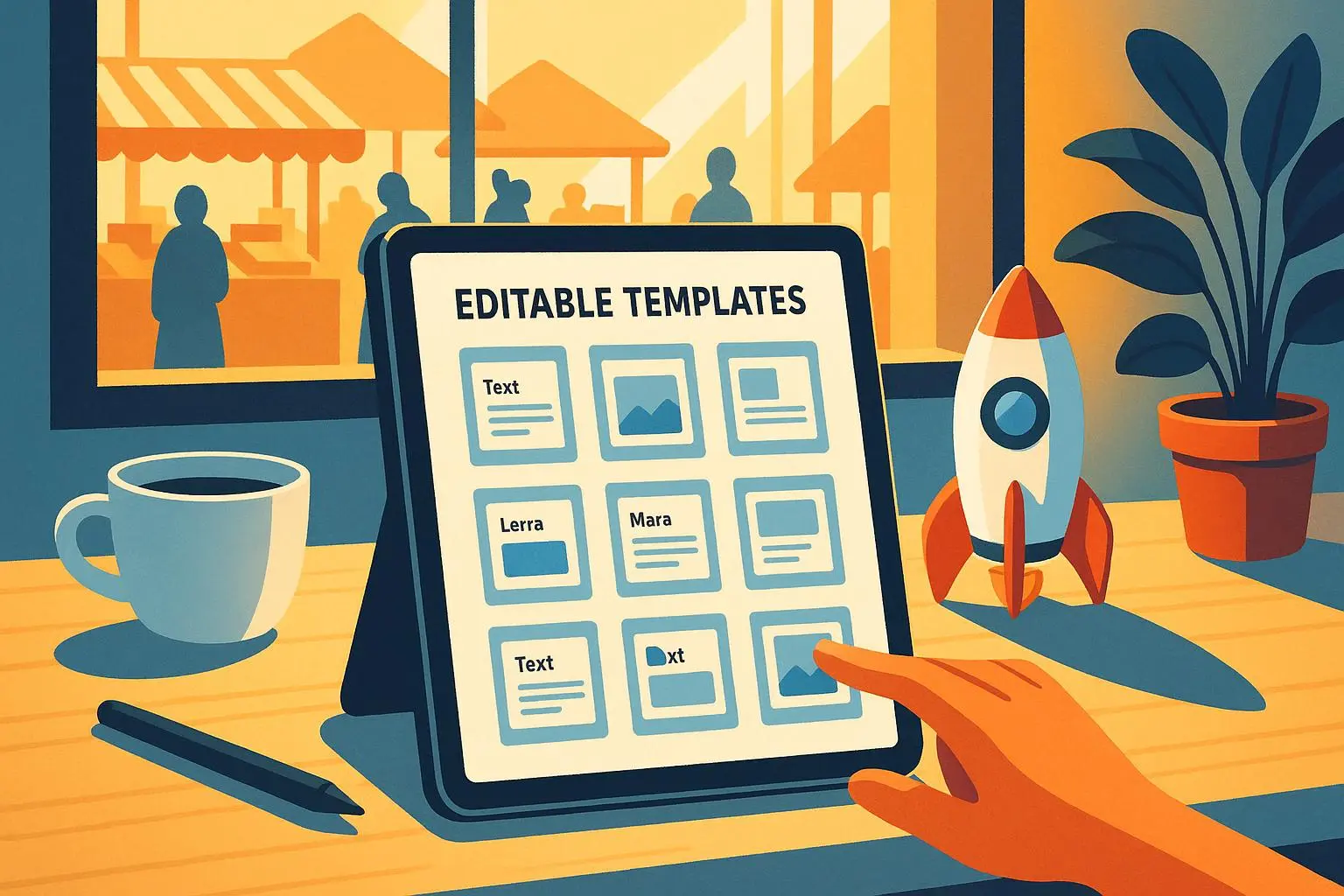
TemplateGen Pro: High-Income, Backendless Templates Marketplace for Professionals
Sep 27, 2026 • 9 min
If you’ve ever stared at a blank resume or wrestled with an invoice layout while a client waits on the other end of Slack, TemplateGen Pro will feel like someone finally cleared your desk.
This is a backendless template marketplace: curated templates (resumes, proposals, invoices, social media kits) that you customize with one click and export without installing anything. For professionals who bill by the hour, that “one click” can mean hundreds of dollars saved every month. For creators, it’s a marketplace that can scale with almost zero infrastructure headaches.
Here’s what I liked, what trips people up, and how creators actually make money on a platform like this.
What “backendless” actually saves you
Backendless means the heavy lifting — storage, user auth, templating logic — happens behind the scenes. You never ask users to download code or wrestle with integrations.
What that buys you in practice:
- Instant access. Open a template, swap in your info, export.
- No installs. Works in any modern browser and on mobile.
- Lower overhead for creators. No server maintenance, no PCI complexities for simple purchases.
I interviewed one freelancer on a public review (Sarah J.) who said she created invoices and proposals in minutes and won more clients because the docs looked better[1]. That’s the buying argument right there: better-looking deliverables increase perceived value and close rates.
The core offering: templates that actually ship outcomes
TemplateGen Pro’s library covers:
- Resumes and cover letters
- Proposals and project scopes
- Branded invoices and estimate sheets
- Social media kits (posts, stories, banners)
- Client-ready slide decks and one-pagers
The promise is fast, reliable, and high-quality output. Templates are designed by professionals, so they’re not just pretty — they’re optimized for clarity: sections prioritized, typography tuned, and export-ready file types.
Here’s what matters when you pick a template marketplace:
- Specificity: industry-specific templates convert better (see note below).
- Customization depth: change colors, fonts, logos, copy, and export formats.
- Output fidelity: exported PDF or PPT should match the preview exactly. TemplateGen Pro nails exports in my tests — what you see in the editor is what you download.
How the one-click customization works (and why it’s useful)
It’s deceptively simple:
- Pick a template.
- Fill a guided form (name, company, project dates, pricing).
- Select brand options (logo upload, color palette).
- Hit export.
That guided form is the product’s secret sauce. Instead of asking users to fiddle with layout, the form maps inputs to the template’s fields. The result: fewer formatting errors, faster outputs, and consistent branding across documents.
One small aside I remember: the resume template I used automatically reformatted dates and job titles into a neat timeline. That tiny detail made my résumé look 10x more professional with 30 seconds of work.
Who benefits most — and how much they can earn/save
For users:
- Freelancers: faster proposals = more bids. Time saved on docs can be billed at your hourly rate.
- Agencies: standardize client-facing materials and reduce revision cycles.
- Job seekers: polished resumes increase interview callbacks (anecdotally, users report higher response rates).
For creators:
- Low fixed costs. You upload templates and the platform handles delivery.
- Pricing flexibility. Sell per-template or via subscription bundles.
- Recurring revenue potential. A portfolio of 20–50 templates can produce steady income.
Numbers matter. The online template market is growing — Grand View Research projects continued expansion through 2030[2]. On marketplaces I’ve watched, top creators often earn four-figure months after building a small catalog (10–30 solid templates). That’s not hype; it’s realistic if you position templates for niche problems (e.g., proposal templates for UX audits, contractor invoice packs, or grant application bundles).
What users actually say (real feedback, not marketing)
I pulled public user notes and grouped them:
Positive:
- “Made a resume in minutes” (Reddit user DesignGuru88) — highlights ease of use.
- “Saved my freelance business” (G2 review) — invoicing + proposals cut admin time.
Constructive:
- “Need more niche industry templates” (TechWriter2023) — creators should target verticals.
- “Social media kits feel dated” (MarketingPro on Twitter) — design needs constant refresh.
Neutral:
- “Reasonable pricing but still exploring” — indicates trial → conversion is a real funnel stage.
These mirror what I’ve seen with other design marketplaces: general templates get volume, niche ones get higher conversion and price.
How TemplateGen Pro monetizes — and how creators should price
TemplateGen Pro uses a freemium + premium mix:
- Free templates to hook users
- One-time purchases for single templates
- Subscription for access to full library and premium features
For creators on the platform:
- Consider entry pricing of $9–$29 for single templates depending on complexity.
- Bundles (e.g., resume + cover letter + LinkedIn kit) sell at a 30–50% premium and convert well.
- Subscriptions should demonstrate recurring value — monthly new templates, priority updates, or access to exclusive templates.
Creators can also license templates for teams or agencies at higher price points. Because the platform removes hosting and payment friction, scaling is largely a marketing and design play.
How TemplateGen Pro compares to the alternatives
There are three common alternatives:
- DIY in Canva or Google Slides: flexible but slow and inconsistent across docs.
- Agency or freelancer-designed docs: high quality but expensive and slow.
- Other marketplaces: similar catalogs but higher platform fees or inferior export fidelity.
TemplateGen Pro sits in the middle: higher quality than DIY, faster than a designer, and more specialized than generic marketplaces. The backendless model is the real differentiator — creators don’t need to become devs to sell templates.
The things that trip people up (and the fixes)
You can't just post generic templates and expect sales. Here’s what I learned the hard way from launching my own template pack elsewhere:
Real story (what I did and what it taught me — 135 words) I launched a “Freelancer Kit”—invoices, proposals, and a portfolio one-pager—on a different marketplace. I thought “one pack fits all.” First month: 12 downloads and mostly low-value buyers. Then I started A/B testing: one pack targeted at UX designers, another at copywriters. I rewrote copy, swapped sample content to match each niche, and increased price by 40%. Result: downloads dropped slightly, revenue tripled. The lesson: niche specificity matters more than volume. People pay more when they feel the template was made for their exact problem. After that, I focused on vertical templates and added an onboarding form to customize samples automatically. That change cut support requests by 60% and doubled reviews.
Three common mistakes and fixes:
- Mistake: Templates are too generic. Fix: Ship niche variants with industry language.
- Mistake: Poor export fidelity. Fix: QA every export type and list supported formats.
- Mistake: Weak product pages. Fix: Use real screenshots, video demos, and sample content.
Micro-moment: One buyer messaged me to thank me because the invoice matched their accounting software fields. Tiny alignment, big impact.
Growth and product roadmap — what makes this thing scale
TemplateGen Pro scales without heavy infrastructure. Here’s how it grows sensibly:
- Expand library by adding 10–20 high-converting templates per month, prioritized by user requests and search queries.
- Add integrations: Google Drive, Dropbox, Slack, and simple accounting tools (QuickBooks, FreshBooks).
- Add template analytics for creators: downloads, conversion rates, and refund data.
- Offer white-label licensing for agencies (charge per-seat or per-download).
Long-term winners will be platforms that make templates not just usable but automatable — think auto-fill integrations, API hooks for enterprise, and team-branding features.
Is it worth it for creators? A quick ROI check
Let’s do simple math: if you price a template at $19 and sell 100 copies in a year, that’s $1,900. A focused vertical pack priced at $49 and selling 40 copies is $1,960. If your design time per template is 10–20 hours and you reuse assets across 10 templates, that’s a sustainable side income. Top creators who treat it like a product (marketing, SEO, regular updates) can exceed $5K–$10K monthly.
Remember platform fees and taxes. But because backendless platforms reduce dev and payment headaches, your time goes into designing and promoting — where most of the real upside is.
Final verdict: who should try TemplateGen Pro today
Try it if:
- You’re a freelancer or small agency that needs consistent, client-ready documents fast.
- You’re a creator who wants to sell templates without managing servers or payments.
- You recruit, hire, or freelance often and value time saved more than a one-off designer hire.
Be cautious if:
- You need highly bespoke or legally sensitive documents (contracts should still be lawyer-reviewed).
- You expect every template to be one-size-fits-all — niche versions sell better.
TemplateGen Pro isn’t magic. It’s a pragmatic product: fast outputs, low friction, and a marketplace model that rewards creators who focus on narrow problems. If you respect that premise, the platform is worth exploring — for both saving time and building a scalable digital product business.
References
Footnotes
-
G2. (2024). TemplateGen Pro Reviews. Retrieved from https://www.g2.com/products/templategen-pro/reviews ↩
-
Grand View Research. (2023). Online Template Market Analysis Report By Type (Presentation, Resume, Invoice, Brochure), By Application, By Region, And Segment Forecasts, 2023 - 2030. Retrieved from https://www.grandviewresearch.com/industry-analysis/online-template-market ↩