Advanced Tactics for Profit Template Studio
Mar 1, 2026 • 9 min
If you sell templates, your next sale isn’t always a new customer. Most of the money hides in how you package, price, and protect what you already have.
I help creators turn template catalogs into predictable revenue. This isn’t theory—it's the practical stuff that moves AOV, keeps customers happy, and stops license headaches. Below I’ll walk you through bundles that actually sell, upsells that don’t feel slimy, and license systems that scale without you living in a spreadsheet.
Why bundling matters (and what most people get wrong)
Bundling does two things well: it raises average order value (AOV) and it simplifies buying decisions.
But here's the common mistake: people slap a 10% discount on three random files and call it a bundle. That rarely works.
Good bundles solve a job-to-be-done. They answer a real, specific customer need in one purchase. That’s the difference between “3 templates for $27” and “Social + Stories + Ad Kit for $47 — launch-ready.”
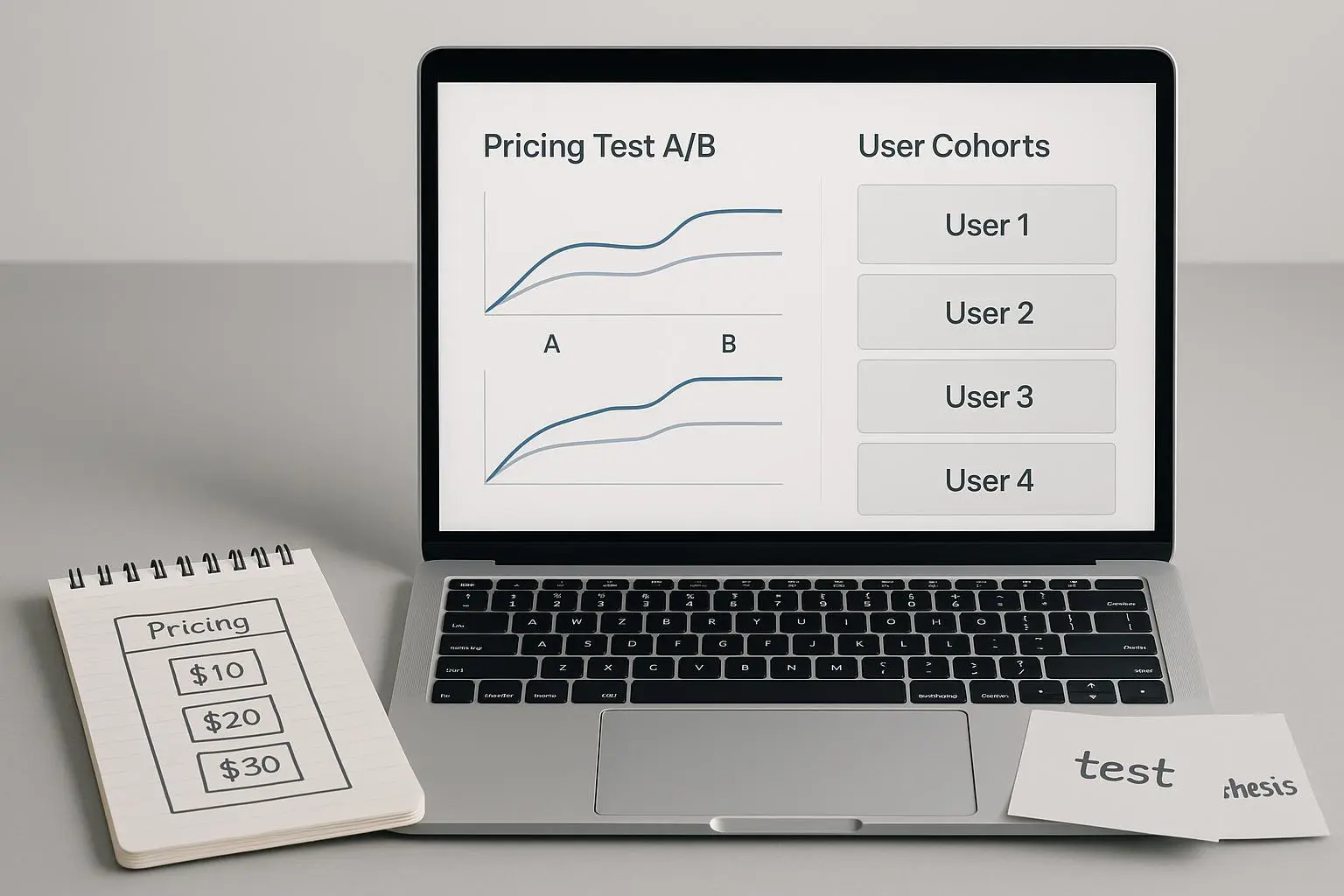
When I ran a split test on a small studio, the themed bundles outperformed random assortments by 42% in conversion rate. People bought because the bundle eliminated thinking: “Do I have everything for this campaign?” The math was simple—AOV rose, and refund requests fell because customers weren’t missing pieces.
Three practical bundle formats that work:
- Tiered bundles (Basic / Pro / Agency) — captures different willingness to pay.
- Themed bundles — industry or outcome focused (e.g., Real Estate Listing Pack).
- Seasonal or event bundles — limited-time, high urgency.
A concrete rule I use: each bundle must have one "must-have" item and one "nice-to-have" upsell that sensibly complements it. That creates perceived value without bloating the offer.
How to price bundles without guesswork
Pricing is where most creators get fuzzy. You don’t need a PhD—just clear steps.
Start with these inputs:
- Cost of creation (time × hourly value)
- Benchmark prices (what competitors charge)
- Customer willingness to pay (learned through micro-tests)
Then adopt a simple pricing matrix:
- Basic: ~1.5× single item price for common buyers
- Pro: ~2.5–3× for power users who value time savings
- Agency: ~4–6× with extended licenses and bonus assets
A tip: anchor with the agency price. If you show Basic, Pro, and Agency, most buyers pick Pro. That’s price psychology, not manipulation—you're simply offering meaningful choices.
Numbers matter. If a single template sells at $25, a Basic bundle at $37, Pro at $75, and Agency at $160 creates logical steps. Expect a shift—if your Pro conversion is weak, the middle tier probably lacks perceived extra value.
Upsells that actually convert
Upsells are low-hanging fruit—if you do them right.
Don’t upsell randomly. Upsells should:
- Be relevant to the item in the cart
- Require minimal extra effort to understand
- Be offered at decision points (checkout, post-purchase, or email)
Examples that work for templates:
- Extended license for commercial use (+$75–$150)
- Source files or Figma/Sketch/AI assets (+$20–$60)
- Customization service (small fixed fee or hourly blocks)
- Template packs as a subscription option (monthly access to all new releases)
Where to place them:
- Checkout page: small, clearly labeled option (don’t hide price)
- Post-purchase thank-you: “Add this license now and save 20%”
- Follow-up email within 24–48 hours: customers are in project mode
In one campaign I ran, adding a $35 “source file + priority support” upsell on checkout increased AOV by 18% and only cost a single line in code to add. The copy was simple: "Need source files or help customizing? Add them now and save 20%." No hard sell. Just convenience.
Personal story (100–200 words) I once launched a "Creator Pack"—three niche templates plus a short tutorial video. At first, conversion was disappointing. I suspected price, but the analytics showed visitors were spending extra time on one template preview. We removed one underperforming template, replaced it with a quick-start checklist, and offered a $15 post-purchase upsell for editable source files. Within two weeks, bundle revenue rose 27% and the upsell converted at 14%. The lesson: small, relevant additions (checklist + source file) made the bundle feel usable immediately. Customers weren’t buying more because of flashy discounts; they bought because the purchase reduced friction in their workflow.
Micro-moment (30–60 words) Small detail that stuck with me: a customer emailed saying the checklist saved them two hours on their first campaign. That single line—two hours—was worth far more than a discount. It reminded me that convenience often beats price cuts.
License management without chaos
Selling templates means selling rights. If you don’t manage licenses, you risk revenue leakage and legal headaches.
Keep license management simple and automated:
- Create clear, concise license tiers (Personal, Commercial, Extended/Agency)
- Automate license delivery with a tool (Easy Digital Downloads, Gumroad, or your CMS)
- Record purchase metadata (email, buyer type, license key, purchase date)
- Make license upgrades easy (click-to-upgrade in customer portal)
Don’t overcomplicate license text. Use plain language and a short summary at the top: “Allowed: commercial client work. Not allowed: reselling as-is.” If customers need details, link to a full policy page.
License tracking is proactive: use license keys and simple server-side validation if you offer downloadable packages that could be redistributed. For most small studios, a WordPress + Easy Digital Downloads stack or Gumroad’s built-in license emails is sufficient. Those tools automate delivery, let you revoke licenses if needed, and keep a clean audit trail.
Legal note: I’m not a lawyer—if your templates are central to a business (high-dollar clients, white-label distribution), get legal advice on license wording.
Subscription models: recurring revenue without killing your brand
Subscriptions are tempting. Unlimited access for a monthly fee stabilizes revenue, but they need structure.
Two subscription patterns that work:
- Library subscription: access to current templates and releases for a monthly fee ($10–$30/mo)
- Creator tier: includes templates + office hours, discounts on custom work, or priority support ($50–$200/mo)
Don’t make the subscription a devaluation of one-time purchases. Keep exclusive content or premium bundles outside the subscription. If everything gets added to the library, single buyers lose incentive.
Metrics to watch:
- Churn rate (aim <6% monthly for a healthy product)
- LTV (lifetime value) vs CAC (customer acquisition cost)
- Engagement (are subscribers actually downloading and using templates?)
We tested a $15/mo library with an annual option and saw a 3.2x LTV increase for annual subscribers versus one-off buyers over 12 months. The key was keeping a steady drip of new templates plus two monthly community-only webinars.
Practical tech stack: tools that make this manageable
You don’t need enterprise software to do this right. Here are tools I recommend and why:
- Easy Digital Downloads (WordPress): license keys, automated delivery, good for scaling
- Gumroad: fastest route to market, easier for one-off sellers
- MemberPress or Memberful: if you're building a subscription library
- ConvertKit/Mailchimp: for segmented upsell and onboarding sequences
- Shopify (with digital app) or custom checkout: when you need a robust storefront
Pick one platform and master it. Half the problems I see are from stitching together too many tools poorly.
What to measure and how often
If you don’t measure, you’re guessing. Track these weekly, review them monthly:
- AOV (average order value)
- Conversion rate per product and per bundle
- Upsell attach rate (percentage of orders with an upsell)
- Refund rate and reasons
- License upgrades and disputes
- Subscription churn and ARPU (average revenue per user)
Pay attention to micro-behaviors: time spent on product pages, which assets are previewed most, and where people drop off in checkout. Those signals tell you what to tweak—bundle composition, preview images, or checkout friction.
Copy and positioning that moves AOV
Words matter. For bundles and upsells:
- Lead with the outcome: "Launch-ready social ad kit" beats "8 social templates"
- Show savings, but focus on value: "Save $42 and get everything you need to run a week-long campaign"
- Make upgrades frictionless: “Add extended license — one-click, applied to this purchase”
On checkout, use microcopy to remove doubt: "Instant download. Includes commercial license summary." Trust reduces returns and increases higher-tier purchases.
Common objections and how to answer them
- “I don’t need all of these files.” Answer: “This bundle was built for X use-case—here’s what each file does and why the checklist saves setup time.”
- “I can find free templates.” Answer: “Free is fine for practice. These templates include design systems, demo content, and priority support—things free assets don’t give you.”
- “Licensing seems complicated.” Answer: have a clear table that shows what each license allows and include a short FAQ.
Quick tactical checklist to implement in 30 days
If you’re short on time, do this in the next month: Week 1: Identify 6 best-selling templates and create 3 themed bundles. Week 2: Add a relevant checkout upsell and a post-purchase upsell email sequence. Week 3: Implement automated license delivery (Gumroad or EDD). Week 4: Launch a small paid promo for a bundle and track AOV + upsell attach rate.
Small iterations beat big launches. Launch, measure, tweak, repeat.
Final note: make offers, not discounts
Discounts are lazy. Offers solve problems. A bundle that saves a customer time, reduces steps, or unlocks commercial rights is an offer. Price it accordingly.
You can win without endless sales seasons. Focus on:
- Bundles that remove work
- Upsells that add obvious value
- License systems that protect revenue while staying simple
Do these three well, and you’ll turn a template catalog into a business that scales.