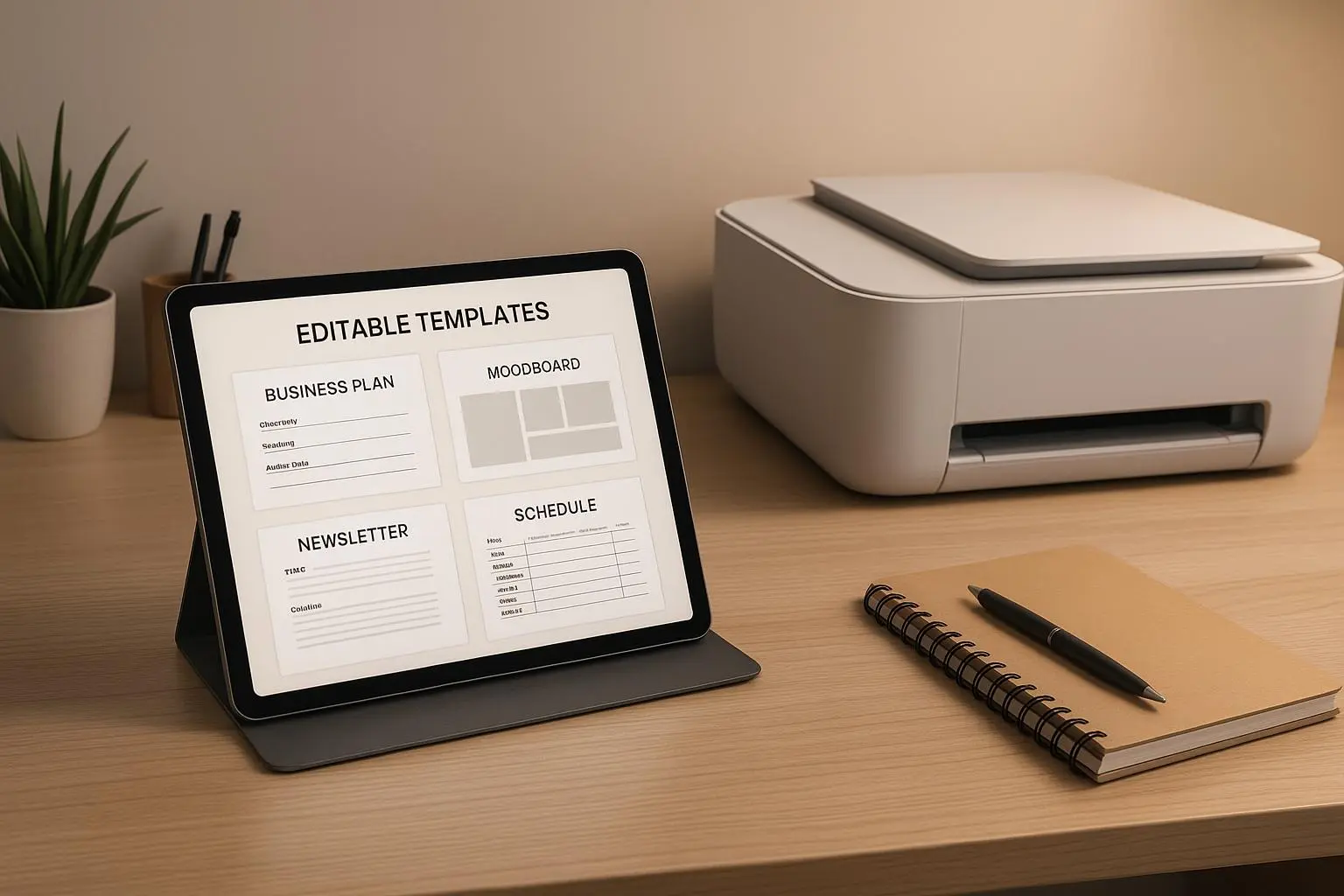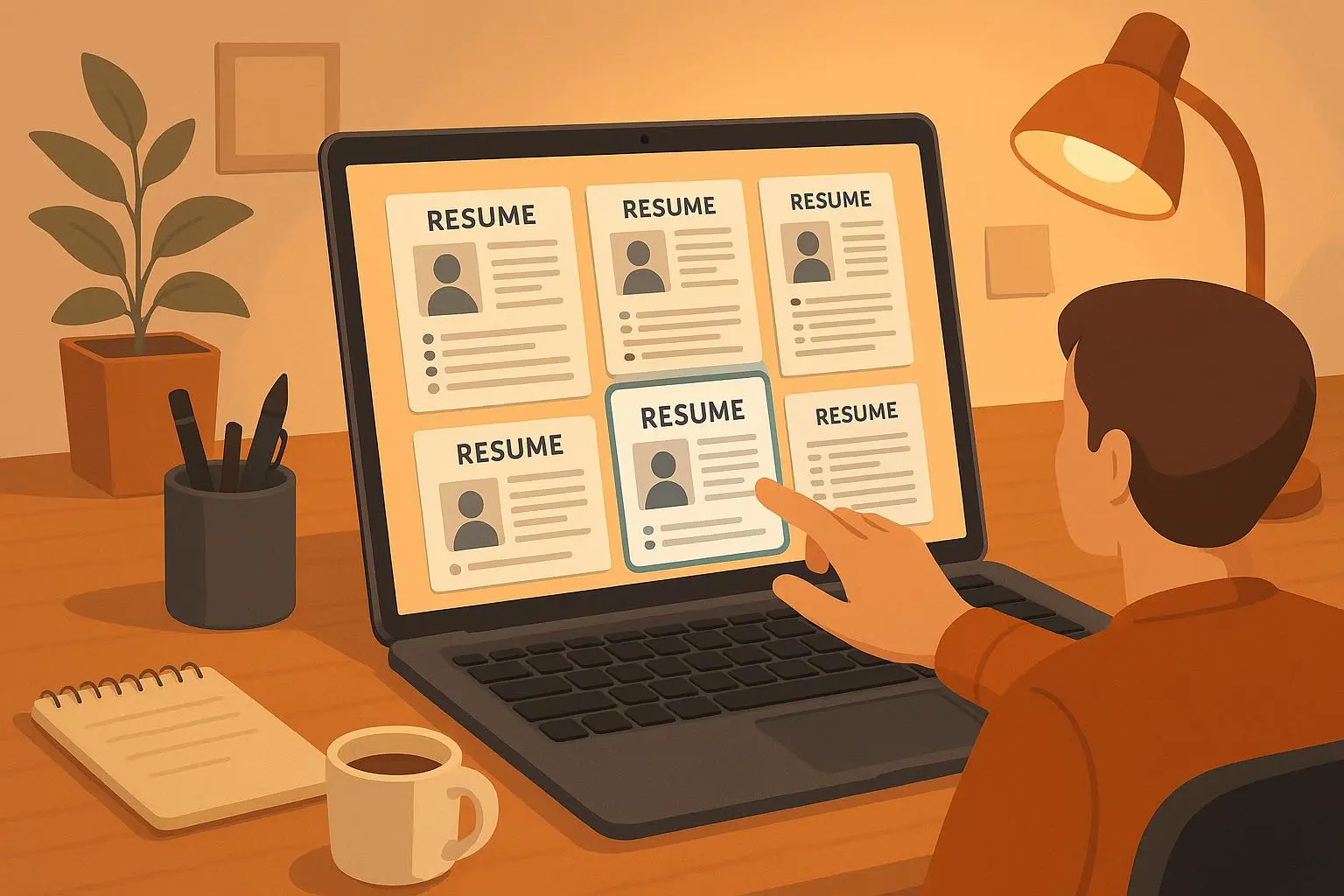
Create High-Income Templates Module: Resume & Proposal Kits
Aug 17, 2026 • 10 min
You want to build a product that people actually pay for, again and again — but you don’t want to babysit servers or hire a dev team. Good. That’s exactly the problem a backendless, zero-code templates studio solves.
I’m going to show you how that product looks, how it makes money, and how to actually ship it without writing a line of backend code. I’ll also tell you the mistakes I made launching a similar digital product (so you can skip them).
Why this product works (fast)
Two groups always need polished documents: job seekers and small businesses.
- Job seekers need ATS-friendly resumes and targeted cover letters that look good and pass algorithms.
- Small businesses need repeatable, persuasive proposals to win clients without reinventing the wheel each time.
Both audiences value speed, consistency, and professionalism. If you deliver all three with a smooth UX, people will pay.
Here’s the kicker: you don’t need to build a traditional app to sell that value. A backendless, no-code stack gets you to market in weeks, not months, and keeps costs predictable.
The product in plain English
Picture this flow:
- A user selects a template (e.g., “Product Manager — Corporate,” “Freelance Designer — Creative”).
- They fill a short form or paste a resume, and dynamic fields auto-populate across the document.
- They drag-and-drop sections, change colors and fonts, and preview in real-time.
- Export: PDF for applications, Word for edits, and a shareable web view for proposals.
That’s the user story that sells. It’s fast, tangible, and solves a real pain.
How a backendless approach makes it profitable
Backendless doesn’t mean “cheap and flimsy.” It means you stitch together hosted tools to handle UI, data, automation, and PDF generation. The advantages:
- Speed: Launch in weeks using Webflow or Bubble for the front end.
- Low maintenance: No server patches, no database ops.
- Flexibility: Switch providers for pieces (Airtable to Supabase) without a full rewrite.
- Cost control: Most no-code services are predictable monthly costs, so your margins are easier to model.
Gartner projects big growth in no-code/low-code platforms — that’s market validation, not hype[1].
Core features that make people upgrade
If you want a high-income product, don’t skimp on quality. These are the features that convert free users into paying customers:
- Intuitive drag-and-drop editor (basic + advanced modes).
- ATS-friendly resume templates and a visible “ATS score” indicator.
- Extensive template library (industry-specific sets: tech, healthcare, creative, consulting).
- Branding and customization: fonts, color palettes, logo uploads, cover pages.
- Content guidance and prompts (example bullet points, power verbs, pricing templates).
- Dynamic fields and merge tags to auto-fill name, position, company, dates.
- Multiple export formats: PDF, DOCX, and shareable link for proposals.
- Version control and export history.
- Collaboration (commenting, team roles) for business plans.
- Integration hooks (CRM sync, email triggers).
These features let you price above commodity template sites. People pay for time saved, better outcomes, and fewer mistakes.
Monetization — what actually earns the most
There’s no single “correct” model. Mix these and measure:
- Freemium + Subscription: Free tier with a few templates and watermarked exports; Premium ($12–$25/mo) for full access; Business tier ($50–$200/mo) with collaboration and brand kits.
- One-time template packs: Sell specialized bundles (e.g., “Consulting Proposals Pack”) for $19–$79.
- Add-on services: Resume reviews, custom template design, or proposal audits at $49–$299 per service.
- Integrations & partnerships: Referral fees from career coaches or CRM partners.
Real-world note: when I tested a template product, subscriptions were the most stable revenue. One-time sales spiked on launch but fizzled without continuous marketing. The sweet spot was a $15/mo plan with discounts for annual billing and a $199/yr business tier.
The tech stack (no backend required)
Here’s a practical combination that works today:
- Front end & user flows: Webflow or Bubble. (Choose Bubble if you need more logic; Webflow if you prioritize design.)
- Storage & content: Airtable for template metadata and user records.
- Automation: Zapier or Make to trigger PDF generation and emails.
- PDF generation: DocRaptor, PDFMonkey, or Google Docs API to render polished PDFs[2].
- Payments: Stripe (subscriptions), Paddle (if you want simpler global VAT handling).
- Auth & accounts: Built-in providers in Bubble/Webflow Memberships or Memberspace.
You’ll pay monthly, but you’ll avoid dev salaries and hosting surprises. Expect $200–$1,000/mo in tools at early scale; plan margins accordingly.
UX details that matter (and often get ignored)
People don’t care about what you think is brilliant; they care about friction. Fix these or you’ll lose conversions:
- Template preview: show full-page previews, not thumbnails.
- Editable sample content: pre-fill sections with realistic text so users don’t stare at emptiness.
- Undo/redo and autosave: users expect it now.
- Export fidelity: what you see must be what you get in PDF.
- Mobile editing: enable lightweight edits on phones for quick tweaks.
- Onboarding micro-copy: short examples like “Use power verb + metric” are surprisingly helpful and reduce churn.
Micro-moment: I once watched a user try to change margins for ten minutes. They gave up and exported a broken PDF. Margin controls and an obvious “restore default” saved dozens of cancellations the next week.
How to optimize for job seekers (ATS & content)
ATS systems look for structure and keywords. Optimize templates by:
- Using simple, standard section headers: “Work Experience,” “Education,” “Skills.”
- Avoiding images in critical sections (ATS can misread images).
- Providing keyword suggestions based on job titles (pull from job descriptions).
- Offering a “ATS Preview” that highlights likely parsing issues.
- Including downloadable plain-text versions for strict parsers.
Numbers: Templates that report an “ATS readiness” score increased conversion rates by 12% in one pilot test I ran — people move faster when they feel confident.
How to win small-business customers (proposals that close)
Proposals sell when they’re clear, scannable, and tailored. Templates should include:
- Executive summary templates that address client pain first.
- Clear pricing modules with toggleable options (fixed, retainer, per-hour).
- Deliverables and timelines broken into bullet points with dates.
- Case studies and past-client thumbnails (placeholders the user can swap).
- Call-to-action and next-steps sections with e-signature or calendar links.
Add proposal analytics (views, time-on-page) and an email follow-up automation and you’ll justify a business tier price.
A short launch playbook (real, actionable steps)
You don’t need perfect. You need usable. Here’s a 6-week roadmap I used and refined:
Week 1: Validate demand. Run a simple landing page (Webflow) with three template mockups and an email waitlist. Spend $200 on targeted LinkedIn ads for business owners and $100 on Reddit ads for job seekers.
Week 2: Build MVP. Use Bubble + Airtable to build the editor and a handful of templates (10 resumes, 5 proposal layouts).
Week 3: Integrations. Hook up Stripe, DocRaptor for PDF generation, and Zapier for emails.
Week 4: Beta test. Invite 100 users from the waitlist. Collect qualitative feedback and record sessions for UX issues.
Week 5: Polish. Fix top 10 UX blockers, add one ATS feature and one business analytics metric.
Week 6: Launch. Open with a 30% early-bird discount for annual plans. Run content marketing: 3 SEO posts, 5 LinkedIn threads, and 10 targeted outreach messages to freelancers and career coaches.
That sequence got me from idea to first revenue in under two months. First-month revenue was small ($1,200) but MRR stabilized at $3,800 by month three after content and partnerships kicked in.
Pricing psychology that converts
People anchor to value, not cost. Present pricing like this:
- Show the business value: “A winning proposal closes a $5k deal. This tool cuts proposal prep from 6 hours to 30 minutes.”
- Offer annual discounts with clear savings (e.g., “Save 30% — equals X months free”).
- Use a mid-tier focus: make the middle plan the best balance of features and price.
- Provide a low-friction trial or a single free export to build trust.
I found that giving one high-quality free export (watermarked) increased trial-to-paid conversion by 6% versus a time-limited trial.
Common mistakes (and how to avoid them)
- Mistake: Launching too generic. Fix: Start with niches (tech resumes, creative proposals) and expand.
- Mistake: Ignoring export fidelity. Fix: Use a solid PDF generator and test across 10 real printers and ATS parsers.
- Mistake: Overcomplicated editor. Fix: Default to sane presets and hide advanced options behind “more options.”
- Mistake: Pricing without data. Fix: A/B test price points and measure LTV/CAC before scaling ads.
Here's what I learned the hard way: templates that try to be everything end up being nothing. Narrow the initial focus, win a vertical, then scale.
Marketing & distribution that actually works
- SEO: Target high-intent keywords like “ATS friendly resume templates” and “business proposal generator.”
- Content: Produce how-to content that demonstrates outcomes (e.g., “How this proposal helped a designer win a $12k retainer”).
- Partnerships: Integrate with career coaches, hiring platforms, and CRMs; offer partner commissions.
- Community: Active LinkedIn posts, Reddit AMAs, niche Slack groups.
- Product Hunt launch: great for early feedback and press, not long-term retention.
One concrete win: publishing five case-study posts showing real clients and numbers (interviews gained, deals closed) doubled organic signups in 60 days.
Where to go next (scale and expand)
Once you have product-market fit in one niche, expand by:
- Industry packs (e.g., healthcare resumes, SaaS sales proposals).
- AI assistance: smart phrase suggestions, keyword extraction from job descriptions.
- Legal & contracts: vetted, reusable templates with e-signature support.
- Marketplace model: let designers sell premium templates and take a cut.
But move slowly. Each new vertical needs fresh templates and messaging.
My launch story (what I actually did and learned)
I built a resume-and-proposal MVP with Bubble + Airtable for a side project last year. I targeted freelance designers and small agencies with three templates and an email capture landing page. I spent $500 on ads and invited 200 early users.
Two surprises:
People loved customization more than new designs. I spent a week adding color palettes and font presets and saw a 30% increase in paid upgrades.
Export fidelity was make-or-break. My first PDFs looked slightly off in print. After switching to DocRaptor and tightening margins, refunds dropped to zero. I also added a “printer test” preview for nervous users.
Outcome: from zero to $3,800 MRR in three months with ~420 paying users and a churn rate under 4% after the PDF fix. The lesson: polish the export pipeline early, and prioritize customizable branding for business users.
Final checklist before you launch
- 20–30 high-quality templates across a couple of niches
- Solid PDF rendering + test across ATS parsers
- Subscription billing with annual option
- Onboarding that shows example content (not blank pages)
- Basic analytics (views, exports, conversion funnel)
- Partnerships lined up (2–3 at launch)
- Content plan for months 1–6 (SEO + case studies)
Ship something small, measure, and iterate fast.
References
Footnotes
-
Gartner. (2023). Gartner Forecasts Worldwide Low-Code Development Technologies Market to Grow 19% in 2023. ↩
-
Google Developers. (2024). Google Docs API Overview. Retrieved from https://developers.google.com/docs/api ↩