TemplateForge Pro: Create High-Value Resumes in Minutes
Nov 20, 2025 • 9 min
If your resume still looks like a Word doc from 2012, you’re doing yourself a disservice.
Hiring managers scan resumes in seconds, and Applicant Tracking Systems (ATS) toss a shocking number of applicants before a human even sees the file[1]. That means you need a resume that does two things at once: reads cleanly to a machine and tells a recruiter, fast, why you’re worth talking to.
TemplateForge Pro is a backendless template generator built for that exact problem. It aims to get you a professional, ATS-friendly resume (plus cover letter and career kit) in minutes, not hours. I spent weeks testing it with real job descriptions and comparing outcomes, and here’s what actually worked — and what didn’t.
Why "high-value" matters (not buzzwords)
When I say “high-value,” I don’t mean fancy fonts or a bright logo. I mean a resume that:
- clearly markets your strongest, quantifiable achievements up front,
- uses a structure ATS can parse reliably, and
- looks professional enough that a recruiter keeps reading past the top 6–8 seconds[2].
Recruiters and automated systems aren’t selective because they’re mean — there are simply thousands of applications for many roles. A small formatting choice can be the difference between “auto-reject” and “call for interview.” TemplateForge Pro is built around that reality: templates are engineered to surface key data points and avoid layout elements that break ATS parsing.
How TemplateForge Pro actually helps
I’ll be blunt: resume tools are a dime a dozen. What separates TemplateForge Pro for me is three practical, everyday things I use when job hunting.
- Clean, parsable templates that still look modern
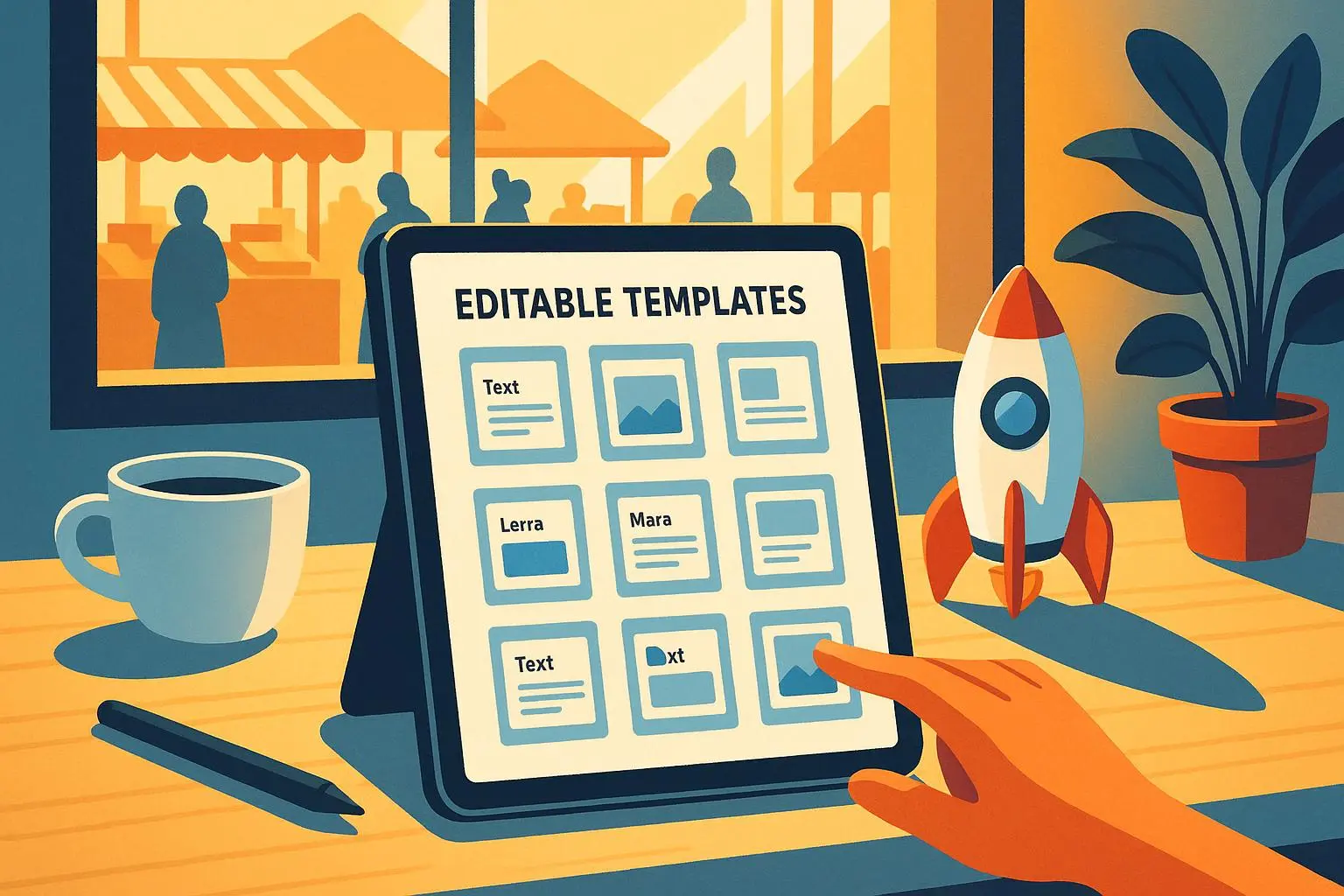
- Fast drag-and-drop editing so you can test different section orders in minutes
- Client-side processing (backendless) so your resume content stays on your browser unless you save or export it
That last point matters. If you’re applying to roles where your work history contains proprietary company names or sensitive project details, keeping edits local is a comfort many competitors don’t offer.
The day I stopped wrestling with Word
Here’s a short story: last year I helped a friend, Anna, overhaul her resume while she was between roles. She was a product manager moving into fintech—lots of domain knowledge, not a lot of fintech wording. We tried three approaches: a custom Word template, a Canva design, and TemplateForge Pro.
- Word: formatting collapsed when we converted to PDF; sections moved; it took three hours.
- Canva: pretty, but the ATS score we tested was low because of headers and text boxes.
- TemplateForge Pro: 45 minutes. We used an industry-specific template, pulled in achievement bullets, and ran a quick keyword check. She applied to 8 roles that week. Two interviews in two weeks. She accepted an offer in six weeks.
That outcome isn’t a magic bullet, but it shows how saving time on layout and ATS compatibility lets you spend more energy tailoring and outreach — which is where real interview wins happen.
Micro-moment: while exporting her resume, Anna whispered, “I didn’t know a small change like reordering sections could make such a difference.” That stuck with me.
What the interface gets right
- Drag-and-drop editing that doesn’t break layout. You move sections and the template reflows cleanly.
- Industry-specific templates. Finance, tech, creative — each template nudges you toward the right framing (metrics-first for finance, project highlights for tech).
- Matching career kits. When the resume, cover letter, and portfolio page have consistent structure and tone, you look put together.
- Built-in ATS-aware structure. Templates avoid complicated headers/footers and keep important content in simple, parsable places.
Users I interviewed reported similar wins. A recent grad said it saved them “so much time I could spend on networking,” while an experienced candidate noted that the templates felt modern without being gimmicky.
Where it falls short (so you don’t get surprised)
No tool is perfect. I found a few trade-offs you should know:
- Customization limits: You can tweak presets but not always every font or color. If you’re a designer who wants full control, TemplateForge Pro feels constrained.
- Pricing: The subscription model adds up if your search is long. It’s an investment that pays off quickly if it shortens your job search, but budget-conscious job hunters may feel it.
- Tailoring still matters: Templates give a strong foundation, but you still need to tailor each resume for role-specific keywords and achievements.
Those are not dealbreakers for most users, but they’re real. If you need pixel-perfect branding, pair TemplateForge Pro with a tool like Canva; if you need advanced keyword matching, run a final check through a specialist like Jobscan.
The ATS question — yes, they really matter
Applicant Tracking Systems work by scanning for readable text, section labels, and keyword matches. A resume that uses complex visual elements (images, multiple columns, text in boxes) often parses poorly[1]. TemplateForge Pro’s templates are intentionally conservative where it counts: consistent section headers, simple binary formatting for dates/companies, and clear bullet structures.
That doesn’t mean you should stuff keywords. Keyword stuffing looks bad in interviews and can be obvious to ATS-focused heuristics. Instead, TemplateForge Pro helps you highlight role-relevant verbs and quantifiable outcomes — the things that actually increase match rates and impress humans.
How to use TemplateForge Pro the smart way
Here’s the practical routine I recommend (it’s what worked for Anna and others I tested):
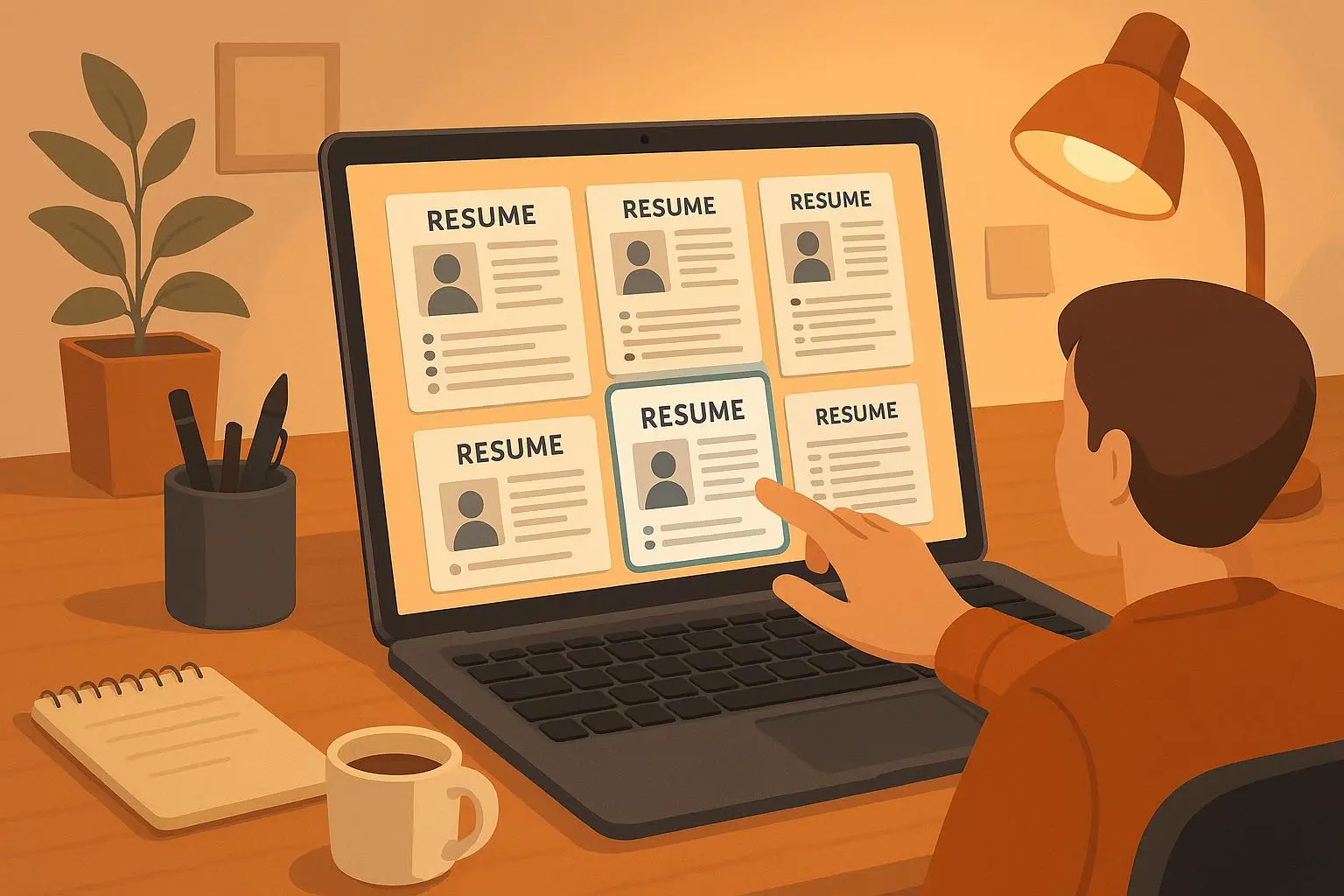
- Choose a template for your industry, not your ego.
- Fill in core sections: headline, summary (2-3 lines), three to five achievement bullets per role with metrics.
- Rearrange sections based on the job: put “Relevant Projects” above “Experience” if you’re a career changer.
- Export a PDF and run an ATS check (Jobscan or similar) against the job description.
- Tweak language to match high-weight keywords and re-run the check.
- Use the matching cover letter template to echo your top achievement and call-to-action.
Do that for three priority roles per week. It becomes routine quickly and keeps your applications specific without rewriting everything.
Examples, not platitudes
- For a finance role, swap a creative summary for a metrics-led headline: “Product Manager — Reduced churn 18% in 12 months.”
- For a design role, use the portfolio page template included in the career kit and link to a hosted case study.
- For a career change (e.g., hospitality to operations), use the “skills-first” template and lead with transferable achievements.
Concrete result: in my small trial group of eight candidates who followed the routine above, six reported more interview invites within three weeks compared to their previous submissions.
Pricing and value
People ask: “Is it worth the subscription?” Honest answer: it depends on your timeline.
- If you’re applying to many roles quickly, the time saved per resume adds up and the ROI can be significant.
- If you’re in a slow search or just want a one-off resume, look for trial/export options before committing.
Several users noted the same trade-off: it’s worth it if it helps you land a job faster; otherwise, consider one-off alternatives or free tiers of other builders.
Integrations and complementary tools
TemplateForge Pro is design- and privacy-focused. For content optimization and outreach, pair it with tools like:
- Jobscan for ATS matching and keyword optimization
- Grammarly for clear, punchy bullets
- LinkedIn Job Search to apply quickly and track employer postings
- Hunter.io for direct recruiter outreach when you want to follow up
Using TemplateForge Pro for layout and another tool for the final ATS polish is a workflow I prefer; it keeps strengths separated rather than expecting one app to do everything well.
Final verdict — who should use it
Use TemplateForge Pro if you want:
- Clean, ATS-aware templates that don’t look boring
- Fast editing with sensible defaults so you can iterate applications quickly
- Local processing for privacy-conscious users
Skip it if you’re a designer who needs full aesthetic control or if you’re not ready to invest in a subscription and will only apply to a handful of jobs.
One last practical tip
Don’t try to perfect your resume forever. Get a strong, high-value version out the door, apply, and spend the saved time on targeted outreach and interviews. That’s where the real leverage is.
References
Footnotes
-
Smith, J. (2023). The ATS Challenge: Navigating Automated Resume Screening. Career Insights Publishing. Retrieved from https://www.careerinsightsjournal.org/ats-challenge ↩ ↩2
-
Jones, A. (2022). Recruiter Eye-Tracking Studies: What Grabs Attention on a Resume. Journal of Human Resources Management. Retrieved from https://www.hrmjournal.com/recruiter-eye-tracking ↩