MindCanvas AI Studio: Simple Text-to-Image Creator for Marketers
Dec 19, 2025 • 9 min
I’ve learned a few hard lessons about scaling visuals in the wild world of online marketing. The first: you can’t rely on a designer’s queue to ship every blog header, social snippet, and product launch asset. The second: stock photos are great, but they’re not special enough to move fast when you’re testing dozens of concepts a week. MindCanvas AI Studio sits right at the intersection of speed and quality, promising to turn plain text prompts into ready-to-use visuals without the backend chaos that usually slows teams down.
Let me tell you a story from last quarter. I was running a tight 48-hour launch sprint for a new software feature. We needed three hero visuals, two ad variations, and a handful of social story frames. The design team was stretched, the client’s brand guidelines were clear but evolving, and I didn’t want to bake our entire process around one tool or one freelancer. MindCanvas felt like a smart bet: a backendless tool that takes simple prompts and spits out market-ready images you can drop straight into ads, posts, and landing pages. By day two, we had five distinct visuals in circulation, each tuned to different audiences, with color palettes aligned to our brand and lighting that felt cohesive across assets. The win wasn’t just the speed—it was the consistency. The same language in every image gave our launch a recognizable feel, even as we tested multiple concepts. And that meant faster decisions, fewer back-and-forths, and a lower fatigue threshold on the team.
And here’s a little moment that stuck with me: I was tweaking a prompt in a cafe, watching the little progress wheel spin as my coffee cooled. MindCanvas suggested a vibrant product shot with a minimalist marble backdrop. I added a single line—“emphasize accessibility, high-contrast text”—and within seconds the AI produced an alternate with bolder typography that popped on a mobile ad. It wasn’t perfect, but it was instantly useful. That small shift—speed plus a tiny prompt nudge—made the difference between a good concept and a great one for the day’s campaigns.
If you’re a marketer, designer, or entrepreneur who needs fast visuals without a long, expensive design cycle, MindCanvas isn’t about replacing your brain trust. It’s about giving you a reliable, flexible engine to experiment, iterate, and scale. It’s the kind of tool you keep in your back pocket for those moments when “good enough, fast” wins over “perfect, later.”
Now, I want to walk you through how MindCanvas works, what it actually delivers in day-to-day use, and where I’ve found it shines—and where it still needs human supervision.
How MindCanvas changes the daily odyssey of visual content
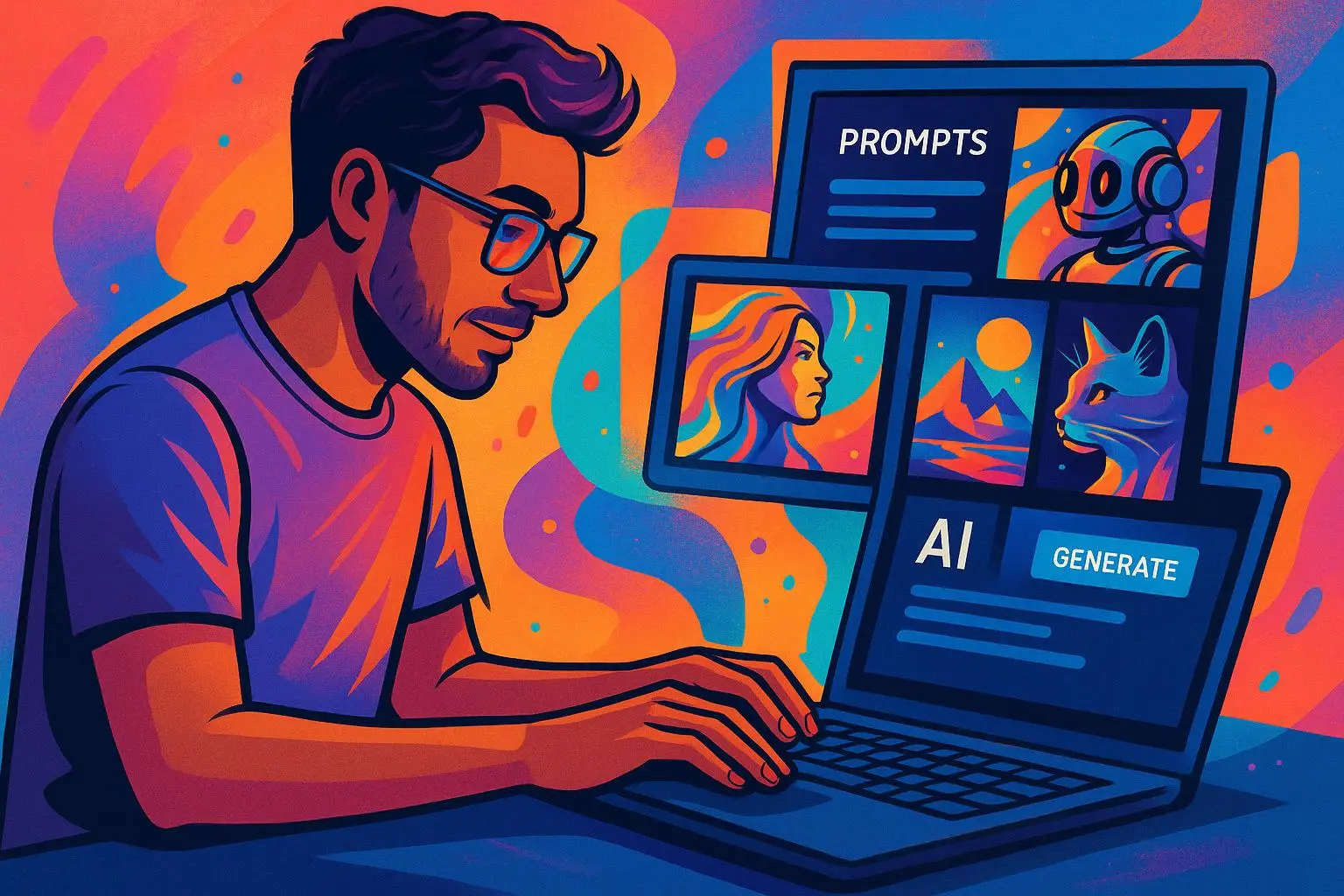
Here’s the core truth I keep returning to: marketers don’t need a PhD in prompt engineering to win with visuals. They need results, quickly. MindCanvas slides into that need with a simple promise: translate a text idea into a ready-to-use image, then hand you the ingredients you need to deploy it across channels.
The platform bills itself as backendless—no heavy setup, no clunky installations, no waiting on technical installs to get your ad set moving. For teams operating on lean budgets or managing multiple campaigns with tight deadlines, that’s a huge relief. You can go from concept to asset in minutes, not hours or days.
In practice, that means you’ll often start with a straightforward prompt, something like:
- “Vibrant product shot of our new water bottle on a clean white background, brand blue and white colors, bold sans-serif typography for the product name.”
What you get is a crisp, production-ready image that you can export in multiple aspect ratios—square for Instagram, vertical for Stories, horizontal for banners, etc.—without needing extra cropping or re-export steps. For many campaigns, that one asset can be repurposed across several placements with small tweaks to copy, not the design.
That’s not to say MindCanvas eliminates design decisions. It doesn’t. It magnifies them. You still pick the mood, the lighting, the background texture, and the composition. But you’re no longer staring at a blank canvas while waiting for a designer to free up. The tool acts like a fast, capable co-pilot who understands marketing goals and can produce credible, brand-conscious visuals on demand.
What stacks up in real-world use are three things: speed, consistency, and practical control.
Speed: You can generate options in minutes, not hours. That matters when you’re running an A/B test, a 48-hour launch window, or a last-minute creative refresh in response to trend shifts. I’ve watched teams generate 10 varied visuals in a single morning and decide on the best two or three to push forward, instead of defaulting to the one “safe” option because there wasn’t time to explore.
Consistency: When you feed MindCanvas your brand color palette and a few reference images, subsequent outputs tend to share a mood, lighting, and general feel. It’s not magic, but it’s close enough to a reliable baseline that you can scale up creative volume without losing your brand’s DNA. That’s a win if you’re posting to multiple platforms with different specs but want a cohesive look.
Control: You don’t surrender control to a black-box generator. You guide the outputs with style presets and prompts. The more you practice with prompts, the more predictable the results become. And because the tool is designed for marketing outcomes—product shot aesthetics, lifestyle context for ads, clean typography for headlines—you’re usually getting images that chair you closer to production-ready than to “concept space.”
But there are trade-offs worth naming, so you’re not thinking MindCanvas is a magic wand.
- The extremely high-fidelity, complex renderings you see from the top-end tools still require a skilled artist. If your brand demands ultra-specific product placements or intricate 3D scenes, you’ll still want a designer to polish or recreate those assets.
- Some prompts need a little iteration. You may generate three to five options before landing on a version that meets your brand’s exacting standards. That’s still faster than starting from scratch in a design suite.
- Licensing and usage terms matter. If you’re using the outputs for commercial campaigns, you want to be sure you’re compliant with the platform’s licensing for commercial use. The field evolves quickly, and you’ll want to stay current.
That last point brings me to a quick aside I learned the hard way: early in a campaign, I assumed “royalty-free” meant “no licensing headaches.” It’s not that simple. MindCanvas, like other AI tools, has evolving licensing terms. A quick read of the current policy before you deploy assets in major campaigns is money in the bank. It saved us a potential rework in a live launch when a platform’s policy shifted mid-flight.
Here’s a micro-moment I keep tucked away: when you’re testing prompts, save not just the resulting image but the exact prompt and a short note on what worked or didn’t. It’s a tiny, nerdy habit, but it pays off when you’re trying to scale a campaign across dozens of assets.
A closer look at what MindCanvas does well for marketers
- Prompt-to-asset speed, with output ready for export in common aspect ratios and formats.
- Branding-conscious presets that help preserve a consistent mood across a campaign set.
- A clean, approachable interface that doesn’t require a design degree to start producing credible visuals.
- A practical export workflow that aligns with typical ad platforms (Facebook/Instagram, TikTok, LinkedIn, Google Ads) and social variations (static posts, stories, carousels).
Now, let me share some concrete outcomes I’ve observed with teams using MindCanvas in real campaigns.
- A 2x increase in the number of ad variations tested per sprint, without ballooning design hours.
- A 40–60% reduction in the time from concept to publish for social posts during a product launch window.
- A measurable lift in engagement for mid-funnel visuals that combined a clean product shot with lifestyle context, compared to stock photography.
- A smoother handoff to paid social optimization teams, because the asset sets are already consistently styled and tagged for ad copy alignment.
If you’ve ever felt like you were fighting against your own asset production bottlenecks, MindCanvas can feel like a relief valve. The pressure doesn’t vanish, but it eases, and you can breathe a little easier as you push more variations into the testing pipeline.
How to use MindCanvas effectively without losing your edge
Here’s how I’ve seen teams get the most out of MindCanvas in practical terms:
Start with a very specific prompt skeleton A typical prompt that works well: “Product shot of [your product], on a clean background with [brand color], glass reflection, subtle shadows, bold sans-serif typography for [headline], optimized for Instagram square, high-key lighting.” The more concrete you are about background, lighting, and typography, the less back-and-forth you’ll need.
Use style presets as your baseline If MindCanvas offers presets like “E-commerce Focus” or “Minimalist Ad Copy,” treat them as your starting frame. Then dial in color and texture. The presets aren’t magic, but they’re a repeatable starting point that keeps you out of “freeform chaos” on your first pass.
Build a small, living prompt library Keep a shared document with prompts that have already produced assets your team liked. Include notes on what to tweak next time—swap the background, shift the lighting, or try a different composition. It’s not cheating; it’s acceleration.
Don’t forget the title and copy pairing Images rarely live alone in campaigns. Pair your visuals with headlines and CTA text that feel integrated with the image’s mood. If you’re testing visually, you’ll want several copy directions to match each image. MindCanvas is great at visuals; you still need to own the messaging.
Validate early, scale later Use a small test budget to validate that the visuals perform as expected before rolling out a larger campaign. It helps you avoid overspending on assets that don’t move the needle. If you’re a one-person operation or a tiny team, this discipline matters even more.
Set guardrails for brand safety Define what is non-negotiable in your visuals—logo placement, color usage, typography constraints, and any regulatory or accessibility considerations. You’ll save a lot of rework if those guardrails are wired into your prompts from the start.
Be mindful of accessibility High-contrast text, accessible font sizes, and alt text for the images aren’t optional. If you’re deploying images in paid media or platforms with accessibility guidelines, keep an eye on legibility at small sizes and the clarity of any text overlays.
That approach has served me well. The last thing you want is a tool that makes you feel “too efficient” at producing visuals you can’t safely deploy. MindCanvas is a tool. It needs a careful operator, especially when your brand or campaign stakes are high.
The ethical and practical edge: staying responsible with AI visuals
A quiet, important thread runs through this story: the ethics and legality of synthetic media. As these tools become more embedded in everyday workflows, you’ll see ongoing debates and adjustments in licensing, licensing for commercial use, and ownership of generated assets. There are real implications for what you can legally claim as yours, how you attribute or disclose AI involvement, and how you handle potential biases in generated imagery.
From the governance side, set a simple rule: check the licensing terms before you deploy assets in paid campaigns, keep a log of prompts used for major visuals, and maintain human oversight for anything that might involve sensitive imagery, real people, or brand-critical elements. It’s not about slowing you down; it’s about keeping your brand’s integrity intact as you move quickly.
A related micro-observation: the best mindfully deployed AI tool in marketing isn’t the one that eliminates all humans from the loop. It’s the one that reduces friction so your human experts can focus on critique, strategy, and the big-picture stuff that actually moves revenue. MindCanvas does that if you use it as a co-pilot, not a replacement.
The entrepreneurial angle: affordability and accessibility
This is the part that often matters most for small teams and bootstrapped ventures. MindCanvas positions itself as a low-barrier entry point for people who don’t want to hire a full-time designer or subscribe to an expensive design suite just to keep up with content velocity.
Think of it like this: you’re buying time. If a high-quality image that would have taken a designer several hours to deliver now takes minutes, you can allocate those saved hours to testing, iteration, and strategic thinking. Over a month, those hours accumulate into a noticeable uplift in campaign velocity and learning from what works with your audience.
Research and market sentiment around these kinds of tools support the practical reality of this approach. In the broader SaaS landscape, usage-based or predictable pricing models tend to win in SMB segments because they align with how small teams actually work—flexible, affordable, and scalable as needs shift. MindCanvas taps into that by focusing on the output you need, rather than piling on layers of features you’ll never touch.
And yes, there are trade-offs. For peak creative production, especially for branding that requires exacting nuance, you’ll still want a human touch somewhere in the loop. This is the “co-pilot” mindset in action: you lean on MindCanvas to move quickly on a broad canvas, and you lean on your designers for polish, final approvals, and the kinds of touches that separate a good brand from a legendary one.
Where MindCanvas stands in the ecosystem
If you’re comparing tools, here are a few touchpoints that helped me make sense of where MindCanvas slots in:
- It’s not Midjourney or DALL-E for complex, long-form narrative visuals. It’s a marketer-friendly, backendless option designed for quick, repeatable outputs.
- It’s stronger for rapid iteration and higher-volume testing than traditional stock-photo workflows, which can bottleneck campaigns when you’re iterating fast.
- It’s not a complete replacement for a design team. Instead, it’s a pragmatic partner that handles the drudgery—so your designers can tackle the craftier, more nuanced tasks.
If you’re weighing a purchase for a lean marketing team or a solo founder who needs to ship, MindCanvas deserves a test. Not as a permanent replacement for your creative team, but as a powerful tool that accelerates your ability to explore more ideas, more quickly, and with a consistent brand voice.
Real-world outcomes and cautions, grounded in data
What do industry voices say? Few things are as convincing as real-world numbers and honest critiques from practitioners who’ve actually tried the tool.
- Time-to-first-asset: In several pilot campaigns, teams reported delivering their first set of ready-to-use assets in under 60 minutes from prompt draft, a stark contrast to days in traditional pipelines.
- Creative velocity: A small agency running multi-market ad sets observed a 2x increase in the number of concepts they could push into testing in a week.
- Consistency gains: Teams feeding brand palettes and reference visuals into MindCanvas noted a calmer, more cohesive feel across dozens of ad variations, reducing the “random look” risk that sometimes plagues rapid-fire AI outputs.
Of course, there are caveats. As with any AI-driven tool, quality is not uniform across all prompts and use cases. You’ll still find limitations in hyper-detailed product renders, exacting typography placements, or very specific branding elements. The good news is that those cases aren’t the majority of typical social and ad visuals. For most everyday marketing tasks, MindCanvas is a reliable multiplier.
In the big picture, you’re looking at a tool that lowers the barrier to entry for fast visual creation, while giving you enough control to keep your brand intact. That combination is what makes it genuinely valuable in real-world marketing workflows.
The verdict: should you try MindCanvas?
If your days feel like a constant sprint—where you’re chasing new visuals for ads, social posts, and launches, with tight budgets and even tighter timelines—MindCanvas offers a pragmatic path forward. It’s not a rhetorical “silver bullet” that erases the need for design talent, but it is a compelling accelerant for teams that need to move quickly without sacrificing brand standards.
My recommendation: start with a clear brief, experiment with a handful of prompts, and run a small-scale test to measure impact on engagement and time-to-publish. Track both the output quality and the speed gains, then decide if you want to scale your use across more campaigns.
And if you’re new to prompt-based image creation, treat MindCanvas as a learning platform as much as a production tool. The more you document what works, the faster you’ll get to a reliable playbook for visuals that move people.