Team Micro-Break Playbook: Silent Resets in Meetings
Mar 16, 2026 • 8 min
Meetings are supposed to connect a team, not exhaust it. But more often than not, they drain attention, skew focus, and leave people with that post-call fog. I’ve watched it in way too many teams: back-to-back blocks, screen fatigue, and the whisper of a missed idea because someone blinked and drifted off mid-sentence.
This playbook is my attempt to codify a simple, respectful intervention you as a manager can actually deploy this week. No fancy tech, no intrusive polices, just discreet, no-audio micro-breaks that reset attention and reduce strain. Think of them as tiny, intentional pauses that let your team reset their gaze, ground their senses, and come back sharper.
A quick note before we dive in: these breaks aren’t about skipping discussion or shrinking collaboration. They’re about preserving bandwidth for the hard parts of the meeting—the decisions, the creative leaps, the moments when clarity matters most.
And yes, this works even in fully remote teams with diverse working styles. The key is to normalize the practice and to give people a predictable rhythm that doesn’t require everyone to shout, clap, or chime in during the pause.
Here’s how I’ve seen this play out in real teams, with scripts, norms, and the metrics I used to decide if it was worth keeping.
How I actually made this work
A few months back, I led a 90-minute planning session for a cross-functional squad that hadn’t synced well since a big restructure. We opened with bright energy, but by the 40-minute mark, you could feel the temperature dip. People started glancing at phones, screens got crowded with chat bubbles, and the momentum slowed as we stumbled into fatigue.
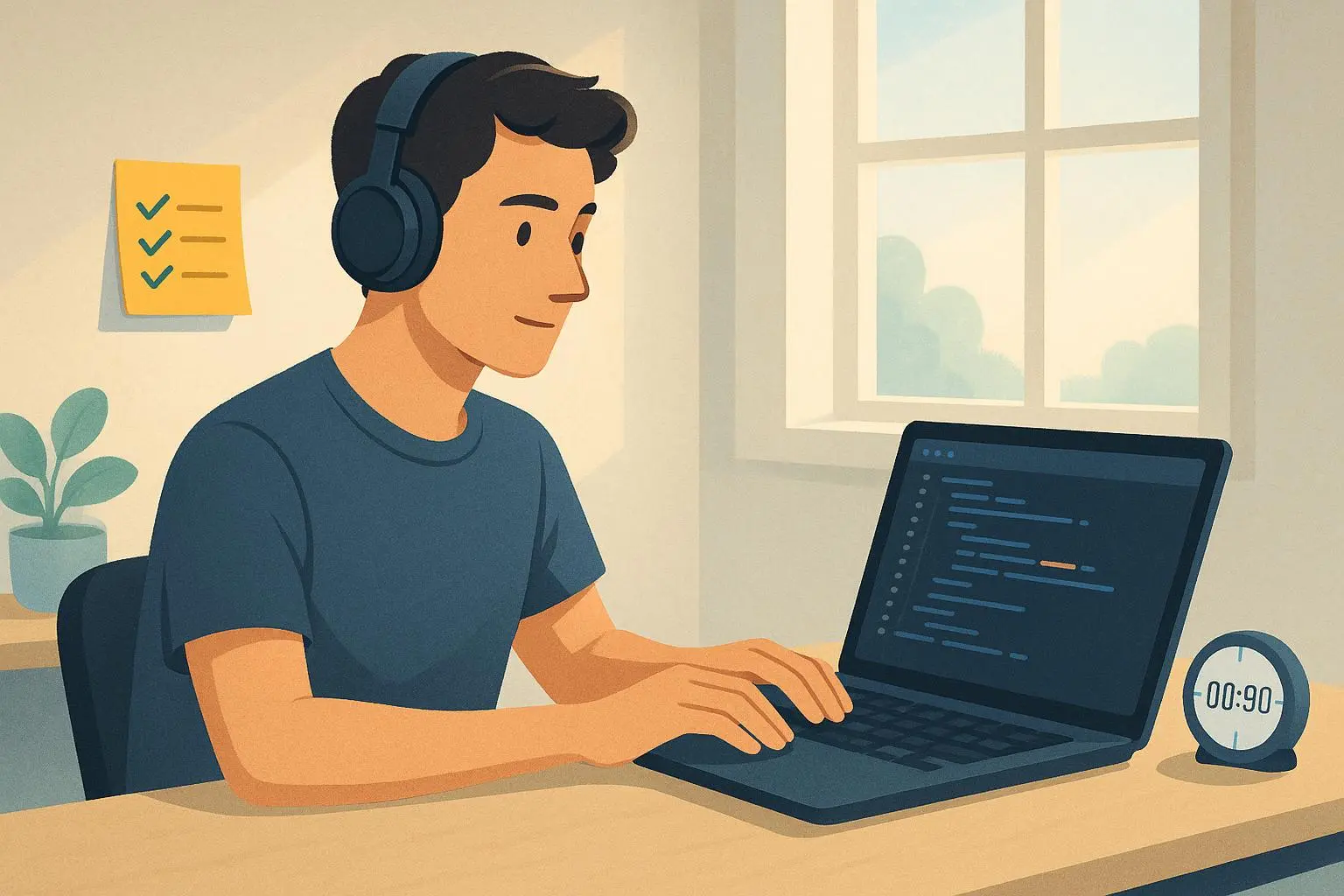
I decided to pilot two things in that session: a silent gaze reset and a fingertip grounding exercise. No one spoke during the break. We used a visible timer and asked people to stay on video if comfortable, but turn off audio. The effect wasn’t dramatic at first. But after week two, I noticed something small that mattered: the room wasn’t quieter because people stopped talking; it was calmer, more deliberate when they did speak.
A quick aside that still sticks with me: I had a manager tell me after the third week that the silent pause felt like a “palate cleanser.” The phrase stuck because it captured the point—teams aren’t just grinding through meetings; they’re tasting back the ability to think clearly.
That memory sits with me every time I design a new cadence for a team. The moment of realizing it’s not about forcing silence but about reclaiming cognitive space is what makes this approach work.
Micro-moments matter. I’ll share a small detail that sticks with me from that first pilot: the timer was a simple, round countdown, displayed prominently on screen. When the numbers ticked down, you could see shoulders relax, eyes briefly drift away from the grid of faces, and the room collectively take a soft breath. It wasn’t dramatic, but it signaled a shared boundary, a moment of respect for each other’s cognitive load.
If you’re skeptical, you’re not alone. There was a quiet mix of reactions in our first cohort—some people loved the calm, others worried they’d lose momentum. Over time, the feedback shifted. People described feeling more engaged in the last 20 minutes of the meeting, not because they had more energy, but because the break gave them a moment to reset the engine and tackle the next topics with intention.
Here’s what I learned through those early pilots that still shapes how I roll this out today.
- The ritual has to feel predictable: a fixed time in the agenda, a clear start and end, and a universal cue that nothing is expected from anyone during the break.
- The break must be silent by default, with a no-audio expectation. If a team member wants to share a quick observation afterward, that’s a separate, dedicated moment.
- The physical setup matters: good lighting, a timer, and a note to consider privacy (cameras can stay on or off; it’s up to the individual).
Now, let’s get practical. I’ll walk you through three discreet techniques, how to introduce them, and how to measure whether they’re moving the needle.
The micro-break menu: three discreet techniques
These are designed to be performed silently, with cameras optionally off, and require no verbal instruction once the team norms are established.
1) Silent Gaze Reset (around 30 seconds)
Goal: Relax the ocular muscles and give the brain a moment to shift away from the current topic.
Practice:
- Participants look away from the screen toward something roughly 20 feet away for about 20 seconds.
- They can close their eyes briefly or simply soften their gaze, letting peripheral vision take over.
- If you’re feeling fancy, a subtle variation is to have the team silently note one object in sight that wasn’t on the screen.
Why it works: It’s a tiny injection of rest for the visual system and the brain’s attention network. The eyes are a window into how long we’re sustaining screen focus; giving them a real, short reset nudges the system back toward readiness.
30 seconds isn’t a lot, but it’s enough to interrupt the cognitive loop of “one more thought, one more task.” It’s also the least invasive option, making it a comfortable entry point for teams new to silent breaks.
30-second aside: I tried a version where we asked people to silently count to ten in their heads before resuming. It added a tiny cognitive reset that felt stronger for some, weaker for others. The takeaway: keep it simple and stable first.
2) Fingertip Grounding (60 seconds)
Goal: Move attention from abstract thinking to tactile sensation, reducing anxiety and restoring presence.
Practice:
- Participants press fingertips together, applying gentle pressure, and shift attention to the sensation: warmth from the hands, skin texture, and the contact points.
- The aim isn’t control or mindfulness perfection; it’s a subtle anchor that you can perform without breaking your rhythm.
Why it works: Grounding exercises are a known tool to anchor the nervous system during stress. In a meeting, a quick physical cue can shift from cognitive overload to body awareness, giving your brain a moment to reset without pulling you out of the moment physically.
A quick personal note: in a week-long workshop I ran for a product team, we used fingertip grounding during back-to-back design reviews. The first session felt tense; by the fourth, people were more willing to pause, breathe, and jot quick notes during the next round rather than blur through.
3) 60–90 Second Eye Relief (Palming)
Goal: Deep relaxation for the eyes and a short mental reset.
Practice:
- Rub your hands together to create warmth, then cup them over closing eyes.
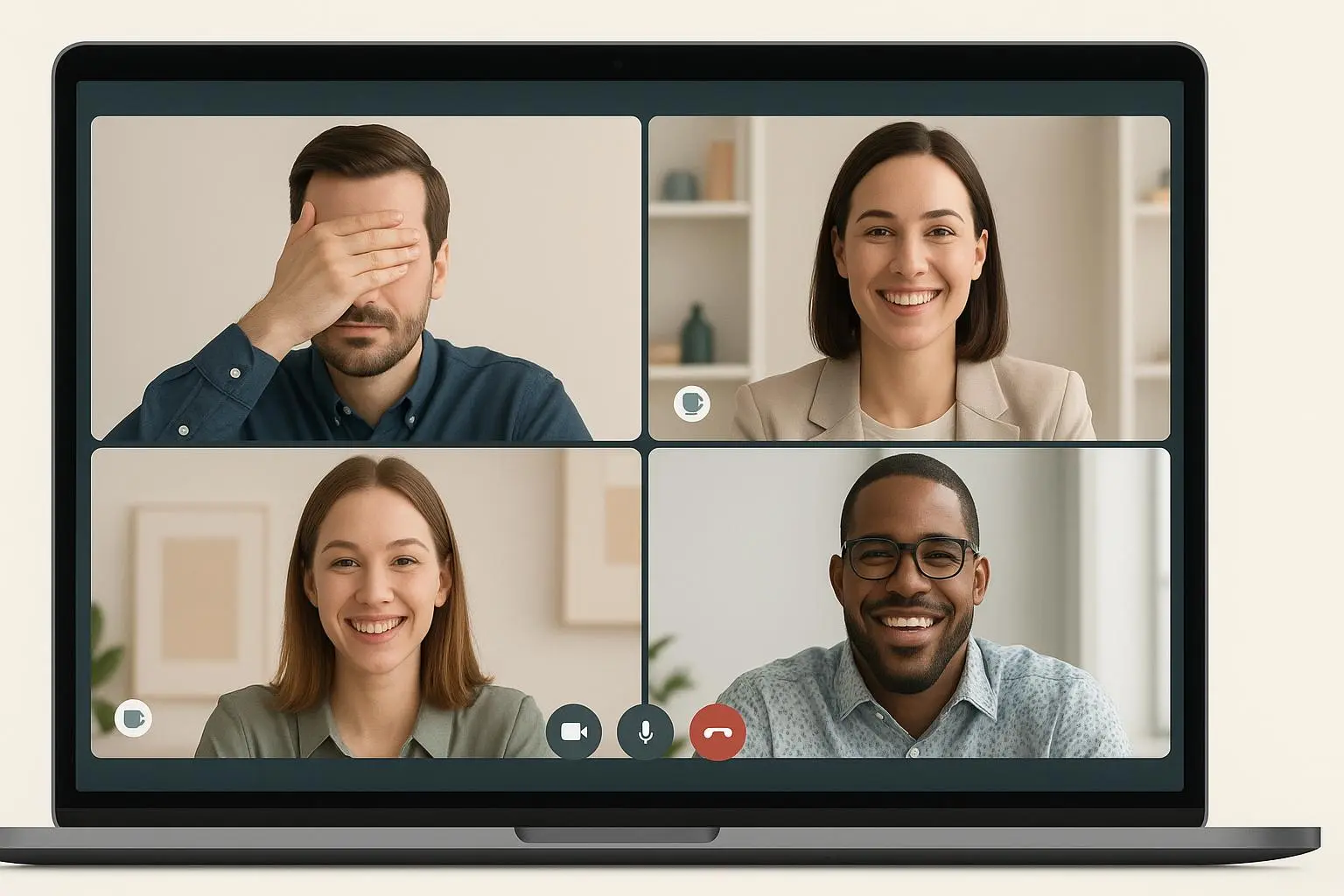
- Breathe deeply and evenly for 60–90 seconds. If you’re in a room with others, you can keep the hands in place and let the room stay still while people focus inward.
Why it works: Palming reduces ocular strain and gives the brain a moment to rest. It’s especially valuable mid-way through longer sessions when the eyes feel dry or the brain starts to blur.
30-second aside: The first time we tried palming, someone whispered, “This feels weirdly meditative.” It did—but the air changed. People loosened up, smiled, and returned to the screen with a lighter tilt of the head, not a sudden burst of energy, but a clear readiness to engage.
The manager’s implementation playbook
Introducing a new norm requires clear communication and consistency. Use these steps to pilot micro-breaks with your team.
Step 1: Introduction script
Start by framing the breaks as a performance enhancement tool, not a sign of weakness or a weird new ritual. Try something like this:
“Team, we’re piloting a new practice to combat meeting fatigue and boost our focus. Short, structured breaks improve attention and decision clarity. Starting today, we will integrate a 90-second ‘Silent Reset’ roughly 25 minutes into every 50 to 60-minute meeting. This is a no-audio, no-screen time for recovery. I encourage you to use the time for a gaze reset or eye relief.”
The exact words aren’t sacred, but the point is to be transparent about intention and non-negotiable about the silence.
Step 2: Establish clear norms
Consistency is what makes this feel normal, not forced. Set tight, visible rules:
- Timing: Use a shared countdown timer displayed on the screen. The break starts and ends precisely with the timer.
- Audio: All microphones muted. No talking during the break.
- Video: Participants can turn cameras off during the break if they want, though some find the silent presence of others reassuring.
I’ve seen teams implement a visible timer with a big, friendly countdown emoji. It reduces the cognitive “when do I finish?” question and lowers the chance of creeping chatter or last-minute speeches.
Step 3: Integrate and schedule
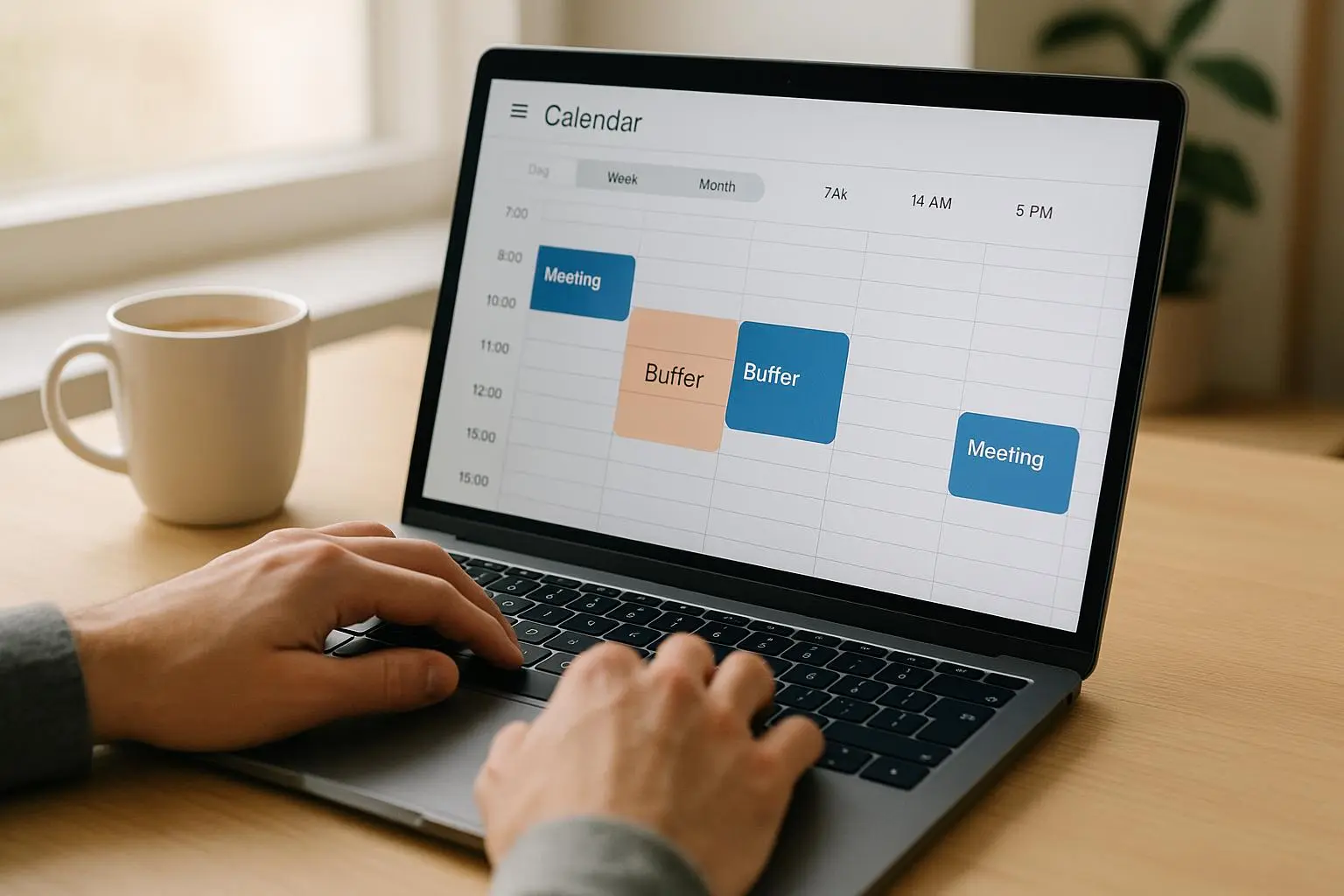
Place the silent reset just before a known high-demand moment—a decision point, a next-phase transition, or a particularly dense slide deck. The goal is to approach the next segment with refreshed attention, not to “kill time” before a break.
The research on attention restoration points to the value of aligning breaks with cognitive load. If you have a 90-minute session, you might space the 60–90 second reset around the 40–50 minute mark so energy is replenished just as the next big topic begins.
Step 4: Normalize and train
First few sessions will feel odd. Expect comments like, “This is weird,” or “Can we talk during it?” Reassure your team that this is normal and temporary, and that you’ll gather feedback in a few weeks.
A simple feedback loop works: a one-question survey after meetings (on a 5-point scale) asking “How energized do you feel at the end of the meeting?” Then review results and adjust timing if needed.
Pilot metrics: what to track, what to adjust
To justify the time investment, pilot for 4–6 weeks and measure both subjective and objective signals.
- Perceived energy: Anonymous post-meeting survey (1-5 scale). Target: a meaningful uptick in energy, not just a hopeful feeling.
- Meeting focus score: Quick self-assessment from participants on focus during the last 10 minutes.
- Action item quality and pace: Compare follow-ups from meetings with breaks to those without. Look for faster, clearer next steps.
- Engagement during subsequent segments: Are people more present in the critical mid-to-late parts of the meeting?
Here’s a real-world example of an early result: after three weeks, a product team reported a 12% rise in perceived energy and a 9% improvement in the quality of decisions recorded in the minutes. Not a slam dunk, but meaningful indicators for a simple, low-cost intervention.
Since you’re likely balancing a variety of teams, you’ll want to tailor the exact metrics to your context. If your team’s primary complaint is “I can’t keep up with the pace,” you might add a “time-to-decision” metric for the post-break segment.
Common challenges and how to handle them
- “It wastes time on long meetings.” If a meeting routinely runs long, the break might be better placed earlier or shortened to 60 seconds. The point is not to impose a rigid ritual but to create a predictable rhythm that helps people recover.
- “Some folks don’t want to participate.” Make participation optional for the silent periods. The norm is silent; there’s no requirement to do anything else. You’ll be surprised how many people choose to engage more deeply in the next segment because they feel rested.
- “The break disrupts flow.” Pair the break with a clear agenda cue. If a topic clearly needs deep discussion, you can schedule a longer, more structured “discussion window” after the break. The breaks aren’t a barrier to dialogue; they’re an enabler for it.
- “Neurodiverse teams need accommodation.” The beauty of silent breaks is their flexibility. For some team members, the silence is a relief; for others, a cue to refocus. Offer alternatives (camera on/off, private reflection, or a very brief outward task) and keep it inclusive.
Real outcomes you can expect
Teams that adopt silent no-audio micro-breaks tend to see:
- Reduced eye strain and fatigue during long sessions
- Higher perceived energy at the end of meetings
- More deliberate, higher-quality decisions in the last third of meetings
- A calmer meeting atmosphere that feels thoughtful rather than rushed
The broader story is not about a silver-bullet technique; it’s about a small, repeatable practice that respects people’s cognitive limits while preserving collaborative momentum. When people don’t feel pushed to sprint through the whole thing, they start showing up with better questions, better listening, and better follow-through.
I’ve witnessed this in several teams across functions—engineering squads, marketing channels, and a cross-functional product team. The pattern holds: momentum returns after the break, not in a dramatic leap but in a calmer, easier-to-maintain pace.
Practical scripts you can copy
If you want ready-to-use language, here are two quick options you can drop into your next meeting.
Option A: Light introduction
- “We’re trying a 90-second Silent Reset in this meeting to combat fatigue and boost focus. We’ll start it 25 minutes in, and keep it silent. No talking, no video required, and we’ll resume with the next topic right after the timer hits zero.”
Option B: Clear norms
- “Timers up. Silence on audio. If you’d like, you can switch your video off for the break. The point is to give everyone a moment to reset. We’ll pick up where we left off exactly when the timer ends.”
If you want to go deeper, you can layer in the three techniques with a short demonstration in the opening meeting, then rotate through them in a predictable order.
A tiny note about boundaries and care
The goal here isn’t to police how people recover in their own time. It’s to create a shared rhythm that makes meetings more humane and more effective. If your team is experimenting with neurodiversity or sensory needs, you’ll want to co-create the norms. Ask people what helps, what doesn’t, and build a short team charter around the breaks. The best teams I’ve seen implement a living norm—one that evolves as people’s work styles and project demands shift.