Quick Triage: What to Do the Moment a Conversation Feels Off
May 31, 2026 • 9 min
If you’ve ever had that sinking feeling mid-conversation online, you’re not imagining it. Your gut is doing important work, and you should listen. The moment something feels off—the tone shifts, an ask seems rushed, a link arrives from “a trusted contact” that you didn’t expect—that’s your cue to pause, not to panic.
Here’s the practical, immediate-action guide I actually use when something in a chat, text, or email sets off alarms. It’s not about fear-mongering. It’s about a calm, repeatable routine you can rely on in the heat of the moment.
And yes, I’m going to bring it to life with real moments from my own experience, specific steps, and templates you can copy when you need to disengage safely. No fluff. Just a clear path to protect your privacy and your money.
A quick personal note before we dive in: a few years back, I got an message that looked like it came from a colleague I trusted. The sender claimed they were in a bind and needed emergency help transferring funds. The request felt urgent, the tone dripped with authority, and there was a short deadline. My brain yelled at me to act fast. I paused instead. I pulled up the colleague’s verified contact channel, cross-checked the request, and realized the message came from a compromised account. We stopped the transfer, alerted the IT team, and no money changed hands. The moment of caution saved us all a headache. The micro-moment that stuck with me? I always check the sender’s integrity through a channel that I know is secure, not the channel the suspicious message asks me to use.
Here’s how I triage suspicious conversations, built from real-world cues, vetted sources, and the lessons learned from countless reports from people just like you.
A micro-moment I’ve carried with me: the value of a single, precise question. When someone asks you to share details, you can reply with, “What’s your official channel for this?” That single line buys you a beat to verify, without sounding defensive.
Phase 1: The Immediate Lockdown (In the first 60 seconds)
Your brain is fastest when you do less. The first minute is your best chance to stop escalation and gather clarity.
Pause before you reply. Urgency is a tactic. If they’re legitimate, they’ll understand you need a moment to verify.
I learned this the hard way after a dozen near-mits before I finally trusted my own instinct. Here’s a simple habit I now use every time: if a message arrives that asks me to act now, I don’t write back. I don’t open any links. I don’t log in anywhere from that message. I close the chat and switch to a separate, known-good channel to verify.
Step 1: Pause and Breathe (Do Not Reply Immediately)
Anyone who tries to push you into action uses urgency as a weapon. You can counter that by slowing down. I tell myself out loud: there’s time to verify. There’s always time to verify.
In practice, I do two quick checks in this window:
- Skim for red flags: pressure, secrecy, requests for money or sensitive data, or unfamiliar platforms.
- Mentally map out where the conversation could go if I respond, and what information would be risky to share.
Step 2: Document Everything (The Evidence Trail)
Take screenshots of the entire thread, including:
- The message history
- The sender’s profile signs (username, account age, profile picture)
- Any links or attachments mentioned
- Timestamps and device information if visible
Save copies to a secure location on your device and, if you can, back them up to a trusted cloud drive. This isn’t paranoia—it’s hard evidence you may need for the platform report or a financial institution.
I once kept a screenshot trail of an ongoing “urgent” request that morphs into a phishing attempt. The documentation made it possible to show the platform exactly where the thread started and how the impersonator evolved their strategy. It’s not just for prosecutors; it’s for you.
Step 3: Verify Identity Through a Separate Channel
If the claim is about a bank, a government agency, or a known contact, never use the contact details included in the suspicious message. Look up the official channel yourself.
- Call the number on the back of a card or the company’s official site, not the number in the message.
- If it’s a contact you know, reach out via a separate method you’ve previously used (e.g., a different email, a mutual contact, or the company’s main helpline).
- Ask questions that only the real person would know the answer to, and avoid sharing anything sensitive until you’ve confirmed.
Phase 2: Information Control and Risk Assessment
Now that you’ve paused and collected evidence, you shift into protecting yourself. The goal is to minimize exposure while you determine the truth.
Step 4: Cease All Personal Information Sharing
This is the hard boundary. Do not share passwords, PINs, Social Security numbers, or banking details. Do not confirm or dispute sensitive information via the suspicious channel.
If you’ve already shared something risky, switch to stronger protection right away: change passwords, enable 2FA, and monitor accounts for anomalies.
Step 5: Analyze the Red Flags (The Scam Checklist)
A good triage relies on a shared understanding of the common indicators. The lists below pull from multiple published guidance sources and real-world reports, but I’ll keep them practical and actionable:
- Urgency to pay or act with money over chat or text
- Requests for personal or financial data through unverified channels
- Strange or inconsistent details that don’t match prior interactions
- Pressure to keep the conversation secret or to “just trust me”
- Unfamiliar platforms or channels used to communicate
- Links or attachments from the message that you didn’t expect
- Grammar or tone that doesn’t feel like the real person (even though scammers are improving)
If any of these are present, treat the conversation as high risk and escalate your response.
In my own experience, a coworker reported a phishing attempt that used a familiar brand’s logo but pushed a link to a non-branded domain. It looked almost legitimate, but a quick hover check and a call to the brand’s official line exposed the fraud. The moment I stopped and verified, the risk of a data breach dropped dramatically.
Phase 3: Disengagement and Reporting
If verification fails or the interaction clearly meets scam criteria, you disengage safely and report the incident.
Step 6: Choose Your Exit Strategy (Templated Disengagement)
When disengaging, stay neutral. The goal is to exit without escalating the situation or tipping off the scammer.
- For impersonation/urgency scams: “I need to verify this through official channels first. I will contact you back using the official number on file.” Then, silence. Do not reply again.
- For unsolicited offers: “Thanks for the information. I’m not interested at this time.”
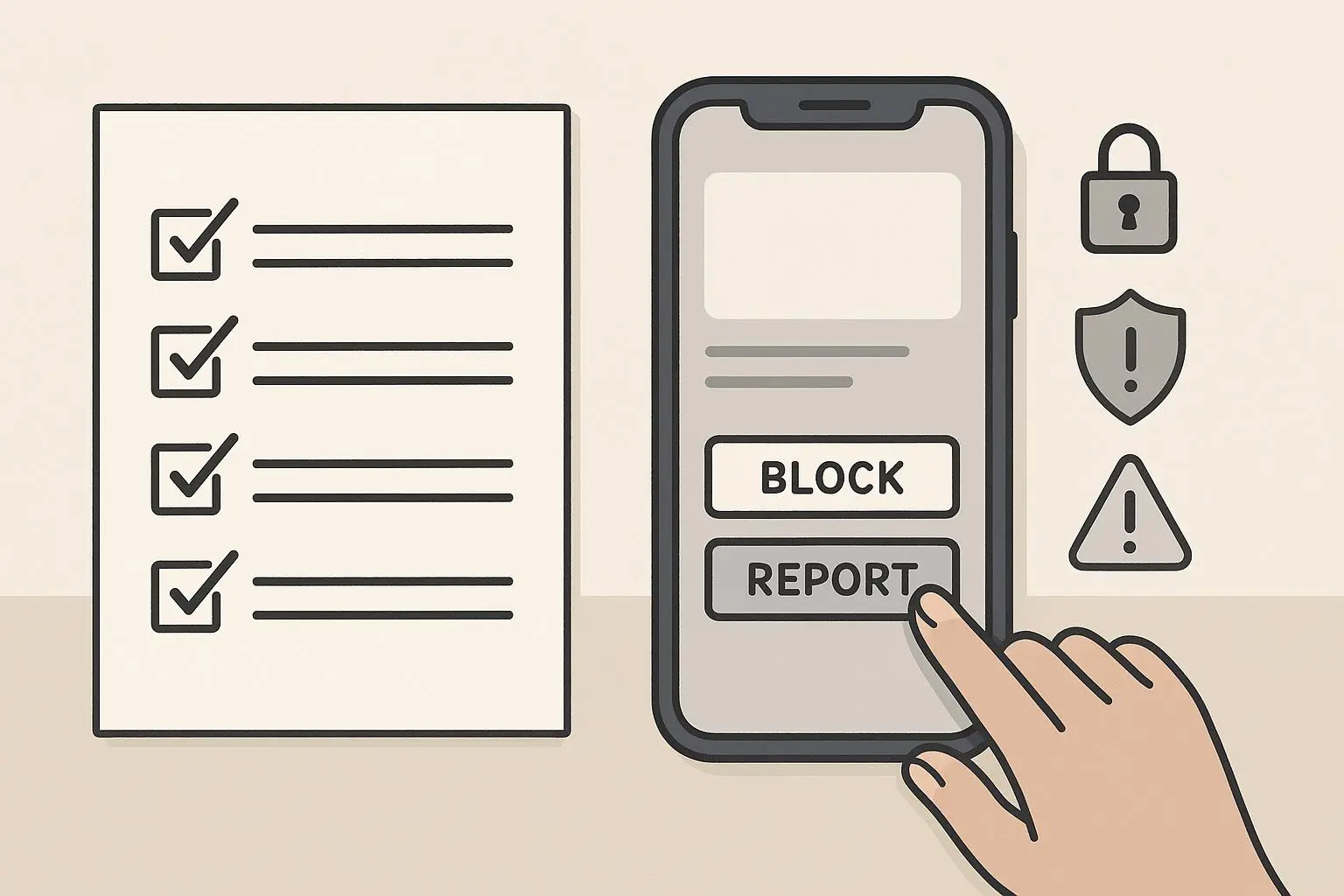
- For vague or creepy interactions: Block and report, then move on.
Step 7: Report the Incident
Reporting helps protect others and may be required for legal or platform-based responses.
- Report to the platform where the interaction occurred (Meta, Google, etc.).
- If you suspect financial fraud, file with the relevant authorities in your country (FTC in the U.S., Action Fraud in the U.K., etc.).
- For cybercrime patterns, consider filing with national cybercrime centers or equivalent agencies.
If you’ve shared financial details or money and you’re worried you’ve been compromised, use the appropriate channels to freeze or monitor accounts and contact your bank immediately. The sooner you act, the better your chances of mitigating damage.
Prioritized Steps to Protect Finances and Privacy
Immediate (Within Hours)
- Change passwords for potentially compromised accounts
- Enable 2FA on critical accounts (email, banking, and social media)
- Monitor bank and credit card statements for unfamiliar activity
- Consider placing a fraud alert with credit bureaus if sensitive data was shared
Short-term (Within 24-48 Hours)
- Report the incident to the platform and to relevant authorities if applicable
- Contact your bank to discuss possible fraud or unauthorized transfers
- Document everything in a single, organized file for law enforcement or IT investigations
Ongoing
- Regularly review credit reports and bank statements
- Use password managers to enforce unique, complex credentials
- Adjust privacy settings to limit data exposure
- Share lessons learned with trusted friends and family to raise their defenses
Templates You Can Use Right Now
Disengagement from a suspicious message that claims to be a known contact: “I want to verify this is really you before we continue. I’ll call you at the number I have on file. If this is urgent, I’ll reach you that way.”
Questioning a request that feels off: “I appreciate the message, but I’m not comfortable sharing that information via this channel. If this is legitimate, let’s connect through official channels to discuss it.”
When the pressure is persistent: “I can’t help with this right now. If you need assistance, please contact the official department directly through their verified website.”
If you sense a scam: “I’m not interested in continuing this conversation. Please do not contact me again.” Then block and report.
Phase 4: The Psychology Behind It (A quick detour)
There’s real psychology behind these interactions. Scammers rely on urgency, secrecy, and social engineering. The more you understand those levers, the less likely you are to react in a way that compromises you. The best antidote is a practiced routine—pause, document, verify, control, disengage, report.
The cognitive trick that gets people every time isn’t the tech—it’s the wish to believe that a quick, easy win is possible. The truth? The only sustainable defense is a calm, methodical approach you can repeat.
Practical micro-moments that helped me stay true to the plan:
- When a message claims it’s “urgent,” I take one deep breath and step away for 60 seconds. Never reply in haste.
- If a link shows a suspicious domain, I don’t click. I open a new browser window and navigate to the official site directly.
- If the request involves money, I default to official channels. If there’s any doubt, I pause again and verify.
If you’re dealing with a loved one who’s less comfortable with digital security, you can translate this approach into simple steps:
- Pause
- Ask for verification through a separate channel
- Don’t share personal data until verified
- Report suspicious activity to the right people