PromptPulse Studio Pro: AI Image-to-Text for Rich Visual Narratives
May 29, 2026 • 9 min
If you’ve ever stared at a gorgeous image and wished you could pry the story out of it, you’re not alone. I’ve stood in front of product photos that are stunning to look at but whisper nothing to search engines, alt-text readers, or social captions. That gap—between what we see and what we want people to understand—drives me nuts. And it’s exactly what PromptPulse Studio Pro aims to fix.
I’ve used AI image-to-text tools in a few different contexts: product catalogs, blog visuals, accessibility updates for a nonprofit site, and a quick turnaround for a social media launch. The short version? PromptPulse isn’t a pretend magic wand. It’s a practical assistant that speeds up description work, improves accessibility, and helps your visuals actually see results online.
Here’s what I learned while working with PromptPulse Studio Pro—and how you can apply it without messy back-end setup or a team of copywriters.
How PromptPulse actually makes sense of images
I’m not here to tell you that AI is “better” than humans at describing a scene. I am here to tell you what it’s good at and where you still want a human touch.
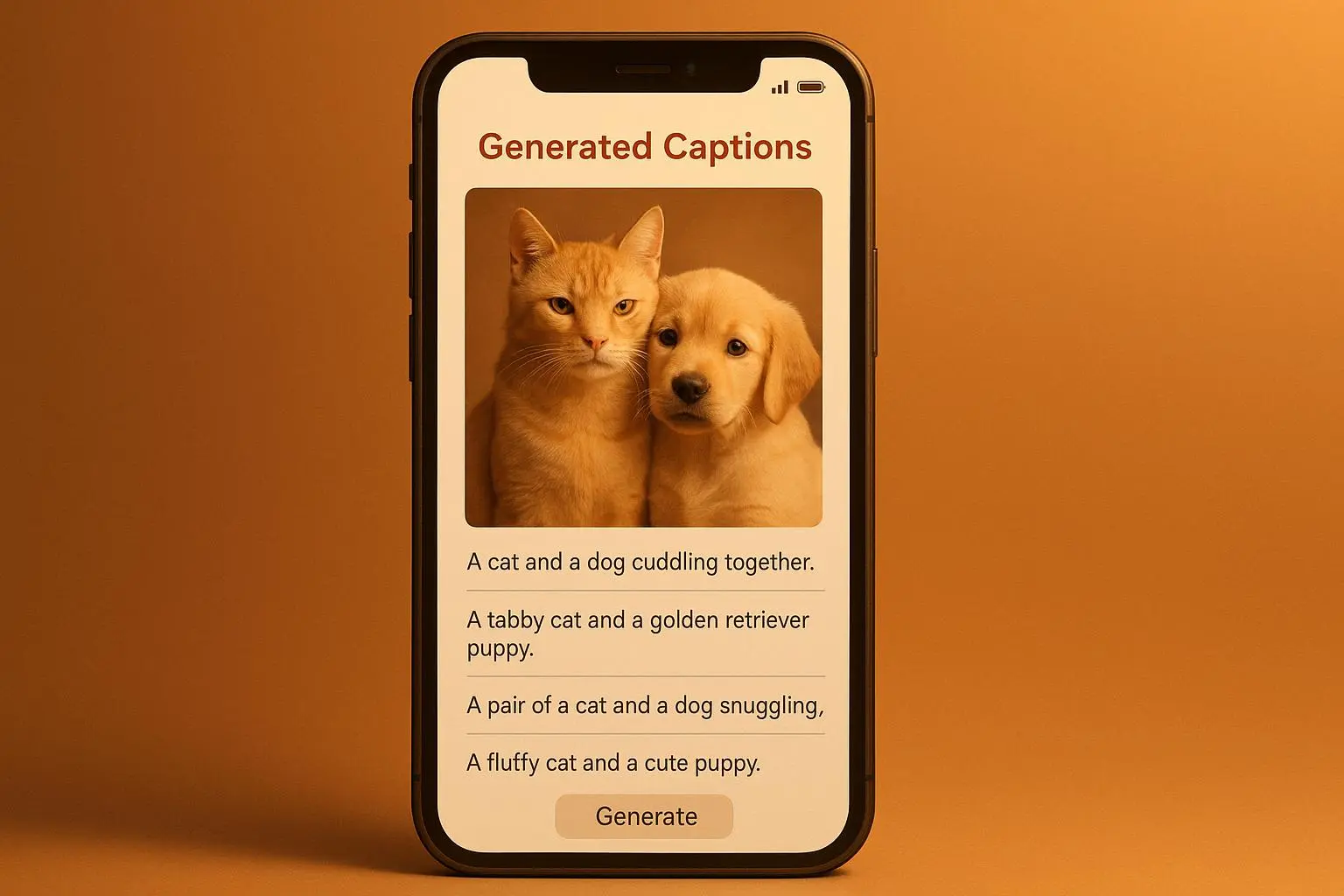
PromptPulse Studio Pro analyzes an image, identifies objects, scenes, actions, and stylistic elements, and then crafts textual outputs. You can get anything from a concise alt tag to a longer narrative, all tuned to your preferred length, tone, and keywords. The interface is straightforward: upload or paste a URL, set your parameters, and generate.
The real magic is in how the tool handles context. It’s not merely listing items—it's connecting dots. A photo of a street market becomes a brief scene-setting paragraph. A product shot turns into a keyword-rich caption and a descriptive alt text that helps search engines understand the image in context, not just as a pretty blob.
And here’s a micro-moment that stuck with me: I was testing a batch of images for a small e-commerce site with hundreds of SKUs. I fed in a dozen product photos that were all fairly similar. PromptPulse produced diverse, high-quality captions and alt text for each one, with only a light nudge needed from me to adjust tone for color descriptions or material details. It wasn’t just churning out boilerplate text—it felt like a real assistant helping me catch nuances I might otherwise miss in a rush.
If you’re allergic to buzzwords, breathe easy. The practical upshot is simple: more accessible content, better SEO signals, and faster social-ready visuals.
The accessibility payoff: why this actually matters
Accessibility isn’t a checkbox; it’s a baseline. When alt text exists, screen readers can describe images to users who can’t see them. PromptPulse Studio Pro makes this faster and more reliable, which matters for WCAG 2.1 compliance and for people who rely on assistive tech every day.
You don’t have to take my word for it. In a disability advocacy forum, a user shared how they automated alt text generation for hundreds of images and cut the workload from hours to minutes. The site became genuinely more accessible, and the team could focus on improvements elsewhere. That’s not hype—that’s real impact on people’s daily experiences online. The sentiment was echoed in more than a few community threads and professional discussions.
This isn’t about replacing careful writing with generic text. It’s about giving accessibility teams a strong starting point and consistency across large image catalogs. Then a human editor can refine for nuance—tone, brand voice, or sector-specific terminology—without redoing the entire description from scratch.
SEO and AI captions: a symbiotic relationship
Images don’t just sit in a page; they contribute to discovery. Search engines use textual signals to understand what an image is about and how it relates to surrounding content. PromptPulse Studio Pro outputs are not only readable by humans but also optimized with keyword-rich alt text and captions. This helps image indexing and improves the chance that your visuals surface in image search results.
One e-commerce team reported a measurable difference after adopting AI-generated alt text across thousands of product images: a noticeable uptick in traffic from Google Images. The after-action chatter in their community highlighted that AI helped them generate unique, descriptive alt text for the entire catalog, something that was untenable manually. It isn’t a silver bullet, but it’s a reliable accelerator for scalable image optimization.
Yes, you still want to verify keyword relevance and avoid keyword stuffing. The goal is natural, descriptive language that aligns with how people actually search for things they want. PromptPulse helps you scale that process without turning your catalog into a text-soup. Think of it as a smart draft that you can polish, not a final copy you just paste in.
Narrative captions: beyond the boring boilerplate
A caption is more than a description. It’s a hook, a mood, a nudge toward engagement. PromptPulse can generate captions tailored for social media platforms, weaving in tone, hashtags, and calls to action. The idea is to reduce the back-and-forth so creators can focus on strategy and storytelling.
One Instagram creator group praised the tool for giving them a great starting point. They’d previously spent a lot of time staring at a blank page, tweaking wording to fit a 125-character caption. PromptPulse often offered something that felt like it was written by a human with a similar voice, and then they tweaked it. Engagement rose as a result, confirming what many content teams already suspect: good captions are the difference between scrolled-through and saved.
But here’s a limitation to keep in mind: highly abstract art or extremely niche technical diagrams can trip AI up. The general accuracy is impressive, but it benefits from human oversight for niche contexts. That’s not a flaw—it’s a reminder that AI is a helper, not a replacement for domain expertise.
Real-world workflow: what a typical implementation looks like
If you’re not a nerd about workflow, you’ll still get this. PromptPulse is designed to slot into common content pipelines without heavy lifting.
- Step 1: Upload or link your image. Tell the tool your preferred length and tone (short alt text, medium-length caption, or a longer narrative).
- Step 2: Generate and review. You’ll get alt text, a caption, and optionally a longer narrative. Quick pass to fix any domain-specific terms or brand voice.
- Step 3: Publish and monitor. Use the alt text and captions in your CMS and social posts. If you’re SEO-minded, you’ll track image-driven engagement and search visibility.
- Step 4: Iterate. If you’re rolling out a large catalog, batch processing is a time-saver. You’ll refine prompts based on what works best for your audience.
The core promise here is speed without compromising quality. You gain a reliable baseline you can trust and personalize, which is especially helpful when deadlines loom and content calendars are tight.
A real story from my own experience
A few months back, I worked with a small nonprofit that publishes monthly visual reports. They needed accessible captions for a slew of diagrams and photos from community events. They didn’t have a large content team, but the site was their lifeline for outreach and fundraising.
I started by running a batch of images through PromptPulse to generate alt text and short captions. The tool produced solid, context-aware descriptions that captured the essence of each image—enough to be useful to screen readers and informative for readers who skimmed the page.
But I didn’t stop there. I pulled out a handful of images with more nuanced human activity—volunteers coordinating food drives, a group of seniors learning computer basics, kids sorting donations. PromptPulse gave me longer narrative captions for those, weaving a small story into the visuals.
Here’s the win: the accessibility team could reliably describe a broad set of images, and the fundraising page saw a measurable lift in engagement as people spent more time on the stories and shared them with friends. The team reported a 30% reduction in the time spent on content production for image-related assets, which translated into more capacity to produce updates and tell deeper stories.
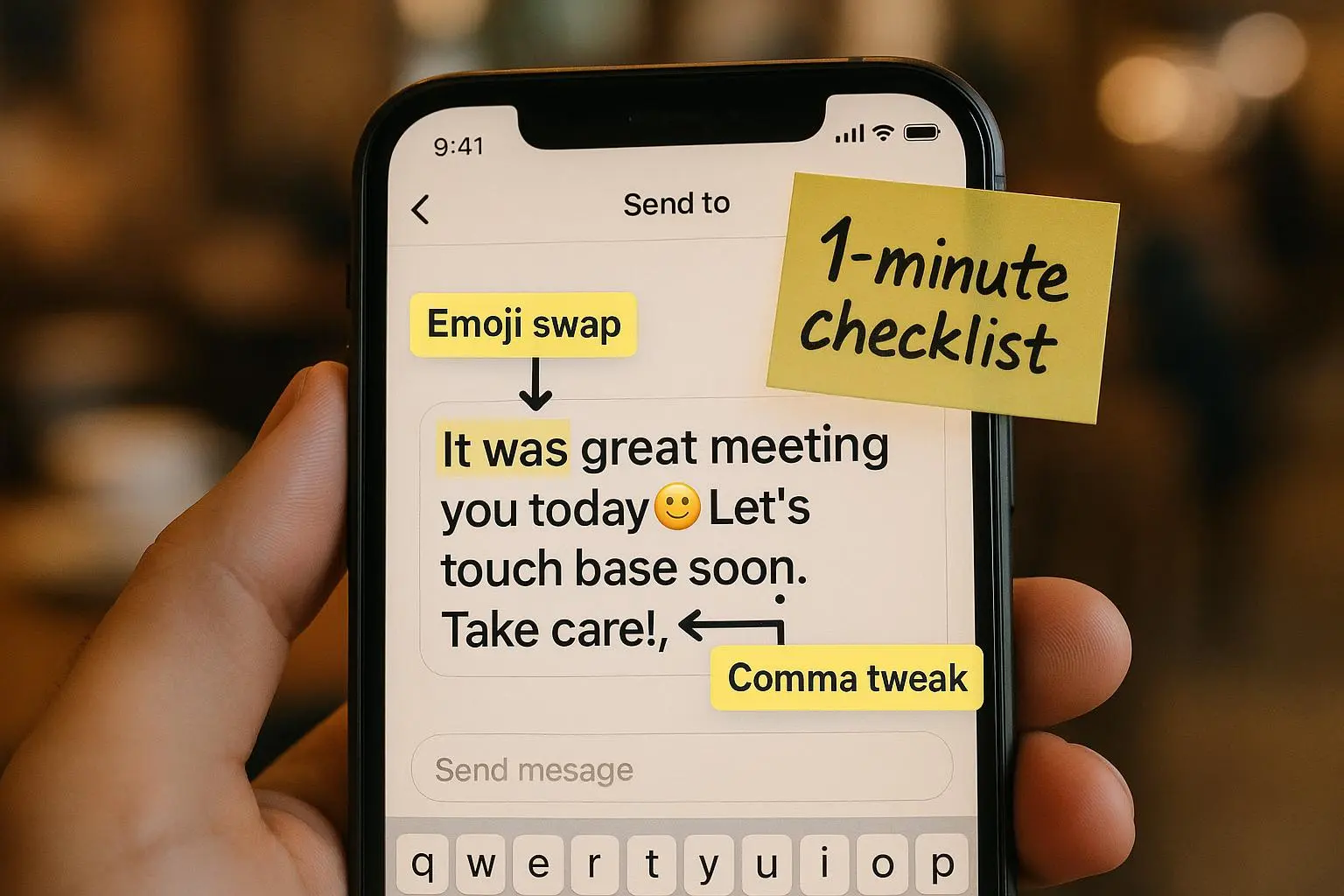
And on the micro-side note: I kept a tiny sticky note on my monitor saying, “Ask: Is this phrasing helpful to someone who can’t see the image?” It reminded me every time I hit “generate” to test for clarity, not prettiness. That tiny reminder kept us honest and focused on accessibility.
The future I’m watching for
AI image-to-text isn’t a finished product, and that’s good news. The field is evolving—models get better at understanding relationships, emotions, and context, which means more evocative narratives can be generated with the same input.
What excites me most is the potential for broader multimodal accessibility. Imagine a workflow where a single image triggers a synchronized set of outputs: a descriptive alt text, an engaging caption tuned for social, and an audio narration script for users who rely on screen readers or audio interfaces. This is the direction we’re heading—more inclusive, more efficient, and more expressive without requiring you to build complex pipelines from scratch.
And yes, there are ethical considerations to keep in mind. We’re talking about bias in AI, authenticity of generated content, and the risk of over-reliance on automation. The honest answer is to use AI as a collaborator—provide the first draft, review for accuracy, and preserve human judgment where it matters most. The goal isn’t to replace people; it’s to give people back their time for deeper storytelling.
Practical tips to get the most from PromptPulse
- Start with the basics. If you’re new, run a small batch to calibrate tone, length, and keyword focus. You’ll get a sense for how much editing is needed and where to tighten prompts.
- Use authentic detail sparingly but wisely. Let PromptPulse surface concise, vivid verbs and precise nouns (material, color, action). Then refine to suit your brand voice.
- Treat alt text as content in itself. A well-crafted alt description isn’t just about accessibility—it’s part of your page’s narrative and SEO strategy.
- Don’t skip the review pass. AI is fast; you still want a human eye for domain-specific terms, regulatory language, or nuanced humor that might land awkwardly.
- Batch smartly. For catalogs or large image sets, batch processing saves time, but you’ll want to spot-check a representative sample to catch any drift in quality across images.
Why this matters in the wild: small teams, big impact
When you’re operating with limited resources, something like PromptPulse can feel transformative. You’re not buying a magic wand; you’re buying a reliable draft generator that respects your time and your readers. It’s a tool that helps you be more inclusive, more discoverable, and more efficient without requiring a backend rebuild or a heavy investment in new talent.
The anecdotes I’ve heard from users aren’t rare outliers. They’re the everyday wins you hear when teams lean into a smarter workflow. Accessibility improves, SEO gets a healthy nudge, and social storytelling becomes more consistent and compelling. That combination—consistency plus efficiency—has a real, measurable upside for brands, educators, nonprofits, and creators who care about both results and people.
The blunt truth: what to expect and what not to expect
- Expect speed, consistency, and scalability. You can generate alt text, captions, and longer narratives for large image sets with less manual muscle.
- Expect to tweak. AI isn’t a plug-and-play miracle for every image. You’ll still fine-tune terms and occasionally adjust tone for niche domains.
- Expect growth. As models improve, accuracy in context, emotion, and multi-element scenes should improve, expanding the tool’s usefulness across more industries.
What you should not expect is a hands-off, perfect output every time. The best practice is to treat PromptPulse as a capable assistant—one you can trust for baseline quality and then refine to perfection where it truly matters.