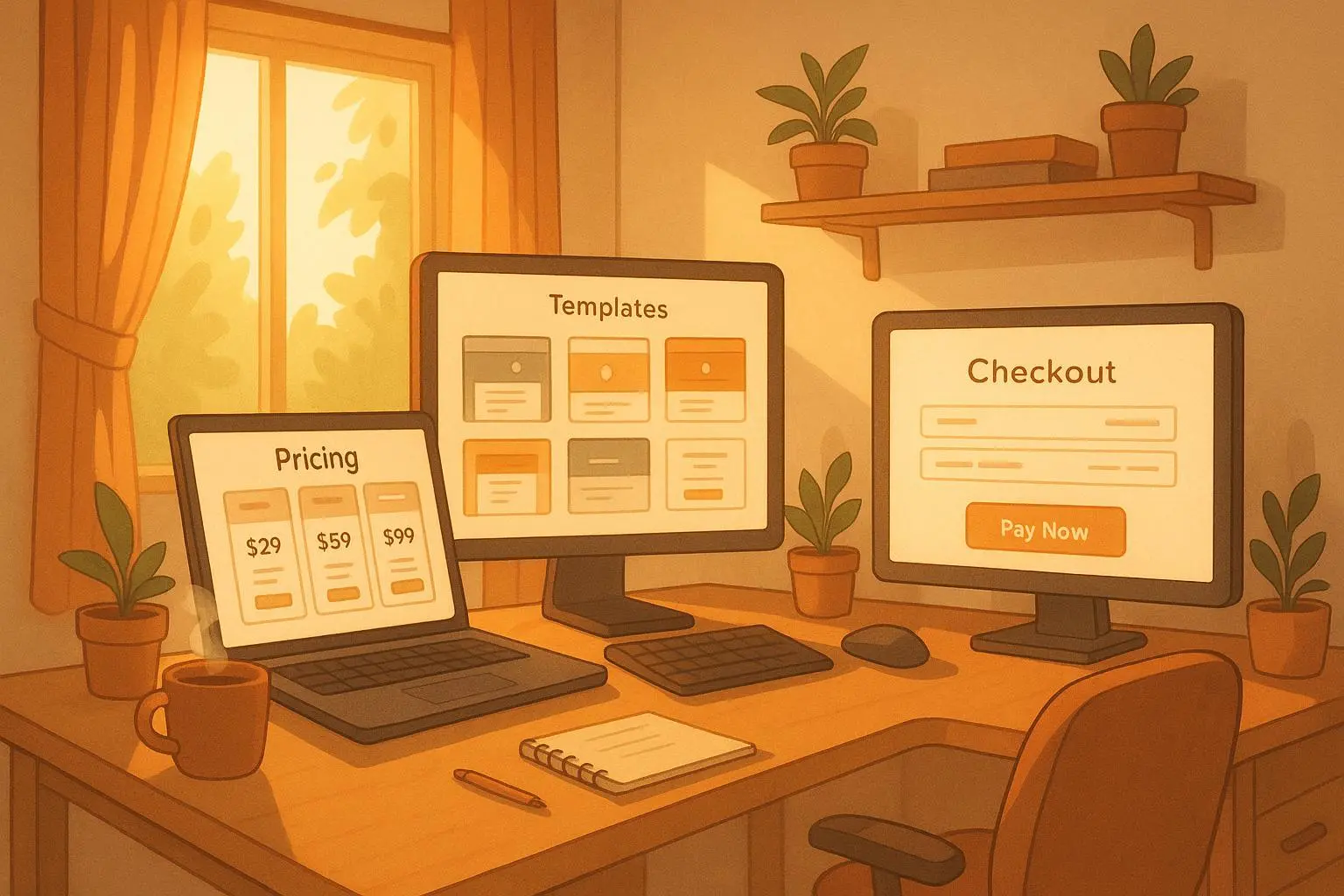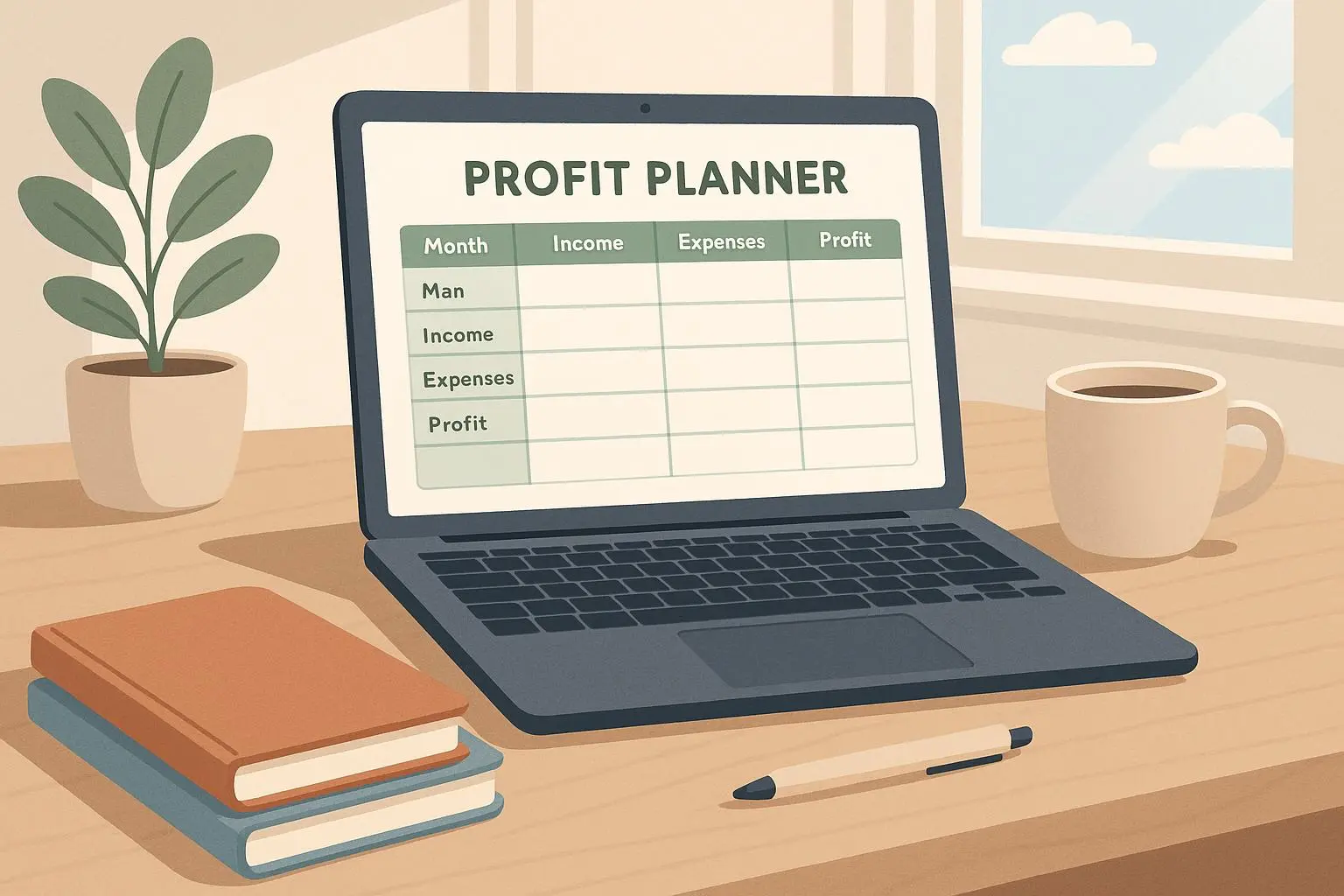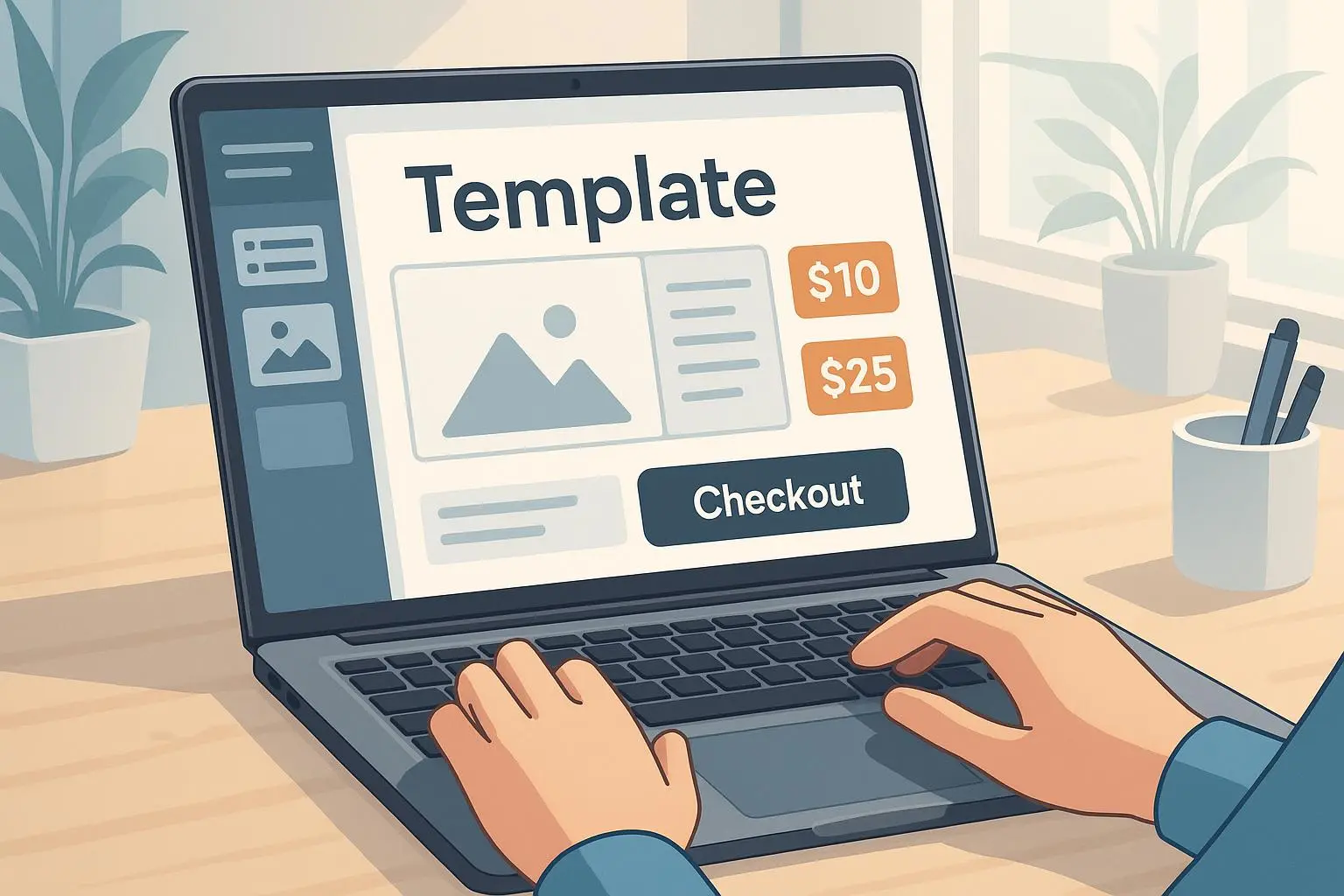
Profit Template Studio: Build Profitable Templates with Minimal Setup
Nov 16, 2025 • 9 min
If you can boil a useful workflow down to a file someone can drop into Notion, Airtable, or Excel, you can build a product that sells while you sleep. No support tickets, no servers, no feature backlog—just one well-designed asset delivering immediate value.
I’m going to show you how to pick the right niche, validate fast, price like a pro, and launch with platforms that do the heavy lifting. This isn’t theory. It’s the playbook I wish I’d had the first time I tried to sell templates and watched crickets chirp.
Why templates actually sell
Templates win for one simple reason: they remove friction. People don’t buy templates because they love files; they buy them because those files save hours, reduce decision fatigue, or stop a recurring mistake.
A short study of the market shows templates that come “pre-configured” — meaning they include logic, automation, or built-in instructions — convert far better than plain PDFs or vague checklists[1]. You’re selling a shortcut, not a lesson.
Here’s the mental model I use: think in terms of time saved × frequency of use. A template that saves 5 hours once is useful. A template that saves 30 minutes every week for a team of five? That’s recurring value. Price accordingly.
Find the niches where people will pay
Generic templates die a slow, painful death. Specificity sells. I don’t mean “project management” — I mean “SaaS churn-reduction playbook for early-stage subscription businesses,” or “DTC 30-day profitability model for Shopify stores with paid ads.”
High-value categories I’ve seen work repeatedly:
- Operational efficiency: SOP kits, roll-up reporting dashboards, OKR trackers built for specific roles.
- Financial modeling: pro forma revenue models for niche businesses (shops, agencies, indie SaaS).
- Creative & marketing: platform-specific content calendars (TikTok growth sequences, newsletter funnels).
- Automation & reports: Airtable dashboards that auto-generate weekly client reports.
Specific example: a creator I know sold 20 copies in a week after switching from “Business Plan Template” to “DTC E-commerce Launch Financial Model for Shopify (with ad spend scenarios).” Narrow the target and your copy does half the selling for you[2].
Quick test: is your idea specific enough?
Ask yourself: who uses this, what exact problem does it stop, and what software does it require? If you can answer in one sentence and name the tool (Notion, Airtable, Excel), you’re on the right path.
Validate before you build
You don’t need a polished product to prove demand. Spend two days and one small ad budget, not two weeks and a full site.
Three validation tactics that actually work:
Pre-sale landing page
- Build a one-page pitch on Carrd or a Gumroad pre-order. Include 3 screenshots, a benefits list, and a “Founders” discount for the first 10 buyers.
- Run $50–$150 of targeted ads (LinkedIn for B2B templates, Facebook/Instagram for small-business tools). If you get 5–10 pre-sales at your price point quickly, that’s real demand.
Community polling + micro-commitment
- Post in niche communities (Product Hunt threads, subreddits, specialized Slack/Discord groups). Ask one focused question: “What’s the one thing that makes you toss a project tracking system?” If responses repeat, you have a pattern to solve.
- Offer a low-friction signup (email + 10% off). Quality of signups matters more than quantity.
Rapid mock & manual delivery
- Make a minimal version and sell it manually for a week. Deliver via Google Drive or Gumroad, then iterate based on questions buyers ask. Those questions tell you what the full product must include.
The point: if people will pay before you’ve built the whole thing, you can build only what matters.
Pricing: it’s more psychology than math
Templates have near-zero marginal cost, but price them like products that save time or revenue.
Practical price bands I use:
- $15–$29: impulse buy, low expectation, great for lead magnets or volume.
- $29–$99: the sweet spot for most creators — perceived value vs. willingness to buy.
- $100–$299: premium templates with automation, walkthrough videos, and support windows.
- $300+: bundle/tailored templates or agency-style packages.
Two pricing frameworks:
Time-saved multiplier
- Estimate the hours saved and multiply by a reasonable hourly rate for your buyer. If a freelance designer saves 10 hours and charges $75/hr, the math supports a $299 price. Don’t publish that math; use it to justify your tiering.
Tiered offering
- Basic: core template (single file)
- Pro: template + walkthrough videos + setup checklist
- Elite: Pro + 30 days of email support or a 60-minute setup call (priced for profitability)
One hard lesson I learned: if you sell above $150 without clear support boundaries, buyers assume consulting. State it plainly: “This is a template, not consulting.” Or bundle support and price it in. Either way, plan for your time.
Platforms: ship without reinvention
Forget building a storefront on day one. Use platforms that handle payments, delivery, and taxes.
What I use and recommend:
- Gumroad: clean checkout, subscriptions, and easy file delivery.
- Lemon Squeezy: great if you need automated VAT/sales tax handling for global buyers.
- Payhip: low fees and a simple flow for beginners.
- Carrd: the fastest way to spin up a pre-sale page.
- Notion/Airtable: build the template in the tool buyers will use. Screenshots + an install guide go a long way.
Move platforms only when revenue or business needs it. I moved a few sellers from Etsy to Gumroad after noticing higher conversion intent and better tools for creators[3].
Launch playbook (48–72 hour minimal launch)
Day 0: Pre-sale page + 3 screenshots + a clear benefit headline. Day 1: Post in two niche communities, email your list if you have one, run $100 of targeted ads. Day 2: If you have 3–10 pre-sales, start building the full template. Keep buyers updated; transparency builds loyalty. Day 3: Deliver a polished file, send follow-up onboarding emails, and ask for feedback/testimonials you can use on the product page.
Small launches beat never-launching. Repeat fast, iterate, and upsell.
How to structure the product for minimal support
Structure matters more than bells and whistles. Your job is to reduce questions.
Include:
- Installation guide (copy-paste steps)
- One “how I use it” case study (real numbers help)
- Short walkthrough video (3–7 minutes)
- FAQ addressing the top 5 questions you expect
- Optional support flap: “Add-on onboarding for $X”
That FAQ eliminates 50% of support DMs. People ask the same five questions—answer them preemptively.
Distribution and growth tactics that scale
A template business scales when you capture attention in places where your buyer already spends time.
- Niche newsletters: sponsor one that serves your buyer persona. Expect $200–$1,000 per send depending on list size.
- Partnerships: team up with a software company (like an Airtable consultancy) to co-promote a template.
- Content-based funnels: write short guides and link your template as the “downloadable system.” A single well-ranked post can sell monthly.
- Free V1 to paid V2: Launch a lightweight free version to build an email list, then convert 5–10% to paid upgrades. I’ve seen creators grow a list of 3,000 free users and convert 150 for a $59 upsell — that’s $8,850 from one iteration[4].
Story time: what I learned the hard way (120 words)
I launched my first “agency operations” template as a polished PDF and priced it at $99. Zero sales for three weeks. I panicked, rewrote copy, added screenshots, still nothing. Then I posted a 60-second demo in a small Slack group for agency owners. Two people bought immediately. Their follow-up questions were golden: they wanted pre-populated sample data and a cleaned CSV import. I rebuilt with those two changes, and sales tripled that month. Lesson: build around the buyer’s workflow, not your ideal version of it. Small, real changes beat design perfection every time.
Micro-moment: I still keep the first buyer’s email. He wrote “works like a glove” and two emojis. It hangs on my monitor to remind me that one real person matters more than a thousand faceless visitors.
Common pitfalls and how to avoid them
- Overbuilding: Don’t add features until you see demand for them.
- Under-explaining: Every template needs an install guide and a “what success looks like” example.
- Ignoring support cost: If buyers need 30 minutes of help on average, include that in your price or add a paid setup option.
- Wrong platform: Etsy might get traffic, but it’s not always the right buyer. Gumroad and Lemon Squeezy attract serious buyers.
Metrics to watch
- Conversion rate on landing page (aim for 2–5% for targeted traffic)
- Refund rate (under 3% is healthy)
- Support time per sale (target <15 minutes)
- Repeat purchase rate and upgrade rate (these signal product longevity)
Long game: productize, iterate, and own the relationship
Templates are digital real estate. Small updates and new versions (V2, V3) drive more value than constantly creating new one-off products. Collect emails, ship updates, and build a relationship. A $29 V1 and a $79 V2 to the same base of buyers is how you grow beyond one-time revenue.
If you want to scale further, productize internal agency tools, offer team licenses, or turn a top-selling template into a mini-course or subscription.
Final checklist to launch in a weekend
- Pick a hyper-specific niche and tool (Notion/Airtable/Excel)
- Create a minimal demo and 3 screenshots
- Launch a Carrd/Gumroad pre-sale page
- Run $100 of targeted ads or community posts
- Deliver, iterate, and ask for testimonials
That’s it. Small bets, fast feedback, clear pricing. Build once, patch often, and sell forever.
References
Footnotes
-
Patel, N. (2021). Why Pre-Configured Templates Outperform Basic Downloads. Neil Patel Blog. Retrieved from https://neilpatel.com/blog/pre-configured-templates-convert-better ↩
-
Copyhackers. (2019). The Power of Narrow Targeting in Copywriting. Copyhackers. ↩
-
Indie Hackers. (2022). Etsy vs. Gumroad: Where Creators Earn More. Indie Hackers. ↩
-
Gumroad. (2023). Case Study: Turning Free Users into Paying Customers. Gumroad Blog. ↩