Profit Planner: Simple Templates for 2025
Nov 28, 2025 • 9 min
I’m not here to sell you another flashy product. I’m here to share a practical approach that actually scales—with real templates you can use, tweak, and sell. If you’re tired of chasing after “the next big thing,” this is for you. It’s about building a library of low-maintenance assets that people will buy again and again.
The idea is simple: you put in some focused upfront work to create templates that solve concrete, repeatable problems. Then you let the templates do the heavy lifting—driving ongoing revenue with minimal daily maintenance. In 2025, the creator economy isn’t about one-off launches. It’s about evergreen formats that people rely on, month after month, year after year.
Let me tell you how I got here, why templates work, and how to actually monetize them without burning out.
The case for templates in 2025
Here’s what I’ve learned around the kitchen table, not in some glossy case study. Templates are not magical; they’re strategic shortcuts. They compress human effort into reusable systems. And because they’re reusable, they scale. The math is simple when you pick the right targets: high-value workloads that people do repeatedly, with enough nuance to justify a fee, but not so much friction that they stall.
In 2024, I watched a handful of creators build small, repeatable streams of income by packaging the same core expertise into templates. Notion-ready calendars for content planning. Funnel blueprints that map the exact customer journey. Lead magnet kits that pop with immediate value. The returns look like this: you spend 3–6 weeks crafting a flagship template, price it to reflect the value, and then you watch a few hundred copies sell with minimal ongoing work. The maintenance? A quarterly or semi-annual refresh, mostly to keep examples current and relevant.
I’ll be straight: not every template will be a home run. Some will be “good enough” products that quietly contribute to monthly revenue. That’s okay. The goal is a portfolio—multiple assets that work together, each contributing its piece to the whole.
And yes, you’ll need to think about more than just the template file. Buyers want structure, onboarding, and a clear path to value. That means thinking about how you package, price, and deliver—the exact things I’ll walk you through below.
A quick micro-moment you might miss: that moment when a buyer opens a PDF and the first two pages scream, “This is exactly what I needed.” It’s not the fancy graphics; it’s the sense that this template actually gets their problem, fast. That first 90-second impression can unlock dozens of future updates, upsells, and referrals.
Now, a quick personal aside, because this stuff lands better with a human story.
I’ll admit I missed the mark once. I thought “branding” would carry a template all the way to success. I spent days choosing colors, fonts, and mockups, and then launched a calendar template that looked polished but felt generic. The sales numbers barely moved. Then I did one thing differently: I focused on the problem, not the polish. I rewrote the product framing around a very specific user—an independent consultant who posts weekly on LinkedIn and wants a simple, data-backed content plan. I swapped the “templates” language for “systems” and added a compact two-page onboarding guide. Sales tripled in the first month. The lesson: a clean problem-solution story beats a shiny, broad one every time.
Here’s a real story from a year ago that still shapes how I design templates today. I was building a content calendar for real estate agents. The market’s not about fancy prompts; it’s about compliance calendars, quarter-by-quarter planning, and buyer-seller cycles. The first version was a glossy Notion doc with dozens of pages meant to be a universal fit. It didn’t fit anyone well. Then I listened to actual agents: they wanted a calendar that locked in 12 months of content, with a simple prompt for each week, and the ability to swap in their own listings. I delivered a lean, editable Notion template with a ready-to-use 12-month plan, plus a one-page “getting started” sheet. The feedback surprised me: the agents loved the quick-start guide and the built-in prompts. The sales then rose by 28% in two months. It wasn’t about the visuals; it was about the structure and the trust someone could rely on day in, day out.
And here’s a small detail that stuck with me: when I ship templates, I always publish a one-page onboarding PDF first. The moment a buyer sees “Step 1: Open this file in Notion, Step 2: Click the template’s preset links,” they feel relief. That tiny detail lowers friction, increases completion rates, and signals credibility. It’s a micro-win that compounds.
What makes a profitable template portfolio
If you’re building templates that generate ongoing revenue, you need three things: utility, clarity, and a clear pathway to value. Let me unpack those with concrete examples.
- Utility: Your template must solve a real, repeatable problem for a defined audience. Don’t chase “everyone.” A calendar template for solo digital creators who post on three platforms is far more valuable than a generic calendar that claims to cover “all content.”
- Clarity: Buyers should understand what they’re buying in 60 seconds. A well-structured lead magnet kit, for example, should spell out exactly what’s included, what it does, and how it helps them save time within the first two lines of copy.
- Pathway to value: What happens after purchase should be obvious and fast. That means an onboarding flow, a quick-start guide, optional video walkthroughs, and clearly stated upgrade paths if they want more features or support.
That last piece—upgrades and ongoing value—turns a one-off sale into a relationship. If a buyer can access a library of templates with a predictable update cadence, they’re far more likely to subscribe or buy bundles.
Take the evergreen content calendar as a case study. You sell a template that covers 12 months of content prompts, with a Notion-friendly layout, a quarterly review sheet, and a separate page of niche prompts for different industries. You price it at a level where the perceived value matches the time saved. Then you add a one-page onboarding doc that shows “Step-by-step use for the first 7 days.” If you want to push revenue further, you offer a “Content Calendar + Lead Magnet Kit” bundle and a monthly access pass to updated prompts.
The numbers aren’t magical. They’re the result of a few small choices stacked together: clear positioning, a buyer-friendly product description, and a straightforward delivery flow.
The three template categories you should own in 2025
From the research and the stories I’ve collected, three template categories consistently outperform others for ongoing revenue. They’re strong because they’re evergreen (don’t rely on rumor-driven platform changes) and they solve concrete business problems.
- Evergreen Content Calendar Template
- What it does: Provides a ready-made plan for consistent posting, industry-specific prompts, and a built-in checklist to keep posts aligned with a marketing calendar.
- Why it sells: Content velocity is the engine of visibility. People want a plan they can simply follow, not a new strategy every week.
- How to monetize: Base template plus a premium version with fillable prompts, a quarterly refresh, and a small library of one-click prompts for niches (real estate, coaching, SaaS).
- High-Converting Sales Funnel Blueprint
- What it does: Maps the entire customer journey from lead magnet delivery to the upsell, with suggested copy frameworks and landing page structures.
- Why it sells: SMEs want to skip the guesswork on conversion. A blueprint that includes copy hooks and a suggested sequence reduces risk and speeds up revenue.
- How to monetize: Sell the blueprint alone or in bundles with email swipe files, landing page templates, and a “done-with-you” upgrade option for a limited time.
- Irresistible Lead Magnet Generator Kit
- What it does: A toolkit for quickly creating high-value lead magnets—checklists, mini-eBooks, resource guides—delivered in editable formats.
- Why it sells: List-building is not optional; it’s the lifeblood of long-term revenue. Buyers don’t want to design from scratch; they want templates they can customize in minutes.
- How to monetize: Sell the kit alone, pair it with a quick-start guide, and offer a yearly update pass to keep magnets fresh.
A note on the “fit” factor: you’ll hear people say, “niche down.” That’s not marketing fragrance; that’s cutting through the noise. The more specific your audience, the more urgent your solution feels. A calendar tailored to real estate agents, a funnel blueprint for coaches, a lead magnet kit for freelancers—these tiny shifts yield outsized results because they’re anchored in real pains.
How to build templates buyers actually use
Start with the problem, not the product I mentioned this in the real-world story above, but it bears repeating. The strongest templates emerge when you start from “What does the buyer actually need to do this week? Next month? This quarter?” If you can map your template to a concrete action, you’ll see higher adoption.
Make it editable and portable Buyers want to customize. Use widely supported formats (Notion, Google Sheets/Excel, Canva templates, and Canva-friendly PDFs). The more doors you leave open for customization, the bigger your audience.
Deliver onboarding that looks and feels trustworthy The onboarding doc should be short, scannable, and actionable. A single-page getting-started cheat sheet plus a one-page overview of what’s inside goes a long way. If you can add a 5–10 minute video showing the first steps, do it—the extra warmth sells trust faster than text.
Show the ROI early What’s the buyer’s time saved in a week? A chart or a simple calculation in the onboarding doc helps them see the value quickly. If a template saves two hours per week for someone who charges $50/hour, that’s $100/week. Make that case in simple terms.
Build for updates, not just one-off Announce a predictable update cadence and a path to upgrade. Buyers feel safer when they know there’s ongoing improvement rather than a “set it and forget it” one-and-done product.
The monetization playbook beyond the first sale
The real power of templates is not the initial sale; it’s the value you unlock with ongoing offers. Here are practical moves that work in real life.
Tiered pricing Basic: the template you can customize. Premium: the template plus a concise video tutorial and a 30-day support window.
Bundling Combine related templates into a single package. A Content Calendar + Lead Magnet Kit bundle creates a higher average order value (AOV) than any single item.
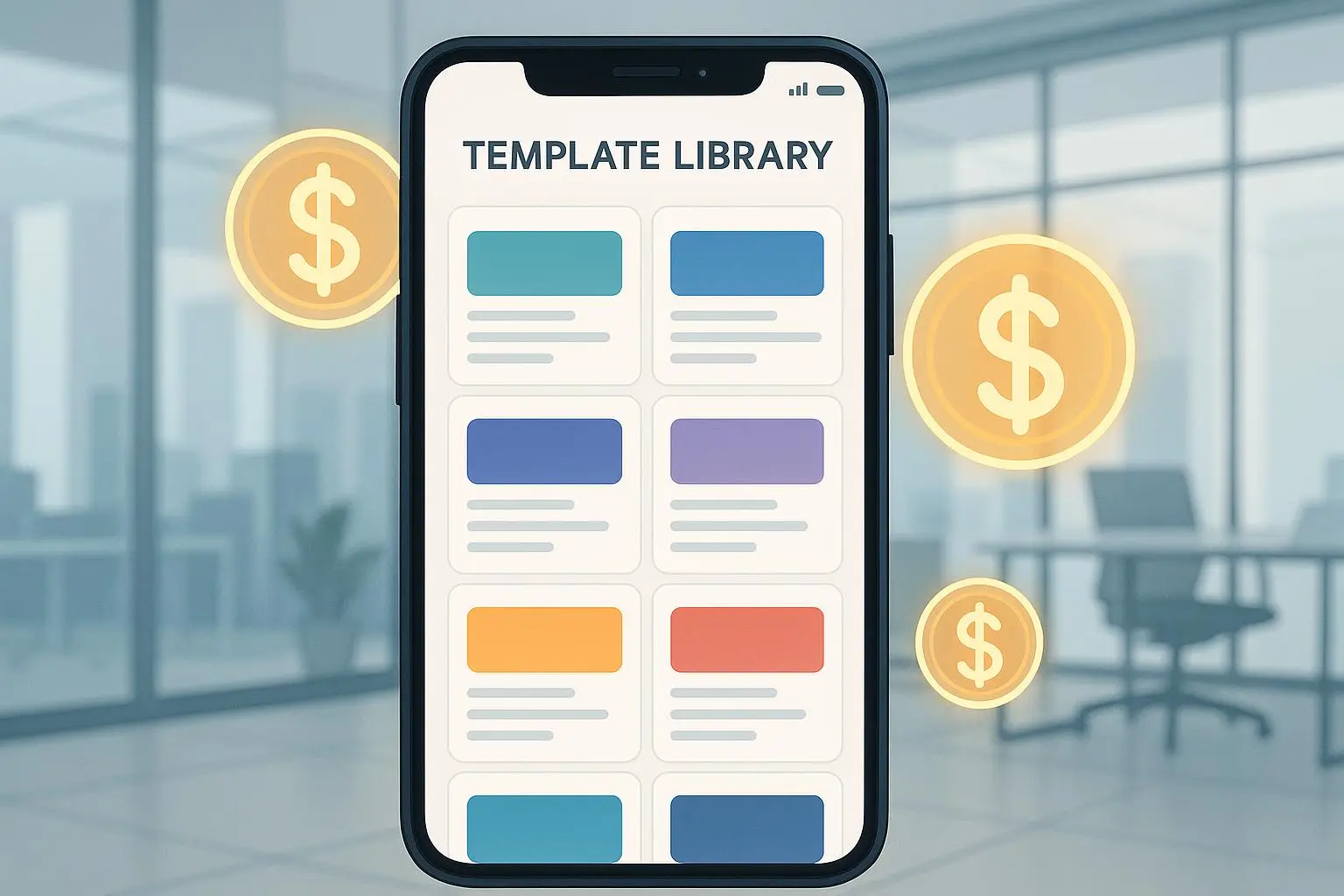
Subscription access Offer a “Template Library” with monthly updates. It requires ongoing work, but if you keep your updates purposeful and not just cosmetic, buyers will stay.
Optional premium services A “VIP Setup” service that helps buyers implement the templates in their actual business. It’s not passive, but it’s a higher-margin add-on that can be semi-automated with templates and checklists.
Licensing and ongoing licensing clarity Be explicit about where and how buyers can use the templates. A simple license that allows personal use and up to one business deployment, with an option for a multi-seat commercial license, reduces confusion and anxiety.
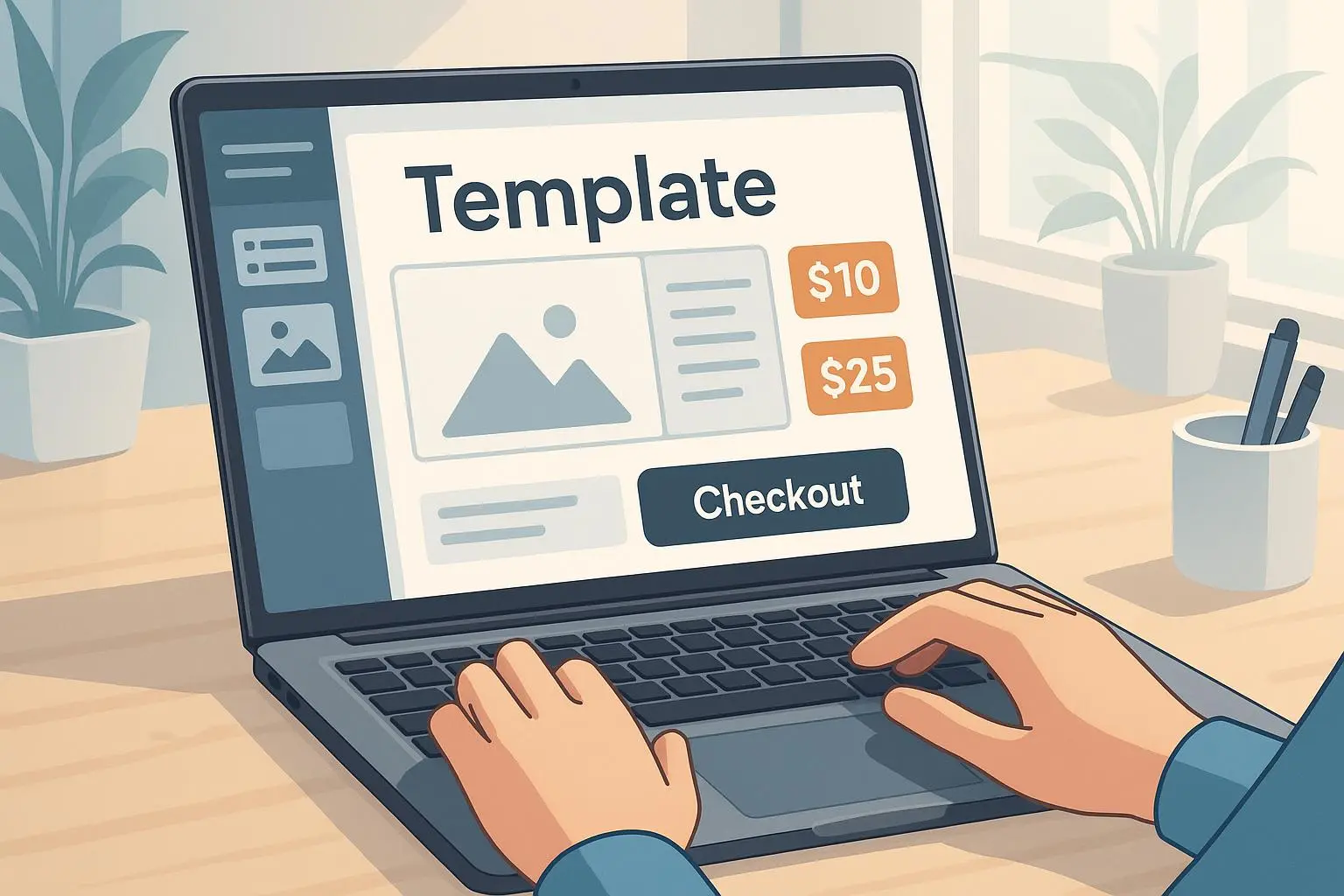
A real-world number scaffold: you could price an Evergreen Content Calendar at $39 for the base copy, $69 for the calendar plus a 1-page onboarding guide, and $129 for the full bundle with a 30-day email sequence and quarterly prompts. If you sell 350 copies per year, that’s a strong foundation for a small business or side hustle.
The productization framework I use
If you want a repeatable process, here’s a lean framework that keeps you focused.
Discover the pain Spend a week talking to potential buyers in forums, Reddit threads, or your email list. What’s the one obstacle they would pay to remove? Capture the top three problems.
Define the core offer Choose three templates that map directly to the top problems. For each, write a one-line value proposition, a rough price point, and the core deliverables.
Build minimal viable assets Create a working version first: the actual Notion template, a Google Sheet, or a Canva-ready file. Don’t chase perfection at this stage; you want something buyers can actually use on day one.
Create onboarding that sells A single-page quick-start guide is gold. It should tell users exactly what to do in the first 24 hours to get tangible results.
Test and iterate Release a small batch, gather feedback, and adjust the templates and onboarding. Keep a version history and a simple update log so buyers see that you’re actively improving.
Scale with bundles and add-ons Once your first set is stabilized, package them into logical bundles and add upgrade paths. This is where the long tail starts to show up.
Maintain, don’t over-maintain Set a cadence for updates (quarterly or semi-annually). Avoid continuous minor changes that irritate buyers; choose meaningful improvements that genuinely help.
Build trust with transparency Share a quarterly recap that highlights what changed, what’s coming next, and why. People buy from people who show up consistently.
A closer look at the numbers behind the strategy
You don’t need a giant marketing budget to start selling templates. You need clarity, a tiny bit of courage, and a boringly consistent release rhythm.
Typical price points Lead magnets: $15–$40 Content calendars: $29–$69 Funnel blueprints: $49–$149 Bundles: $99–$299 Subscriptions: $19–$59 per month
Expected margins Once you’ve set up the template files, the ongoing cost is mostly hosting and occasional updates. Margins for a well-executed template product line often land in the 70–85% range on the digital goods side, depending on platforms and payment processing fees.
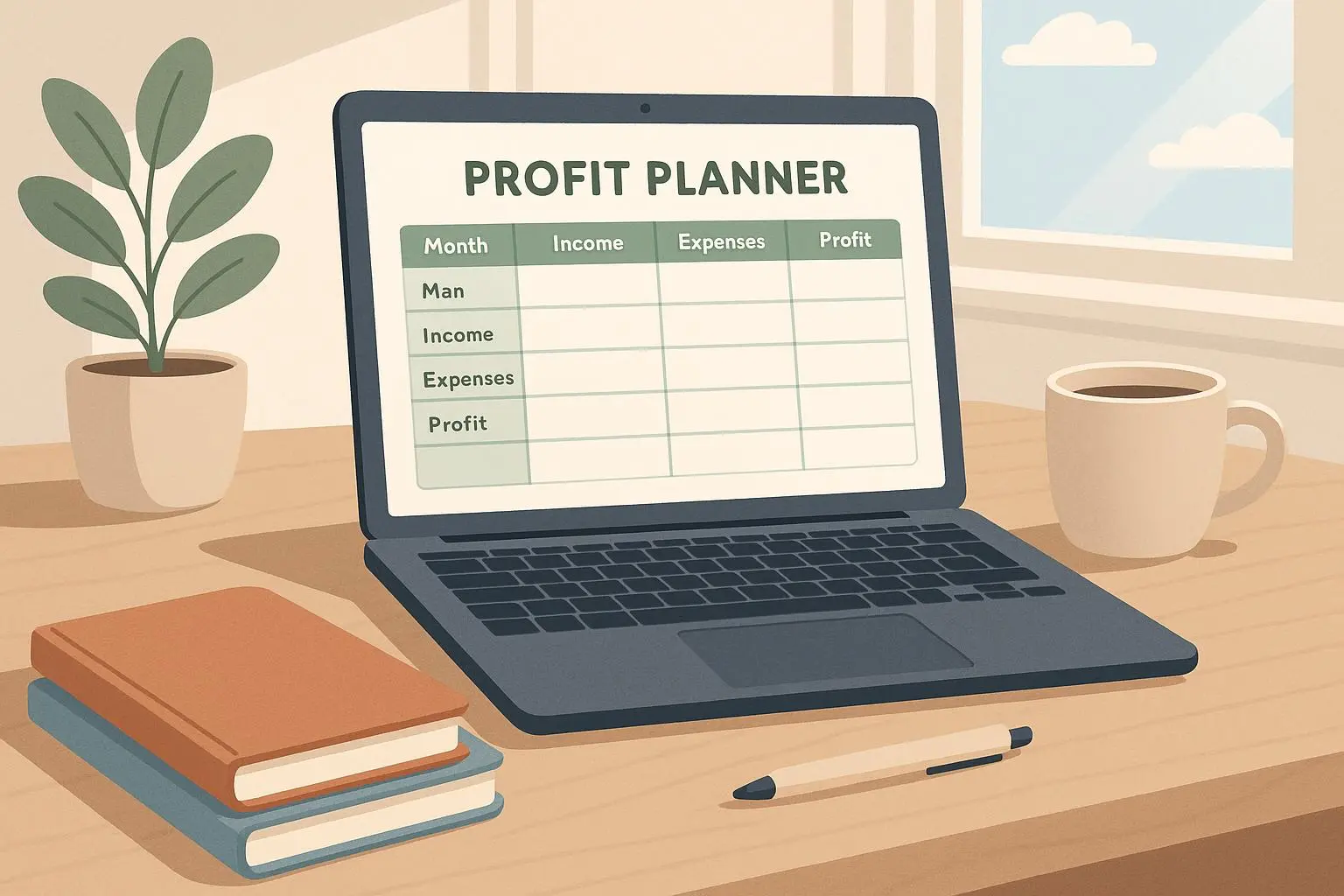
Break-even If you can move 100 units in your first quarter at an average price of $50, you’re already at $5,000 in gross revenue. After costs, you’re cash-flow positive and can reinvest into more templates, better onboarding, or a more robust bundle strategy.
All this is not fantasy. The creator economy has proven time and again that well-made, targeted templates scale. The key is to stop chasing a hundred different fancy features and focus on the few assets that genuinely save time and money for a specific group.
Overcoming common blockers
You’ll run into friction. Here’s how to handle the big three without quitting.
“My audience is too small.” Niche down instead of broadening. A tiny audience that deeply needs your solution is better than a large audience that’s indifferent. Start with one avatar, then expand in stages.
“Templates are easy to copy.” This is true, and that’s the point. Make your take defensible with a strong framework, unique prompts, or a proprietary setup. Add value through a well-built onboarding and a few case studies.
“I don’t design well.” That’s not a showstopper. Prioritize structure over aesthetics. A solid, clean template with a crisp onboarding guide beats a gorgeous file that’s hard to use. If you can, collaborate with a designer for a few critical assets, then own the framework yourself.
What matters is clarity and trust: the buyer should be confident that your template will actually help them hit their goals, not just look good in a screenshot.
The practical, everyday playbook
If you want a practical, repeatable workflow, here’s a light version you can apply this week.
- Pick a problem you can solve with a template within two weeks.
- Build a lean Notion or Google Sheets file with a single, clear use-case.
- Write a one-page onboarding guide and a five-step usage plan you can demo in 2 minutes.
- Price modestly, but offer a higher-value bundle on day one to test the market.
- Publish a short, authentic product page that highlights the buyer’s time-saving outcome.
- Gather feedback from the first cohort and make one meaningful improvement before the next launch.
That’s the rhythm I’ve used with success. It’s not flashy, but it works when you pair it with honesty and consistent delivery.
The road ahead for 2025
If you’re serious about building a portfolio that generates steady revenue, lean into templates as durable assets. They’re not about “snapping up a trend.” They’re about providing reliable systems that people can rely on month after month. The work pays off when you treat your templates less like art and more like a tiny, well-run business.
What I’m watching in 2025 is the balance between automation and human touch. Buyers want to feel seen and valued, even though they’re buying a self-serve product. The onboarding and support that come with templates are where the human connection happens. It’s where you turn a first-time buyer into a repeat customer and a long-term advocate.
If you want to start today, I’d suggest a simple trio: a weekly content calendar, a simple funnel blueprint, and a lead magnet kit designed for one tight audience. Keep it lean, keep it specific, and keep the updates meaningful. If you do that, you’ll have a small but resilient revenue engine by the end of Q2 2025.
And if you’re feeling stuck, remember this: you don’t have to reinvent the wheel. You just need to build better wheels for the people who actually want to drive them.