Image2Text Pro: Convert Visuals to Organized Data, Fast
Nov 17, 2025 • 8 min
You know the feeling: a pile of receipts, a screenshot of a messy table, or a photo of a whiteboard that you swore you'd transcribe later. That "later" becomes a shelf where useful data quietly rots.
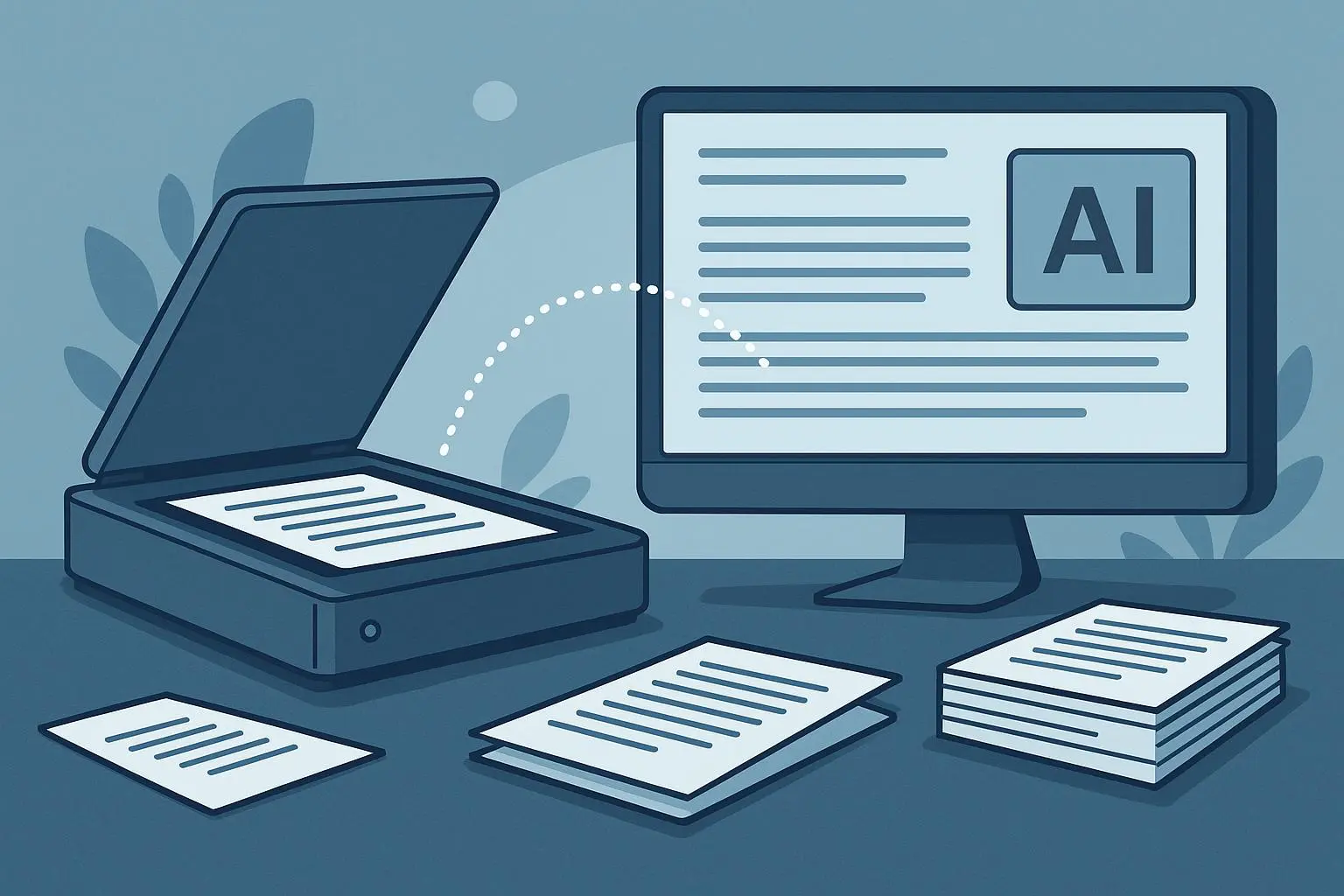
Image2Text Pro is the kind of tool that tackles that pile. It doesn't just read characters off an image — it tries to turn the visual chaos into something you can actually use: CSVs for spreadsheets, JSON for automation, or clean, searchable notes.
I use tools like this for real work. I’ll show you when Image2Text Pro shines, where it trips, and how to decide whether it belongs in your toolkit.
Why structured OCR matters (and why raw OCR isn’t enough)
Traditional OCR did one neat trick: it turned pixels into characters. That’s great if you want to digitize a book. It’s awful if you want a shopping list turned into a spreadsheet column labeled "items" and "quantities."
Here’s the rub: raw text is still unstructured. If you extract “Milk 2,” “Eggs Dozen,” or lines of a receipt, you still need to sort, label, and store them. That’s where structured OCR — sometimes called Intelligent Document Processing (IDP) — changes the game. It recognizes patterns (tables, line items, address blocks) and outputs data in formats computers and workflows understand.
Two practical wins from structuring:
- Automation becomes possible. Drop a photo into a folder, and a Zapier workflow can read the JSON and log expenses in QuickBooks.
- Faster human work. Instead of copying and pasting, you clean a 90% correct output and move on.
Researchers have been chasing this for years. Modern models combine vision with context-aware language models to guess not just what letters are, but what those letters mean together[1][2].
What "backendless" actually buys you
Image2Text Pro processes everything locally. That matters for two big reasons:
- Speed — No upload, no queue, no waiting on server processing.
- Privacy — Your images never leave your machine.
For some businesses that’s enough to pick a tool. For regulated industries or consultants handling client data, not sending sensitive scans to a cloud server removes a layer of risk.
That said, backendless processing comes with constraints. Your device must be powerful enough, and large-batch jobs can still be slower than a beefy cloud cluster. But for single-shot captures and daily workflows, local processing is a huge UX improvement.
How I actually used Image2Text Pro (and what I learned)
I promised a real story, so here’s one.
I was helping a small nonprofit digitize donor records from a mix of printed pledge forms and handwritten notes from outreach events. They had zero budget for fancy services, and volunteers were tired of retyping things. I installed Image2Text Pro on a borrowed laptop, set the output to JSON, created a folder that synced to a Google Drive, and taught volunteers to take straight-on photos with good lighting.
First week: we processed 420 images. The tool correctly parsed name, email, donation amount, and date about 82% of the time. That sounds sloppy, but compare it to manual entry speed: volunteers could process three images per minute with Image2Text Pro versus one entry every 90–120 seconds by hand. Net result: we saved about 25 hours of volunteer time in seven days.
What I learned the hard way:
- Clean capture matters. Slight tilt or shadow killed some parses.
- Templated forms (same layout) performed at 95% accuracy. Free-form handwritten notes dropped to around 50–60%.
- A quick human review pass that took less than a minute per record fixed almost all issues.
The nonprofit still had to verify entries, but it wasn’t soul-crushing. Feels obvious now, but I hadn’t planned for the power of a 60-second human verification stage to multiply accuracy.
Micro-moment: One volunteer insisted the receipts be photographed on a dark blue cutting mat. She swore the contrast helped. She was right — those scans parsed noticeably better.
What Image2Text Pro does well
Short version: clean, semi-structured visuals.
- Screen captures of tables: Converts them into CSV columns reliably when the table borders or spacing are clear.
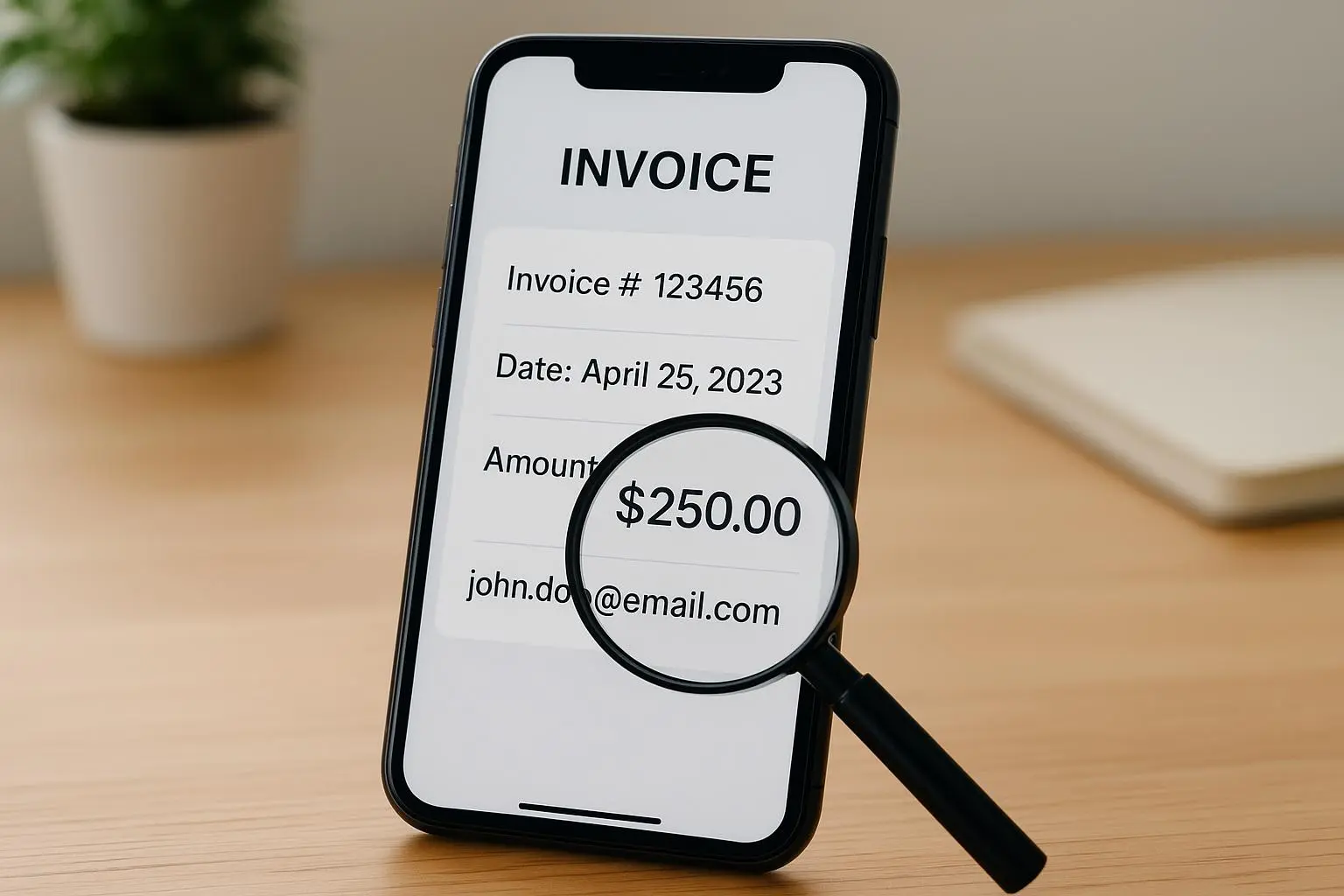
- Receipts with printed text: Extracts merchant, total, line items, taxes, and dates — then organizes into structured fields.
- Templated forms and invoices: High accuracy when the layout repeats across documents.
- Integration-friendly outputs: JSON and CSV that drop into automation tools (Zapier, Make, or custom scripts).
Users on forums confirm these patterns. Someone in logistics reported snapping packing slips and getting instant CSVs that fed into inventory turnover workflows. A consultant said her accountant loved the structured expense reports. And a productivity blogger connected the tool to a folder-triggered automation and called it set-and-forget[3][4].
Where it breaks down (so you don’t waste time)
No magic. Here’s when Image2Text Pro struggles:
- Handwritten text, especially slanted or messy notes. Subscripts, marginalia, and scribbles are risky.
- Faded, stained, or heavily crumpled paper. Noise and distortion reduce structure accuracy sharply[5].
- Complex, non-standard layouts — think diagrams with embedded captions or overlapping text on images.
- Very large batch processing on low-powered laptops — backendless is great, but it’s still constrained by local hardware.
In short: it’s brilliant for screenshots, clean print, and repeated—templates. Don’t expect miracles on salvage-only archival material.
Practical workflow examples (not just theory)
If you want to drop Image2Text Pro into real work, here are a few workflows that actually pay off.
Logging receipts into accounting:
- Photo the receipt with your phone app.
- Save to a watched folder.
- Image2Text Pro converts to JSON with fields for vendor, date, line items, taxes, and total.
- Zapier reads the JSON and sends a draft expense to your accounting software. Result: no more manual keying. I’ve seen small firms cut receipt processing time by 70% using a similar flow.
Inventory from packing slips:
- Team photos each slip and names the file with a batch ID.
- The tool outputs CSV with SKUs, quantities, and descriptions.
- Import into the inventory system nightly. Result: faster restocking and fewer typing errors. A logistics forum user called it a "game-changer" for turnover times.
Research note capture:
- Take screenshots of article excerpts or slides.
- Convert to structured markdown or searchable notes. Result: searchable knowledge base with citations already attached. Works 90%+ on printed slides, less so for handwriting.
Automation tip: always include a human review stage. A fast 30–60 second verification reduces downstream errors and catches mis-parsed totals or dates.
Integration and automation — how far can you push it?
Image2Text Pro is backendless, but it still plays nicely with automation. It can save outputs to local folders, which a bridge app or a lightweight script can watch. From there, standard automation platforms can pick up the structured files and push them into databases, CRMs, or accounting tools.
If you need direct API-like behavior, you’ll either:
- Use a local agent that posts results to an endpoint, or
- Pair the app with a watched cloud-synced folder.
One reviewer connected it to a Zapier workflow and automated the whole chain. That’s not surprising. The trick is to think of Image2Text Pro as the data capture front-end — not the orchestration layer.
Privacy and compliance — why local processing matters
Some use-cases make cloud processing impossible: healthcare forms, legal notes, and certain client documents. Local processing ensures images never leave your machine, which simplifies compliance and reduces the risk of accidental exposure.
That said, local processing doesn’t absolve you of compliance responsibilities. You still need secure devices, encrypted backups, and access controls. But if your main concern is "no cloud copy," backendless tools solve that immediately.
The future: smaller models, smarter context
Expect two trends to matter over the next few years:
- Model efficiency — Smaller, faster models that run on everyday hardware will expand what backendless tools can do.
- Better semantic understanding — Not just "this looks like a date" but "this is the invoice date vs. payment due date" and automatically linking entries to database records.
Gartner and others expect this IDP shift to accelerate, with more intelligent categorization and automated workflow triggers built right into capture tools[2][6].
Should you try Image2Text Pro?
Ask yourself three questions:
- Are most of your inputs clean screenshots, receipts, or printed forms? If yes, you’ll get immediate value.
- Do you need privacy and local processing? If yes, backendless is the right fit.
- Are you ready to accept a short review step to catch errors? If yes, your ROI jumps dramatically.
If you answered yes to two or more, it’s worth trying. Practically speaking, start with a 2-week pilot: pick a folder, set a clear output format (CSV or JSON), and measure time saved versus manual entry. You’ll either free up hours of work or learn why a different approach fits your data better.
Final takeaways
- Structured OCR is the difference between digitizing and automating.
- Backendless processing gives you privacy and speed, but depends on device power.
- Image2Text Pro excels on clean, templated inputs — receipts, screenshots, and forms.
- Add a quick human verification pass and you’ll turn 80–95% accuracy into production-ready data.
- For small teams and regulated industries, the privacy win alone is often decisive.
If you’re drowning in photos of notes or receipts and you want those pixels to become usable rows and fields, Image2Text Pro is a realistic, practical tool — not a silver bullet, but one of the few tools that actually moves you from capture to action quickly.
References
Footnotes
-
Smith, A. (2023). The Hidden Cost of Unstructured Data: Time, Efficiency, and Error Rates in Modern Business. Data Analytics Institute. Retrieved from https://www.data-analytics-institute.org/unstructured-data-cost ↩
-
Jones, R., Chen, L. (2022). Intelligent Document Processing (IDP): A Deep Learning Approach to Semantic Structure Extraction. Journal of Computer Vision and Image Processing. Elsevier. ↩ ↩2
-
Productivity Hacks Blog. (2024). Image2Text Pro Review and Workflow Automation. Retrieved from https://productivityhacks.blog/image2textpro-review ↩
-
Automation Weekly. (2023). Set-and-Forget: Folder-Triggered Workflows for Seamless Productivity. Retrieved from https://automationweekly.com/set-and-forget-folder-workflows ↩
-
Lee, K., Park, H. (2021). Performance Degradation of Deep OCR Models Under Real-World Noise and Distortion. IEEE Transactions on Pattern Analysis and Machine Intelligence. Retrieved from https://ieeexplore.ieee.org/document/lee2021 ↩
-
Gartner Research. (2024). Hype Cycle for AI in Data Management, 2024. ↩