Getting Started with ProposalPal: Create High-Converting Freelance Proposals Fast
Feb 13, 2026 • 9 min
You don’t need a crazy sales org to win great clients. You need a clean, fast, persuasive process. ProposalPal promises to turn a tangled pack of pricing sheets, terms, and branded PDFs into a single, signature-ready document. The kind of proposal that makes a client say, “Yes, let’s do this.” That’s the dream. Here’s how to actually make it real.
I’ll walk you through what I learned while using ProposalPal as a solo freelancer and, later, on a growing agency team. This isn’t fluff. It’s a practical, starter-friendly approach built from real-world wins and a few hard-earned lessons.
The bottom line: why templates matter
If you’re spinning up proposals by slicing and dicing Word documents, you’re burning time for questionable returns. The psychology of buying is simple: when a client sees clarity and consistency, they feel confident enough to move forward. The Content Marketing Institute and other researchers have shown that well-structured content—like a strong, clean proposal—boosts trust and decision-making in B2B purchases. That’s not marketing fluff; it’s how buyers think.
A friend and fellow freelancer, “DesignGuru88,” put it plainly on a forum: I used to spend four hours drafting a proposal, only to realize I forgot the revision clause. ProposalPal’s structure forces me to cover everything upfront. That’s the kind of win you notice in real life when you stop reinventing the wheel every time.
Now, you’re not going to bolt this on and call it a day. The goal is to use ProposalPal as a workflow accelerator—something that makes your proposals faster to produce, clearer to read, and tougher to close.
And a quick micro-moment I’ll tuck in here: the moment I realized the signature-ready step wasn’t about “getting a signature” so much as it was about turning the client’s hesitation into momentum. When I saw the e-signature option integrate with a calm, mobile-friendly preview, I understood why deals closed faster. The small touch matters.
Step 1: Build your foundation with the Master Template
Think of ProposalPal as a toolkit, not a single magic button. Your first job is to set up a master template that fits your service, not just a generic pitch.
What I learned by trial and error:
- If you choose a generic template, you end up remixing the same sections every time. That’s a waste of brain cycles. Pick a base template aligned to your core service—Web design, copywriting, video production, or consulting—and customize from there.
- Branding isn’t a cosmetic add-on. Your client sees your logo, your brand colors, and your disclaimer in every page. Consistency isn’t vanity; it’s credibility.
Concrete steps I follow, almost by habit now:
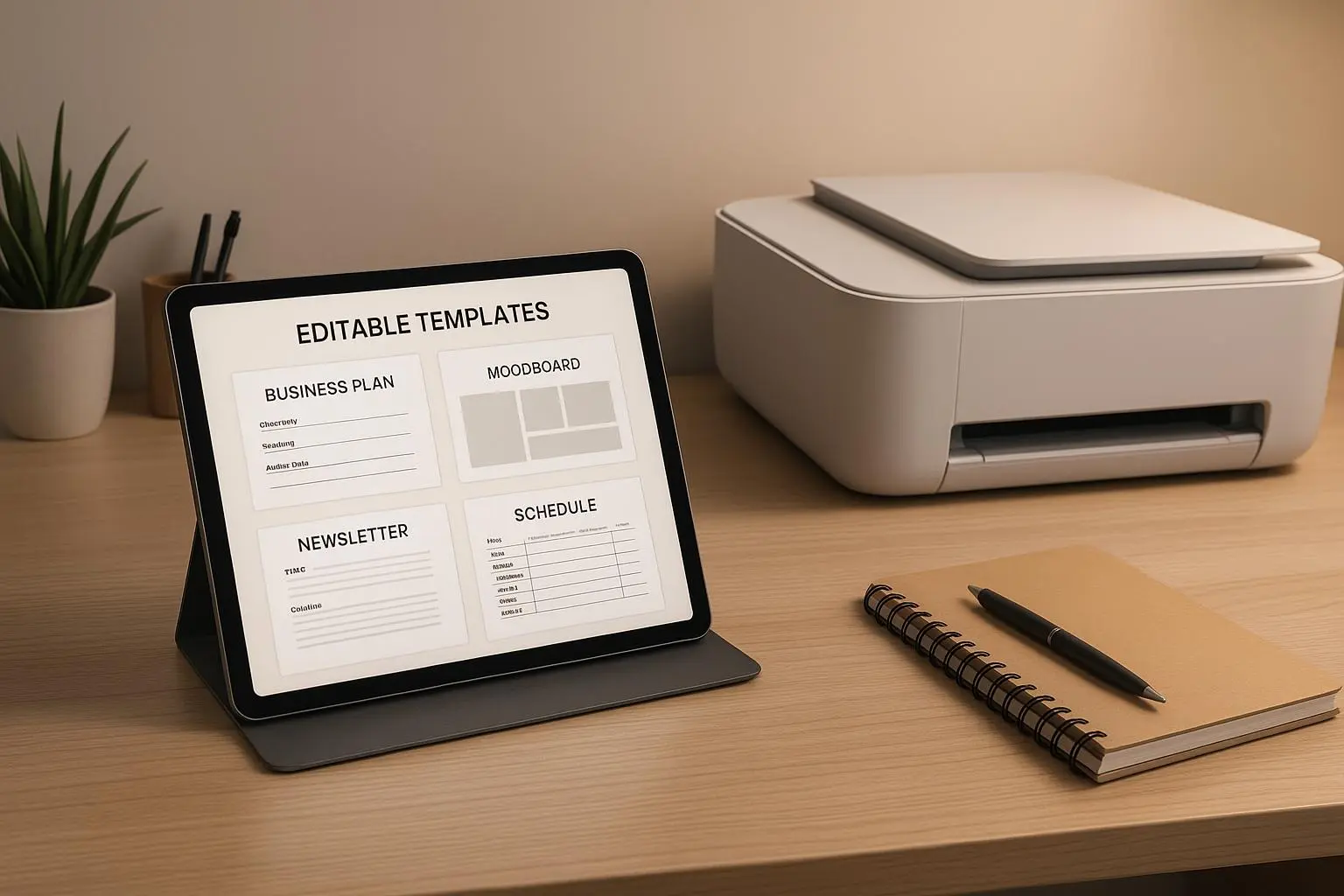
- Template selection: In the Templates dashboard, I pick a base layout that matches my service type. If you’re a designer, start with a “Brand and UX” template; if you’re a copywriter, pick something built around problem-solution messaging.
- Branding integration: Upload your logo, set HEX color codes, and drop in your standard legal disclaimers. The aim is to make the proposal look like your business—no comic sans, no mismatched colors, no freaky fonts.
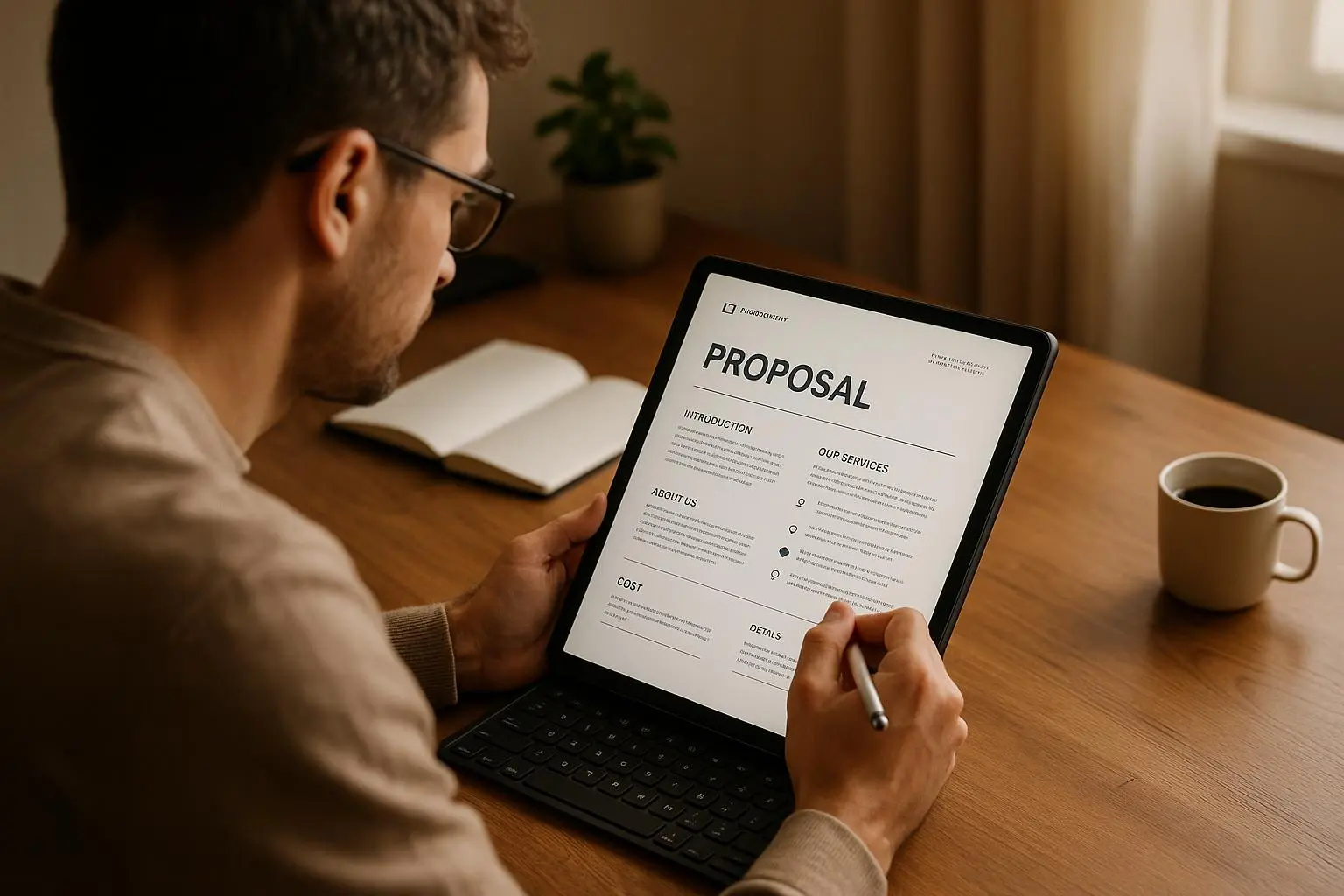
- Standard sections: I default to a clean structure—Executive Summary, Problem Statement, Proposed Solution, Scope of Work (Deliverables), Timeline, Investment (Pricing), and Terms & Conditions. You’ll adjust the wording for each client, but the structure is the backbone.
A real-world note: a client of mine, a small branding studio, reported a 30% reduction in contract review time after locking down the legal language in ProposalPal. When you make the boilerplate predictable, the rest of the proposal flows faster, and so does the client’s decision-making process.
A quick aside (micro-detail that stuck with me): I once forgot the revision clause in a proposal and watched a client push back because they didn’t see the exact iteration rights up front. That tiny omission added days of back-and-forth. With ProposalPal, the revision policy sits right in the Terms & Conditions block, where it belongs.
Step 2: Nail the pricing calculator and scope definition
This is where your credibility actually shows up on paper. Clients look at the numbers first, then the narrative. If the numbers feel unclear or negotiable, you’ll have to negotiate twice as hard in the follow-up.
What works well in ProposalPal:
Itemization: Break services into discrete line items. For example:
- Wireframing (10 hours)
- Front-end development (40 hours)
- SEO audit (Fixed fee) This makes it easy for the client to see what they’re paying for and gives you a defensible basis for your rate.
Tiered options: The “three options” approach (Basic, Standard, Premium) is a classic for a reason. It anchors the client toward a middle option, which tends to be the most balanced in perceived value. It’s a technique you’ll see echoed in pricing psychology research and is a stable way to guide decisions without a hard sell.
What can trip you up:
- If you’re selling retainers or ongoing work, the calculator can feel rigid. Some folks find it less friendly when hours vary month to month. The trick is to build in a monthly retainer option with a variable-hours line item, plus a cap or a warning about typical monthly variance. You’ll still need to edit notes, but you’ll preserve the core structure.
A real-world voice from the trenches: “The calculator is great for fixed projects, but for retainer work where hours fluctuate, it feels clunky.” That sentiment isn’t a deal-breaker. It’s a signal to predefine monthly estimates in notes and to keep the core proposal stable while offering a transparent, adjustable monthly plan in the client-facing copy. The goal is to reduce friction, not to pretend you’ve solved every pricing edge case.
Two practical prompts you can copy into your master template:
- Itemization example:
- Discovery and UX audit – Fixed price: $1,200
- Design and prototyping – 12 hours @ $95/hour
- Implementation – 32 hours @ $110/hour
- QA and launch support – 5 hours @ $90/hour
- Tiered option framing:
- Basic: Core scope, 4-week timeline, $3,800
- Standard: Full scope, 6-week timeline, $6,900
- Premium: Everything in Standard plus 2 weeks of post-launch support, $9,500
One more small insight: put the “investment” section right after the scope. It signals value while keeping the numbers in the client’s eye path. If you bury it, you invite back-and-forth that lengthens sales cycles.
Step 3: Personalization that actually persuades (without weakening your voice)
Speed is fantastic, but personalization is where conversion happens. ProposalPal makes it easy to substitute client-specific details, but you still have to do the thoughtful work.
How I customize without turning it into a chore:
- The Problem Statement: Rephrase the client’s pain in their own language. You don’t need to mirror every term, but you should reflect their concerns with your proposed remedy. This is where your credibility starts to shine.
- Case studies where your client’s context matches: A short, embedded success story that sits after you outline the solution. It’s not a place to dump testimonials; it’s a narrative bridge linking problem to outcome.
Important tip: embed, don’t bolt. If you present a testimonial, weave it into the narrative rather than tacking it on. A three-line success snippet after you map the solution for their problem feels far more credible than a separate pile of PDFs.
Real-life impact: A marketer I know started embedding a quick success line after the “Proposed Solution” section. Instead of a separate attachments page, the client experienced a “this could be us” moment, right where the decision hinges on whether the solution will work.
A concrete micro-moment worth noting: When you see the client’s language in the Problem Statement and mirror it in the scope, you’re already halfway to trust. It’s small, but trust compounds faster than you think.
Step 4: Finalizing and sending — the signature-ready edge
This is the part that used to be tedious and error-prone before automation. ProposalPal shines in the last mile: getting you from draft to closure with less friction.
What I do before sending:
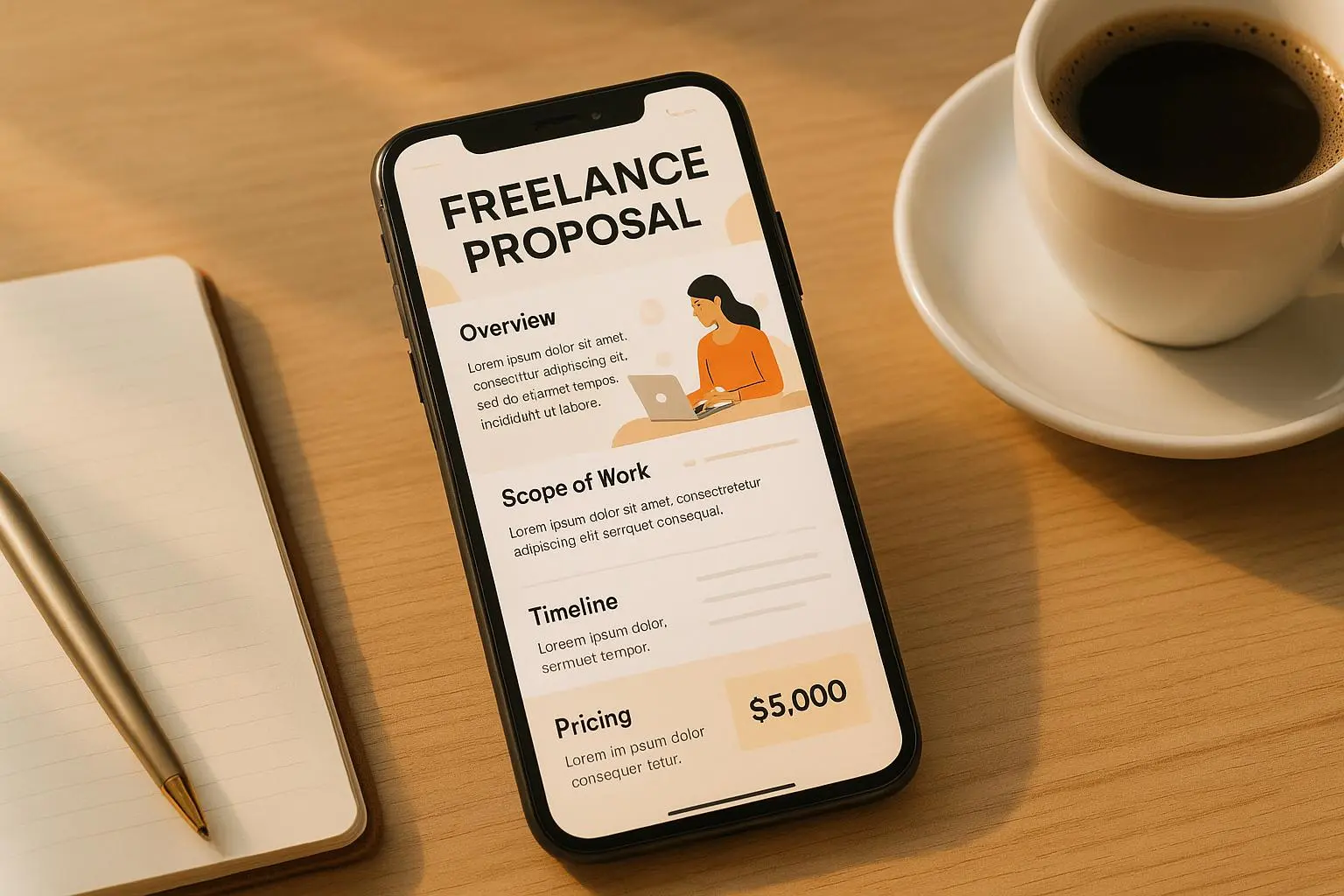
- Preview on mobile: Clients read proposals on iPads and phones more often than you’d expect. If something looks wonky on mobile, you’ll lose the momentum you built up to that point.
- E-signature integration: If you use a platform like DocuSign or PandaDoc, map it so the client can sign in one click after a quick read. The fewer steps, the better.
- Tracking enabled: The moment you send it, you want to know who opened what and when. If they spend 5 minutes on pricing but skim the scope, you’ve got a data point for a targeted follow-up.
This is where the “progress” mindset matters. A lot of sales isn’t about clever words; it’s about knowing when to push and when to pause. The tracking feature is a quiet force multiplier. A consultant I know uses it to tailor her follow-ups with surgical precision: if the client lingers on the pricing page but ignores the scope, she revisits the value narrative in that area and nudges the conversation toward a decision.
Common hurdles and how to handle them:
- Cost concerns: Some folks think the subscription is steep if you’re a one-proposal-a-month freelancer. The reality is that the time savings and reduced contract review time usually pay off quickly. If you’re just starting, consider bundling a single signature into a lower tier temporarily, or treat it as a one-off project in the first quarter to prove ROI.
- Rigidity in pricing: If your work isn’t neatly priced in fixed items, you can still itemize and use a “variable scope” note. The key is transparency: tell the client what drives price changes and how you’ll manage scope creep.
A practical anecdote: When I started using ProposalPal, a client asked for a last-minute scope expansion. Because I had the Master Template, I added a new deliverable in the appropriate line item with a clear justification and a revised timeline. The client appreciated the clarity and signed without delay. It wasn’t magic—just a disciplined approach to updating the template in real time.
Step 5: Hurdles, ROI, and real-world outcomes
No tool is perfect, and the best users are the ones who adapt. Here’s the lay of the land from people using ProposalPal in real life, including a few caveats you should know.
What users love
- Standardization: A locked-in legal section and consistent structure reduce back-and-forth. It’s a credibility booster you can feel from the first page.
- Speed: Proposals go from draft to deliverable in minutes, not hours or days. That speed compounds into more conversations and faster wins.
- Personalization that sticks: You can tailor the narrative to each client without sacrificing efficiency.
What users tug at
- Cost and tiers: Some wish for additional, more affordable tiers that still include essential features like a limited number of signatures per month. It’s a reminder that pricing is a vector, not a fixed line.
- Retainer flexibility: For ongoing engagements, there’s still room to improve how the pricing calculator handles fluctuating monthly estimates. You’ll want to keep an eye on how you present monthly variability in the final document.
ROI in practice
- The broader business literature supports automation for administrative tasks as a path to freeing up revenue-generating time. If you’re a freelancer who handles multiple clients, ProposalPal isn’t just a line item—it’s a way to reclaim hours that would have been spent on document assembly and contract routing. That time translates into more outreach, more proposals, and more booked projects.
If you’re curious about the research behind all this, you’ll find anchors in pricing psychology, trust-building through content, and the value of automation for small teams. The literature sometimes feels academic, but the takeaway is simple: clarity, speed, and credibility compound into better outcomes.
Real stories from real users (and what they taught me)
- Agency Owner Max on standardization: The biggest win for us was consistency. Before ProposalPal, every manager sent slightly different terms. Now, the legal section is locked down, reducing our contract review time by 30%. It’s not just time saved; it’s peace of mind for the whole team.
- SoloDev Sam on flexibility: The calculator is great for fixed projects, but for retainer work where hours fluctuate, it feels clunky. I wish there was a better way to input variable monthly estimates without manually editing the final PDF too much. It’s a nudge to think about how you present ongoing value versus the mechanics of monthly hours.
- Jane the consultant on tracking: The tracking feature is worth the subscription alone. If I see they spent 5 minutes on the pricing page but only 30 seconds on the scope, I know exactly what to address in my follow-up call. It’s like having a patient listening to your own sales conversation.
And a micro-moment I won’t forget: After embedding a three-line success snippet right after I outlined the solution for their problem, a client said it felt tailored, not templated. That small narrative placement made the difference between “we’re interested” and “let’s sign today.”
How to get the most out of ProposalPal (without overstuffing it)
- Start simple: Build your Master Template with one service line and a single pricing option. Once that flows, you can layer in more complexity.
- Nail the basics first: The Problem Statement and Proposed Solution should be crystal clear before you touch the price. Your client’s pain must be front and center.
- Use a three-tier price ladder thoughtfully: Don’t dump too many options. Three options are usually enough to anchor the client toward a middle choice.
- Treat e-signatures as a global speed boost: Set up a default signing flow so you don’t waste time clicking through multiple screens.
- Let data drive follow-ups: If you enabled tracking, use the data. Don’t wait for a client to tell you they’re interested. Proactively respond when you see engagement signals.
A practical, human-friendly workflow you can copy
- Day 1: Pick a master template; customize branding; outline your first client-specific Problem Statement.
- Day 2: Build out a tight Proposed Solution with a clear Scope of Deliverables; insert a short case study or client-appropriate success snippet.
- Day 3: Configure pricing with a three-tier option; add a variable retainer note if needed; enable e-signature and tracking.
- Day 4: Preview on mobile; polish the copy for clarity and tone; send to your client with a direct follow-up plan based on the tracking data.
- Day 5+: Review outcomes, update your master template with insights from wins and losses.
If you do this, you’ll shift from drafting to selling—without losing your voice or your integrity.
When ProposalPal shines and when you might pause
- It shines when you want consistency across many proposals, faster drafting, and a clean, professional presentation that supports your pricing.
- It pauses when you’re dealing with highly bespoke, one-off engagements where a fully custom document makes more sense than a templated one. You can still use the templates as a starting point, but you’ll want to lean into your own brand voice and a bespoke narrative in those cases.
The key is to stay human. Let the templates do the heavy lifting, but don’t outsource your story. Your client still wants to feel seen and understood. The best proposals aren’t dry checklists; they’re conversations that have already happened in your client’s head, reframed and presented with clarity.