Anchor Audit: A 30‑Minute Home Walkthrough to Surface Hidden Habit Triggers
Jul 15, 2026 • 8 min
You think you fail habits because you’re lazy. I used to too.
But after a dozen attempts at morning workouts, a failed digital detox, and one argument about chips on the coffee table, I realized: it wasn’t willpower. It was my home nudging me into the same old behaviors. The shoes by the door, the phone on the desk, the cereal box at eye level—those are anchors. They cue action before you can even decide.
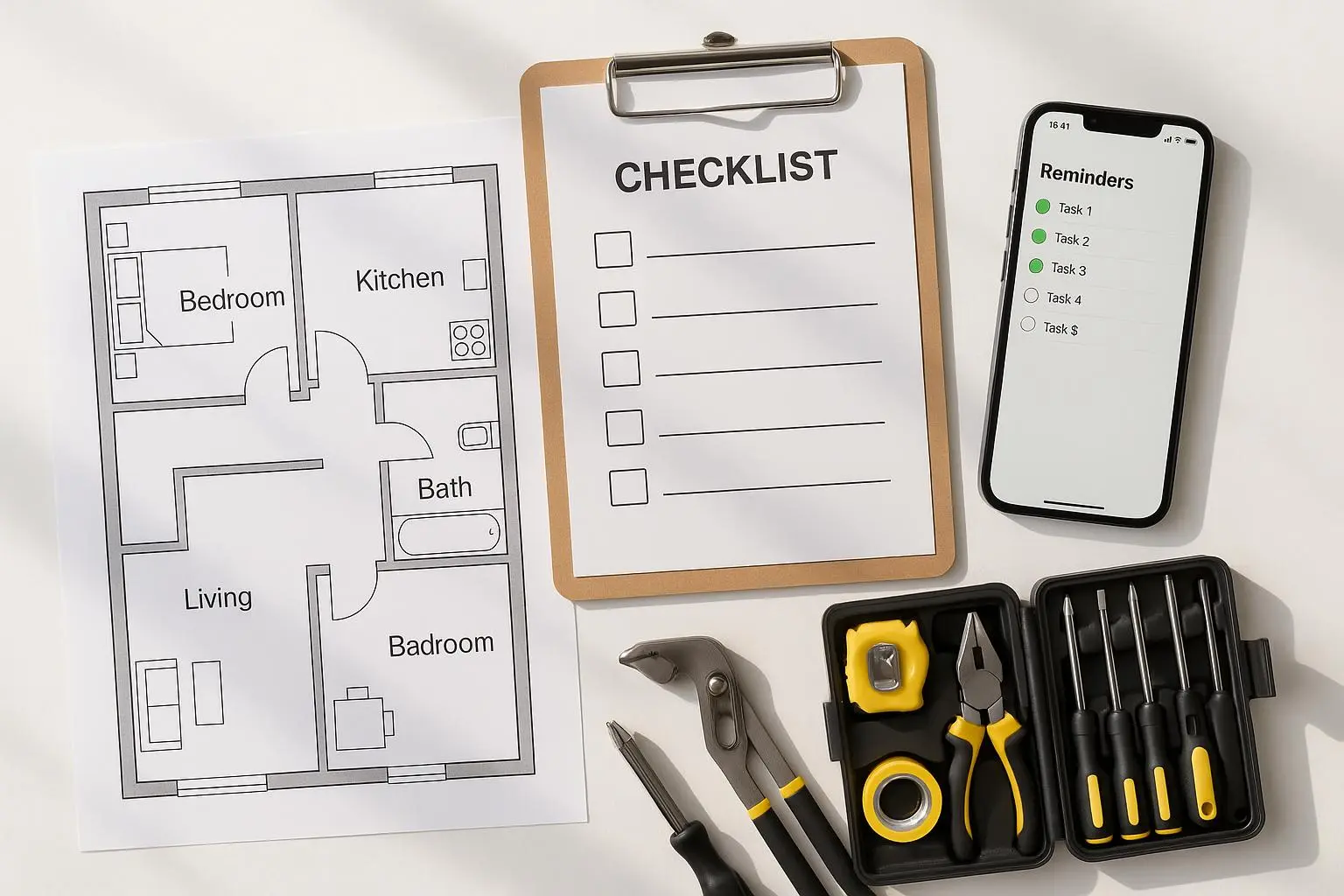
This post gives you a clean, room-by-room 30-minute Anchor Audit to find the anchors that are doing the heavy lifting for your bad habits—and neutralize them fast. I’ll give you a simple scoring rubric, prioritized swaps for kitchen/desk/bedroom, scripts for negotiating with roommates or partners, and a 7-day validation plan so you get measurable momentum. No fluff. Do this once, and you’ll see why design beats discipline most days.
Why this works (short version)
Habits are context machines. Stable cues (a location, an object, a time) trigger automatic behaviors. Change the cue, and you change the loop. That’s the whole point of choice architecture: make good actions obvious and easy; make bad ones invisible and inconvenient[1][2].
So let’s stop trying to power through with willpower and start changing the stage.
What you need (2 minutes)
- A timer (phone or kitchen timer)
- A notepad or the printable scoring rubric (see below)
- A pen
- Willingness to move a few things around
Set the timer. Thirty minutes. No perfectionism.
The scoring rubric (quick and dirty)
Score each area 0–3 on two axes:
- Visibility of temptations (0 = none visible, 3 = temptations in immediate sight/reach)
- Accessibility (0 = locked/put away, 3 = countertop/open shelf/nearby)
Add the two scores for each area (0–6). Anything 4+ is a high-leverage anchor.
You can do this mentally or scribble it down. The point: find the 3 anchors with the highest score and deal with those first.
Micro-moment: I carry a tiny sticky note in my wallet that says "Is this an anchor?" I stick it on new purchases for a week. It’s a dumb trick, but it made me rethink three impulse buys.
The 30-minute walkthrough (room-by-room)
Start at the room that causes you the most trouble. If you can’t pick, start with the kitchen.
Minute 0–10: Kitchen — the sabotage hotspot
Why it matters: Kitchen cues are both powerful and repeated. Open the pantry, and your brain plays the snack montage on repeat.
What to look for
- First thing you see when the pantry/fridge opens
- Items at eye level or on the counter
- Pairings (e.g., coffee maker next to sugar, chips on the coffee table because the living room anchors TV snacking)
Quick swaps (do these while you score)
- Move unhealthy snacks to opaque bins on the top shelf (out of sight, minimal effort to access).
- Put a water pitcher or fruit bowl where the snacks used to be.
- Relocate the cookie jar to a cabinet you have to open deliberately.
- Keep a small box of pre-portioned treats instead of a giant bag.
Why these work: Visibility drives craving. Make the thing harder to see or reach and the automatic response weakens.
Real result: I moved candy to the back of a high shelf and bought a cheap step stool. The first three weeks it worked; by week four, I realized I rarely bothered to get the candy and bought healthier snacks instead. There’s a caveat below about "effort vs reward"—some swaps require follow-up.
Minute 10–20: Desk/Workspace — the procrastination zone
Why it matters: Your workspace cues attention (or distraction). A single notification can reset your focus for the rest of the day.
What to look for
- Is your phone face-up within arm’s reach?
- Are non-work items (gaming headset, TV remote) in sight?
- Is the desk surface cluttered with “future tasks”?
Quick swaps
- Place your phone in a drawer or a dedicated "phone box" during deep work.
- Keep one physical to-do visible: the next task, not the entire project list.
- Remove unrelated electronics; if you need them, keep them in a labeled drawer.
Tools that help: Apps like Forest or Freedom can make phone use “costly” in real time. But physical changes are faster and often more reliable.
Minute 20–30: Bedroom — the rest anchor
Why it matters: The bedroom should trigger sleep and calm, not work or stimulation.
What to look for
- Are screens visible from bed?
- Are work papers or gym clothes on the chair?
- Is lighting bright and cool (blue light) late at night?
Quick swaps
- Move chargers and phones to a hall closet or a bedside drawer where they’re out of sight.
- Designate a "work-free" zone in the bedroom—no laptops or papers.
- Swap bulbs to warmer light in the evening, and adopt "no screens 60 minutes before sleep".
Small change, big payoff: My partner charged phones in the hallway for a month after I suggested it. Their evening scrolling dropped by half—and they slept better. That led to fewer morning squabbles about being tired.
Shared homes: scripts that actually work
You can’t unilaterally change the coffee table chips if someone else lives there. Here's what to say that doesn’t start World War III.
Boundary script (short) "I’m trying an experiment to stop snacking after dinner. Would you be okay keeping chips in the pantry instead of on the coffee table for two weeks? If it’s awful, we’ll go back."
Shared-zone script (solution-focused) "Can we agree that this counter is the 'no junk' zone? I’ll keep my protein bars here if you keep your snacks in the cabinet."
Trade-off script (negotiation) "I’ll handle dish duty for the week if you help keep the living room snack-free while I test this habit change."
Why this tone works: You’re asking, not demanding. You’re offering something in return. And you time-box it (two weeks), which lowers the psychological barrier for the other person.
Micro-story (100–200 words): My negotiation failure turned into the best lesson When I first did this audit, I stomped into the living room and moved my partner’s chips into the pantry while they were out. Big mistake. They came home annoyed, and I learned two things fast: 1) unilateral swaps breed resentment, and 2) explicit small trades work better than “fixing” someone else’s space.
So I tried the trade-off script: I’d prep an easy dinner three nights in exchange for keeping the coffee table snack-free for two weeks. They said yes. Two weeks later, we both noticed fewer impulse snacks and fewer late-night regrets. The small trade created a shared win, and they actually started buying healthier snacks because they saw the difference.
The takeaway: design is social too. Bring people along with an honest ask and a visible short-term payoff.
What to do after the audit: the 7-day validation plan
The audit is a hypothesis. Now test it.
Day 0: Record baseline. Jot down how many times per day you do the target behavior (or estimate).
Days 1–7:
- Each day mark:
- Occasions you resisted the old habit (e.g., reached for phone but didn’t open it)
- Occasions you performed the old habit
- Occasions you did the desired behavior (drank water, started work on time, went to bed without screens)
- Score progress. If the unwanted habit frequency drops by ~50% or more, that anchor neutralization is working.
- If there’s little change, make the anchor harder to reach (lock it, move it to another floor, or create a small friction like a container you must unzip).
Quick tracker idea: set two columns on your phone note: "Almost" and "Did." It takes 10 seconds per event and forces attention.
When quick swaps fail (and what to try next)
Some anchors are stubborn. If you still reach for the snack after it’s on the top shelf, the reward outweighs the small effort. That’s where escalation helps:
- Increase friction (lockbox, timed dispenser)
- Replace reward (pre-prepare a tastier healthy alternative)
- Use accountability (tell a friend and report daily)
- Move to a social commitment (pay $20 if you fail the week)
These aren’t failures—they’re iterations. Habits are adaptive. So should your design.
Digital anchors: don’t forget screens
Your phone and desktop are full of anchors—icons, folders, background images, notification banners. A mini-audit helps:
- Home screen: keep only essential apps in the first two rows.
- Desktop: hide distracting shortcuts; use a "work-only" user profile.
- Notifications: turn off non-essential badges and sounds.
Apps: Forest, Freedom, and Toggl are good complements to physical swaps. They’re not substitutes for rearranging your real-life cues.
Wrap-up: one small, actionable plan you can start now
Do this right now:
- Pick one room and one anchor. (5 seconds)
- Set a 30-minute timer and do the audit. (30 minutes)
- Make one swap you can commit to for seven days. (1 minute)
- Use the 7-day validation plan and trade the swap for one small reward if you hit 50% reduction.
If you follow this exactly, you’ll have done something far more effective than another motivational pep talk. You’ll have changed the environment that was doing the bad habit for you.
Design your life so the easiest choice is the one you actually want. You’ll be surprised how quickly the rest falls into place.
References
Footnotes
-
Wendy Wood & Jeffrey M. Neal. (2009). The Habitual Consumer. Annual Review of Psychology. Retrieved from https://doi.org/10.1146/annurev.psych.60.110707.163600 ↩
-
Richard H. Thaler & Cass R. Sunstein. (2008). Nudge: Improving Decisions About Health, Wealth, and Happiness. Yale University Press. ↩