Troubleshooting Corner: Common Lighting Setup Pitfalls
Nov 18, 2025 • 9 min
You set up your lights, step back, and—something looks off. Harsh shadows, weird color casts, a fuse blows, or a shiny table suddenly turns into a mirror. Happens to the best of us.
This isn’t a theoretical list of “do this, do that.” It’s a troubleshooting playbook: quick checks, practical fixes, and a few heuristics I actually use on shoots. Save this page to your phone. When something breaks, work through the relevant section and you’ll usually be back on track in ten minutes or less.
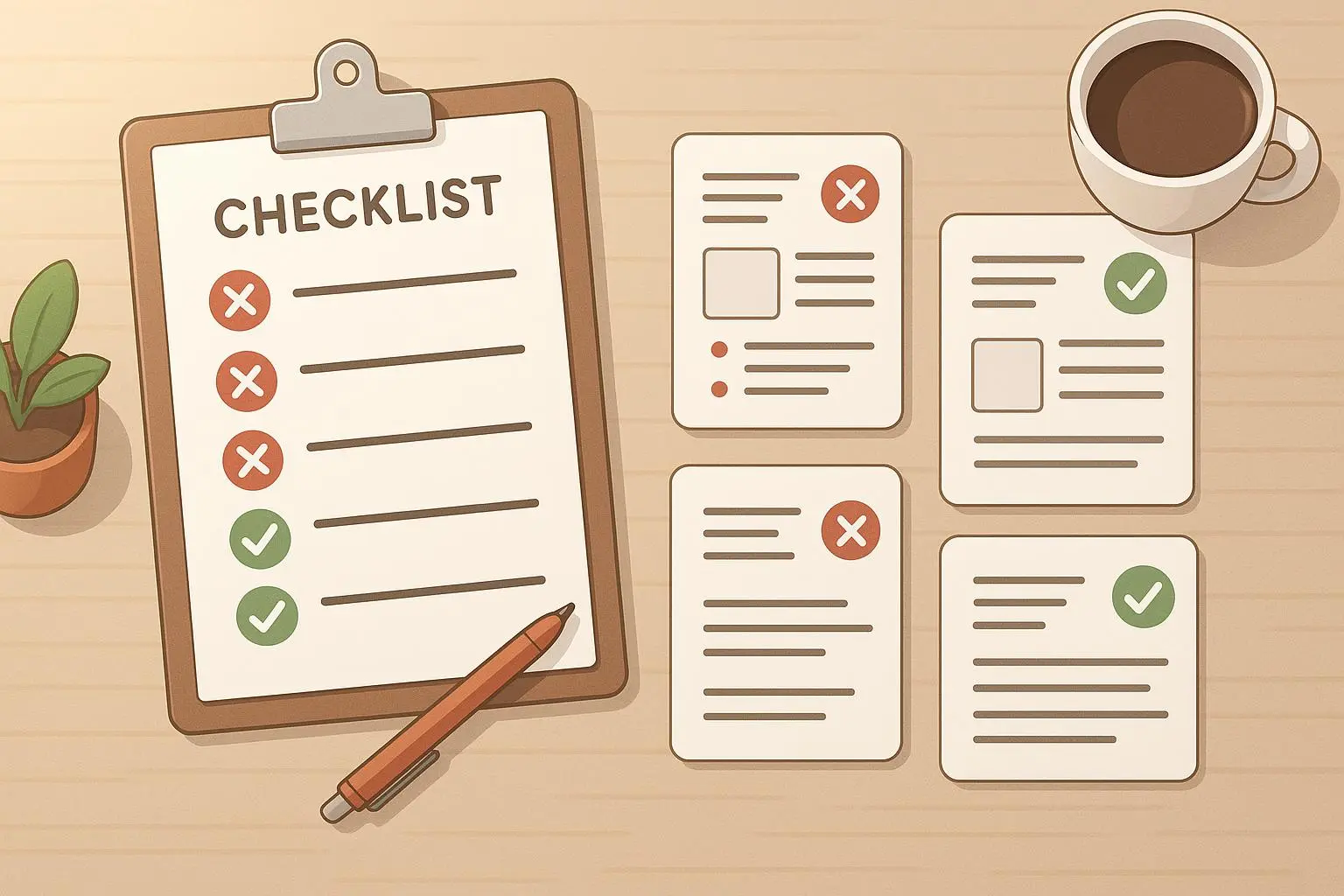
The quick checklist before you panic
If you only remember one thing: walk the scene.
- Look for the source of the problem (where the light is coming from).
- Isolate one issue at a time (shadows first, then color, then power).
- Swap one variable only (move one light, change one gel, unplug one lamp).
Now let’s dig into the common failures and how to fix them fast.
Problem 1 — Harsh shadows and flat faces
Why it happens: The key light is too small or too close, angled poorly, or there’s no fill light. Small, undiffused sources cast hard shadows; the wrong angle makes faces look flat or pinched.
How I fix it:
- Move your key light further back or use a larger modifier (softbox, octabox).
- Place a fill light or reflector opposite the key at roughly half the power.
- Try a 45-degree key-light position to the subject’s face—classic, reliable.
- Add a subtle backlight (rim light) to separate the subject from the background.
Practical checklist:
- Is the key light a soft source relative to your subject size? (Bigger = softer)
- Is the fill at about half the intensity of the key? Too bright and you lose depth.
- Is the backlight creating separation without blowing out edges?
Real story (what I learned the hard way) Two years ago I shot an interview in a rented studio that looked fine in my head. I used a single LED panel as key and thought a bounce would be enough for fill. Thirty minutes in, the subject’s cheek looked like it belonged in film noir—great for a thriller, terrible for a product testimonial. We tried a white reflector (meh), then I dug a collapsible 48" silver reflector from my bag, angled it to the shadow side, and dropped a 1/3 stop ND on the key. The result: natural-looking depth and a face that didn’t look carved. Lesson—carry at least one decent reflector and don’t be stingy with light modifiers.
Micro-moment: I still remember the tiny crease of relief on the subject’s forehead when we swapped reflectors—little changes have huge emotional returns.
Problem 2 — Color temperature mismatch (blue or orange tints)
Why it happens: Mixing daylight with tungsten or not setting white balance leads to color casts. Cheap LED panels sometimes have inconsistent color output.
How I fix it:
- Match color temps: use lights rated the same Kelvin or gel the offending source.
- Set camera white balance to the dominant light source (or shoot in RAW and correct later).
- Carry a small set of CTO/CTB gels for quick fixes.
Practical checklist:
- Are any lights mixing daylight (~5600K) and tungsten (~3200K)?
- Does a neutral gray card read neutral in-camera?
- Can you gel the offending light rather than reconfiguring the whole setup?
Tip: If you can’t change the lights, lock your camera’s white balance to a neutral reference (gray card) and finish in post. It takes time, but it’s usually less painful than reshooting.
Problem 3 — Power draw, tripped breakers, and overheating
Why it happens: You underestimated the combined wattage, used an overloaded extension, or placed fixtures in an area without ventilation.
How I fix it:
- Add up wattages; compare to circuit capacity. Don’t guess.
- Use multiple circuits or a dedicated power distro if available.
- Give LEDs and fresnels room to breathe—don’t push them into boxes or against walls.
- Use surge protectors and high-quality extension cords.
Practical checklist:
- Have you checked the circuit amperage vs. total wattage (watts / volts = amps)?
- Are cables properly dressed and connections secure?
- Are lights overheating or shutting down mid-shoot?
Quick math: In the US, a 15A circuit at 120V can realistically handle ~1,500W after some safety margin. If your kit needs 2,200W, don’t put everything on one circuit.
Problem 4 — Underexposed footage and noisy images
Why it happens: Not enough light, wrong camera settings, or misread meter.
How I fix it:
- Add fill or boost key light intensity.
- Use a reflector to reclaim lost light from skylights or windows.
- Check ISO, aperture, and shutter speed: increase ISO if you must, but aim to keep it reasonable for your camera’s noise floor.
- Use a light meter where precision is needed.
Practical checklist:
- Is the subject illuminated to the intended stop? (meter or histogram check)
- Could you open aperture or slow shutter safely for the shot?
- Is there an option to add a small, controlled light rather than cranking ISO?
User tip: A light meter or a smartphone app (Pocket Light Meter, for example) removes guesswork—especially on location when you don’t have time to tinker.
Problem 5 — Light spill and unwanted reflections
Why it happens: Light isn’t controlled; barn doors or flags aren’t used; shiny surfaces bounce light back at the camera.
How I fix it:
- Use barn doors, snoots, or grids to shape the beam.
- Flag the unwanted spill with black cards, foam core, or gobo.
- Reposition lights or change angles to avoid direct reflections.
- Use polarizing filters for reflective glass or water surfaces when possible.
Practical checklist:
- Is spill lighting parts of the frame you didn’t intend to highlight?
- Are shiny objects reflecting the source? Move the light or adjust angle.
- Are grids or barn doors available to narrow the spread?
Pro tip: For product work, a simple black card positioned just out of frame can eliminate a distracting reflection faster than reworking the whole rig.
Problem 6 — Inconsistent natural light (clouds, time of day)
Why it happens: Natural light changes quickly; clouds turn golden hours into gray flatness.
How I fix it:
- Scout and plan with apps like Sun Surveyor or PhotoPills.
- When possible, use diffusion to smooth out harsh sunlight.
- If clouds roll in, switch to controlled artificial light or wait for a consistent window of time.
Practical checklist:
- Did you check sun position and weather for the shoot time?
- Can you add diffusion or reflectors to stabilize the look?
- Do you have a backup plan if natural light shifts drastically?
User note: Many pros schedule outdoor portraits in shorter windows and use reflectors aggressively—if the light changes, you’ll already have the tools on hand.
Problem 7 — Equipment choices: modifier mismatches and misuse
Why it happens: Using the wrong modifier for the subject or trying to “fix” a poorly chosen tool.
How I fix it:
- Softbox vs. umbrella: softboxes give directional, soft light; umbrellas are broader and less controllable.
- Use grids on softboxes for tighter control and barn doors on fresnels for harder edges.
- Test at the start of the shoot—don’t switch modifiers mid-series without recalibrating exposure.
Practical checklist:
- Is your modifier size appropriate to subject distance and desired softness?
- Are you using grids or diffusers to control light falloff?
- Did you test the look before rolling?
Tools and small investments that save time
These aren’t flashy, but they’ll bail you out more often than another light stand:
- A quality reflector (silver/white) — $30–$80
- Set of CTO/CTB gels — $20–$50
- A collapsible flag/black card — $15–$40
- Affordable light meter app or cheap handheld meter — $10–$150
- Barn doors and grids for a couple of your main lights — $50–$200
If you buy one thing: a reliable reflector. It’s cheap, portable, and fixes shadows, exposure, and mood faster than anything else per dollar spent.
When to call it a technical issue and when it’s creative
Not every “problem” needs fixing. Sometimes harsh shadows are the vibe. The trick is distinguishing technical mistakes from creative choices.
Ask:
- Is the issue harming communication (faces unreadable, color casts distracting)?
- Does the issue prevent post from fixing it without significant time or quality loss?
- Is the client expecting a clean, natural look or something stylized?
If the answer is “harmful” or “client expects clean,” treat it as a technical problem and prioritize fixes.
Final quick-reference troubleshooting flow
- Observe: Walk the scene, identify the main offender (shadow, color, power, spill).
- Isolate: Turn off non-essential lights; reintroduce them one at a time.
- Fix the biggest win: Add a reflector/diffuser, change white balance, or redistribute power.
- Lock settings: When it looks right, lock camera exposure and white balance or note settings.
- Monitor: Keep an eye on heat, batteries, and changing natural light.
Wrap-up: make this a habit
Lighting troubleshooting isn’t magical. It’s observation + small adjustments + the right tiny tools. I still keep a checklist on my phone for every shoot: reflectors, gels, flags, meter, spare cables. When something goes wrong, I run the checklist. Most problems are simple to fix—you just need to know where to look.
If you take one thing away: when in doubt, soften the key and add a controlled fill. That single move fixes more bad-looking setups than any trick I’ve tried.