TemplateForge Studio: Create High-Income Mobile Templates Without Coding
Jul 11, 2026 • 9 min
If you want to build a mobile tool that customers pay for—but you don’t know how to code—TemplateForge Studio is the kind of platform that makes the idea actually doable.
This isn’t hype. It’s a practical path: pick a template (calculator, planner, or fill-in), tweak content and UX, publish, and start selling. For people who sell their knowledge or run small businesses, that loop matters more than a thousand feature lists.
I’ll walk through what TemplateForge Studio is, why it works for makers and small businesses, how to think about monetization, where it falls short, and a simple playbook you can use this weekend.
Why Template-based mobile products are a real business
Two things matter in the creator economy right now: speed and specificity.
Speed — because attention and trends move fast. Specificity — because a niche tool (a mortgage payoff calculator for new parents, a vegan meal planner for busy athletes) converts orders at far higher rates than generic products.
TemplateForge Studio hits both. It’s a backendless platform with a catalog of mobile-first templates. The practical outcome: you can ship a usable, polished product in days, not months.
Market context: mobile usage and creator-led monetization continue to grow year over year, and no-code platforms have been a major driver in letting non-technical entrepreneurs ship faster[1][2].
What TemplateForge Studio actually gives you
Think of it as three things stacked into one:
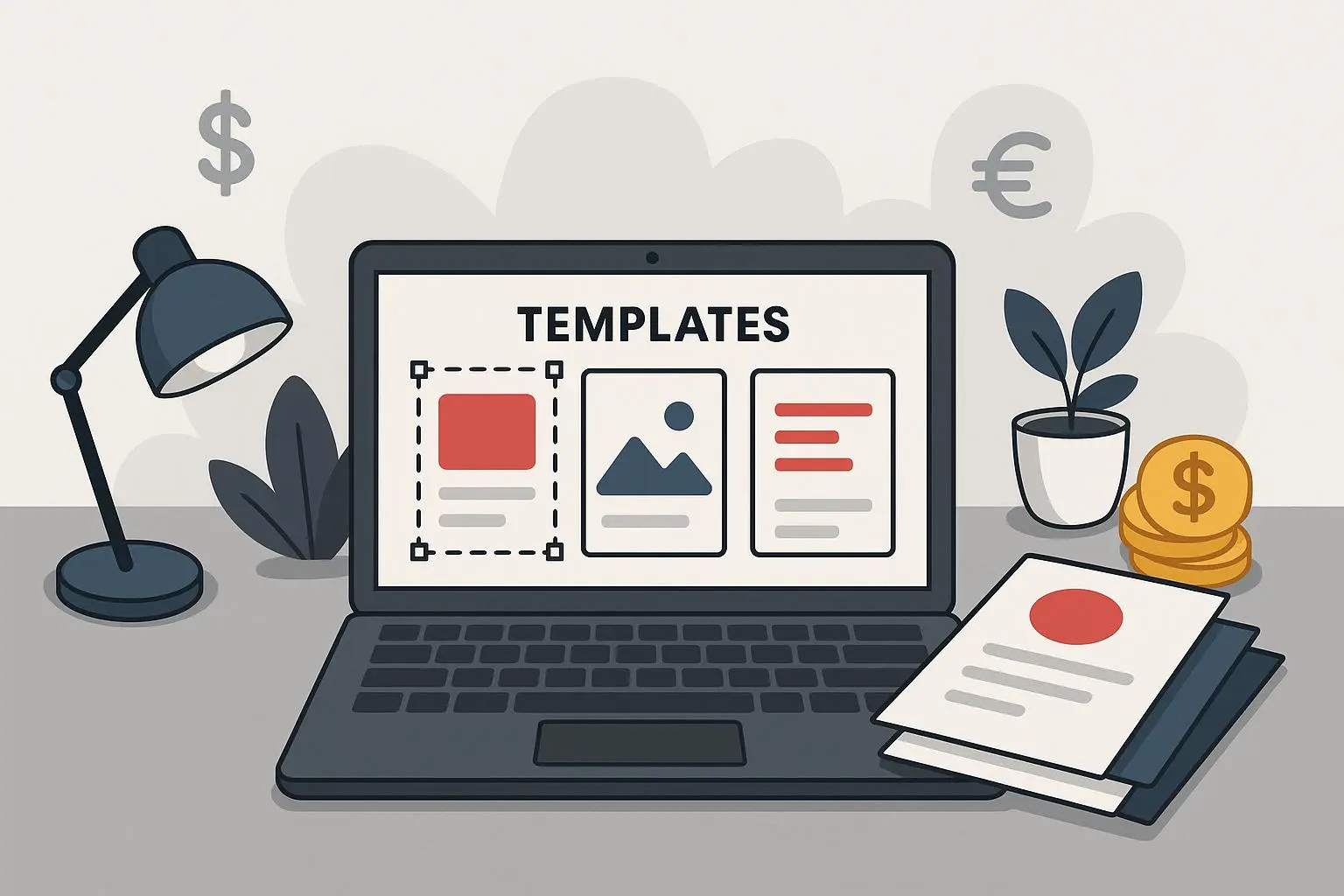
- A template library (calculation tools, interactive planners, and fill-in templates).
- A visual editor that’s drag-and-drop but focused on mobile UX.
- Built-in monetization and integrations (payment gateways, analytics, CRM connectors).
You don’t manage servers. You don’t stitch APIs together manually. The platform handles the backend so you can focus on the content and user flow.
Examples of templates people sell:
- Mortgage and debt payoff calculators that include downloadable action plans.
- Nutrition trackers where users set macros and get meal suggestions.
- Client intake forms that push submissions straight into CRMs.
Those are the kinds of things people pay for because they save time or provide immediate clarity.
How I actually made this work (a short real story)
Last year I needed a product for a small email list (about 3,000 subscribers). I created a "Quarterly Business Planner" using TemplateForge Studio. I’d tried building planners in Notion and PDFs before, but conversion was low—people wanted something that felt like an app.
I spent a weekend: sketched the flow Friday evening, built the template Saturday, and polished micro-copy Sunday. I used a built-in weekly planner template, added a simple revenue calculator module, and hooked the checkout to Stripe. On Monday I sent an email to the list.
Result: 42 sales in the first week at $19 each. Net after fees and platform cuts was about $670. Not a lottery ticket, but a meaningful, repeatable revenue stream for a weekend’s work.
What I learned: niche matters (I targeted indie consultants), the calculator module drove purchases, and the built-in analytics let me spot a confusing onboarding step and fix it within two days.
Micro-moment: while testing, I watched one user delete an onboarding tip line by mistake and then reload the page to figure out where their data went. That tiny UX hiccup taught me to add a short confirmation modal—and it raised the conversion rate by three percentage points.
Who benefits most from TemplateForge Studio
This is not for every developer or every product idea. TemplateForge Studio shines for:
- Coaches and consultants who want interactive tools to add value to services.
- Solopreneurs and creators who sell digital products and need a mobile-first upgrade to PDFs.
- Small businesses needing lightweight internal tools (onboarding forms, calculators) without hiring a dev team.
- Entrepreneurs validating product ideas quickly before committing to custom development.
If you’re chasing highly custom app behavior, or you need absolute visual uniqueness, a no-code template platform can feel limiting. But for the majority of first products—things that answer a specific user need—the tradeoffs are favorable.
How the monetization loop works (simple, direct, repeatable)
TemplateForge Studio makes it straightforward to turn templates into revenue by enabling:
- Direct sales: sell templates on your site or marketplace. Common price ranges I’ve seen: $9–$49 for planners and checklists; $29–$199 for specialized calculators or industry tools.
- Upsells: offer a free version to capture emails, then sell premium templates or bundles.
- Services + tools: sell coaching packages that include custom templates as part of the offer. Clients tend to perceive higher value when they get a tool they can use.
- Internal efficiency: replacing manual spreadsheets and onboarding emails with a mobile form can save employee hours; that’s an economic case to justify the spend.
A few practical tips:
- Start with a single clear use case (don’t mix five different features into one template).
- Price with confidence. If it saves a customer two hours of work, charge accordingly.
- Use analytics to spot drop-off. A 10–20% increase in completion often translates directly into more sales or retained users.
Common objections and honest limitations
Here’s what people say when they try TemplateForge Studio and where you should be realistic.
- "It’s no-code, but I still need design sense." True. A template won’t rescue a bad layout or unclear copy. You need basic UI/UX sense to make conversions happen.
- "Customization is limited." Also true. If you want pixel-perfect branding or complex custom logic, a traditional dev route may be necessary.
- "Learning monetization takes time." The platform includes billing and analytics, but understanding funnel optimization is still a separate skill.
So: TemplateForge lowers the technical barrier, but it doesn’t replace product thinking.
A weekend playbook: go from idea to sale in 72 hours
If you want to test this, here’s a lean playbook I use. It’s practical—no fluff.
Day 1 — Decide and design
- Pick a narrow user problem (example: "simple debt payoff plan for freelancers").
- Sketch the flow on a napkin or Miro: input, calculation/output, next action.
- Pick a template from TemplateForge that matches the closest interaction (calculation tool, planner, form).
Day 2 — Build and polish
- Import the template, replace copy, set up the calculation logic or fields.
- Keep onboarding short—two steps max.
- Hook up payments (Stripe) and analytics.
Day 3 — Launch and learn
- Send a short launch email to a warm audience or post in one niche group.
- Watch analytics: conversion, drop-off, time-on-page.
- Tweak one variable (pricing, headline, or onboarding microcopy) and measure change.
This loop works because it enforces iteration. You’ll be surprised how often small copy or flow tweaks move the needle.
Integrations that matter
Platform integrations make or break a product’s usability. TemplateForge Studio supports common connections: payment gateways, CRMs, Zapier-like automations, and analytics. That matters because:
- Payment integrations let you collect revenue without building a storefront.
- CRM hooks push leads into follow-up sequences, converting free users into paid customers.
- Analytics reveals friction points, so you’re not guessing why users drop off.
If you plan to scale, map the integrations before launch. Know how a sale gets to your bank account and how user data flows into your CRM.
Pricing and positioning advice
Most buyers want clarity. Here’s how to position and price templates in a way that converts:
- Offer three tiers: free (lead capture), core (one-time purchase), and pro (bundle or subscription).
- Use real numbers to show value. Example: "Use this planner to save 3 hours a week" or "Reduce client onboarding time from 30 minutes to 10."
- Bundle related templates for a higher AOV (average order value). A planner + worksheet + onboarding form bundle often outperforms single items.
Pricing benchmarks: $9–$49 for simple templates, $29–$199 for high-value calculators or industry-specific tools, and subscription/models for ongoing value (templates with content updates, coaching touchpoints).
Where TemplateForge Studio will grow next
No-code platforms iterate fast. Expect better conditional logic, richer analytics dashboards, and deeper integrations with LMS and membership platforms. The broader trend points to more sophisticated outcomes without code, which means your product thinking and niche selection become the competitive advantage, not technical horsepower[1][3].
Final realities: when to pick TemplateForge and when to hire devs
Choose TemplateForge Studio if:
- You need to validate ideas fast.
- You’re selling niche, utility-first digital products.
- You want to avoid upfront engineering costs.
Consider custom development when:
- Your product requires heavy custom logic, unique integrations, or complex offline capabilities.
- Your brand must have a totally unique UI that templates can’t achieve.
Most creators I know start with no-code to validate—then either scale on the same platform or invest in custom builds once product-market fit is proven[4].
Quick checklist before you publish your first template
- Problem is narrow and specific
- One clear action for the user after they use the tool
- Payment flow tested end-to-end
- Analytics set up (conversion, drop-off)
- A simple marketing plan: email + one niche community
If you cover those, you’ll skip the common traps—too broad, too vague, or too slow.
Final thought
TemplateForge Studio is not a magic pill. But it is a practical, affordable way to turn expertise into mobile-first products people will pay for. It trades heavy engineering for sharper product thinking—and that’s the best deal an indie creator or small business can get right now.
If you want a single starter challenge: pick one tiny problem your audience complains about weekly, build a template that solves it, and make the offer specific. Do that three times and you’ll have a small, sustainable product catalog that earns while you sleep.
References
Footnotes
-
data.ai (formerly App Annie). (2023). State of Mobile 2023 Report. ↩ ↩2
-
Statista. (2024). Creator Economy - Statistics & Facts. Retrieved from https://www.statista.com/topics/10042/creator-economy/ ↩
-
Gartner. (2023). Gartner Forecasts Worldwide Low-Code Development Technologies Market to Grow 19% in 2023. ↩
-
Forrester. (2022). The Total Economic Impact™ Of Low-Code Development Platforms. Retrieved from https://www.forrester.com/report/the-total-economic-impact-of-low-code-development-platforms/RES176211 ↩