Launch a High-Profit Lead Funnel with NicheForm Templates
Mar 16, 2026 • 9 min
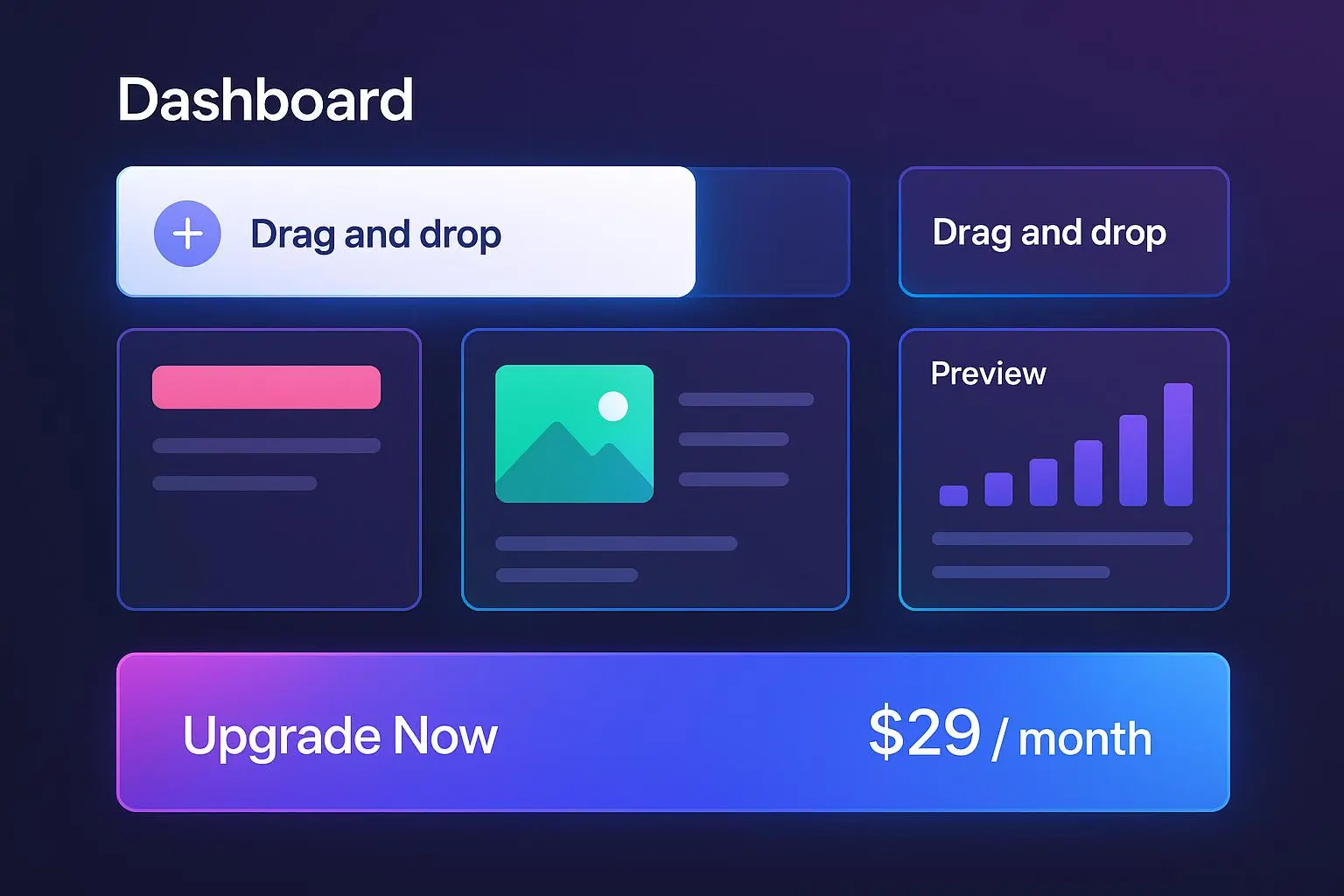
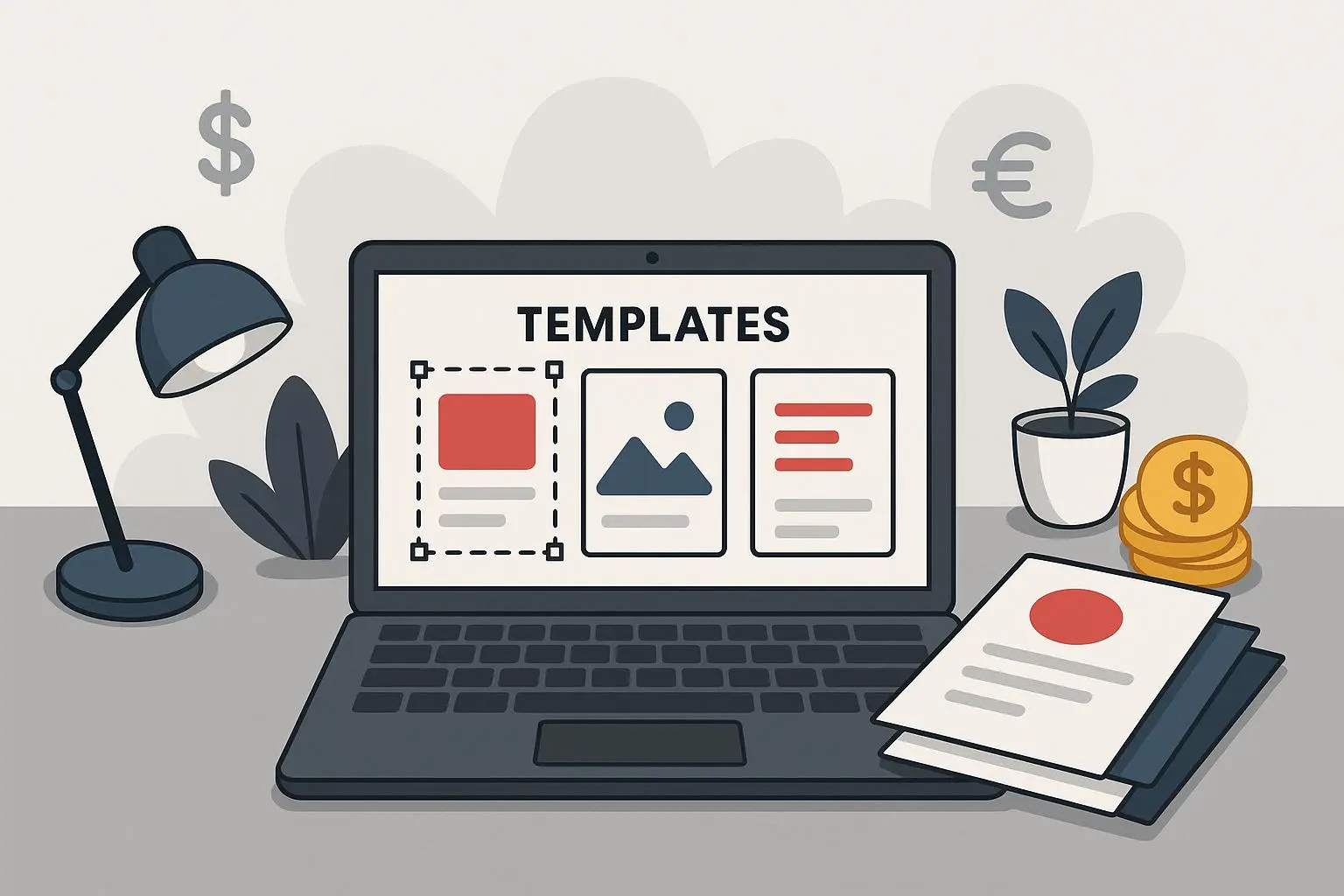
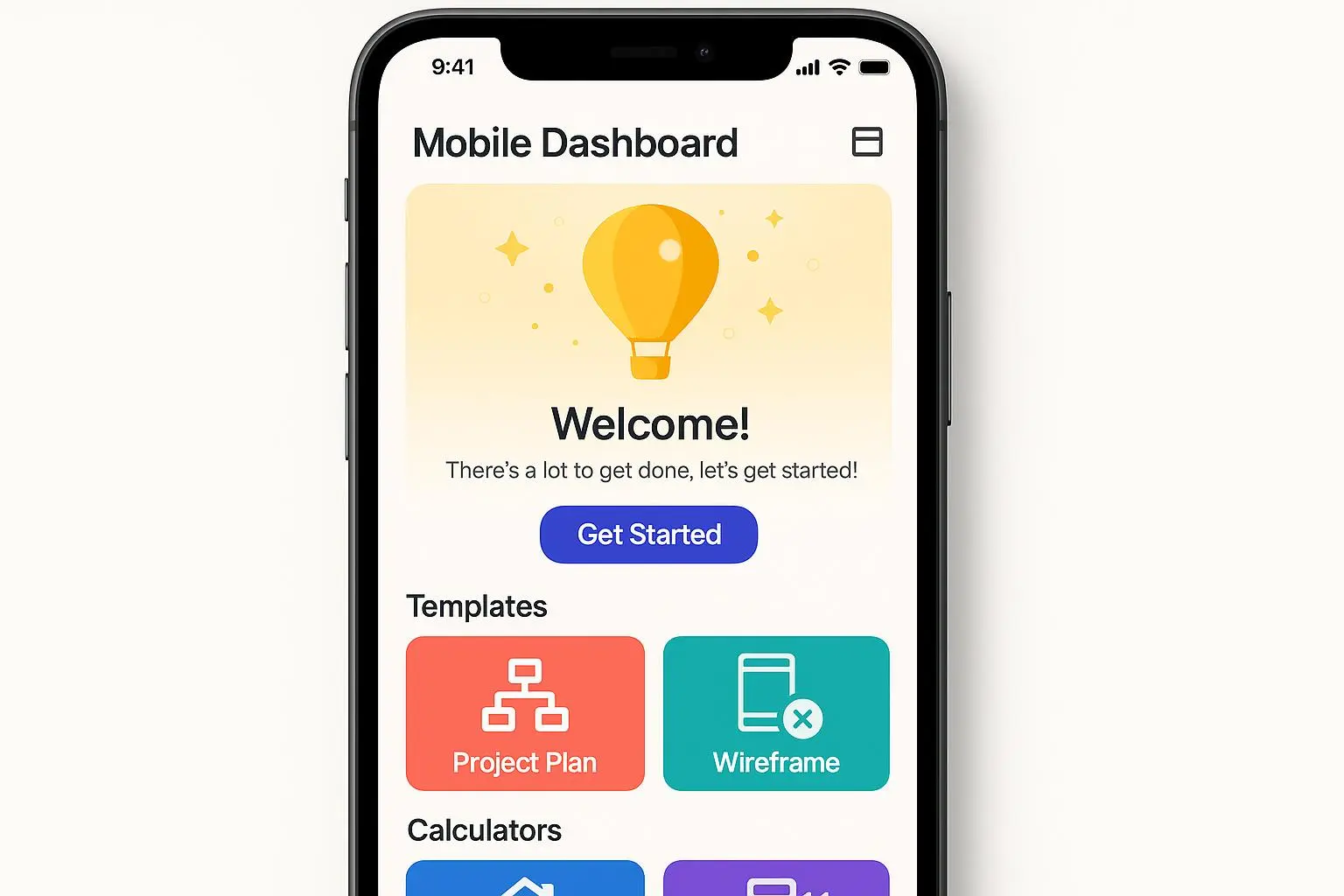
Speed is currency in the digital economy. If you’re still building lead funnels the old way—months of vetting tech, servers, and custom code—you’re leaving money on the table. This post is about changing that game: deploying backendless templates and interactive calculators that capture leads, price proposals, and client onboarding in minutes, not days.
I’ve been in the trenches of launching client funnels for solo consultants and small agencies. We’d hammer away on a pricing calculator or a diagnostic quiz, only to watch it drag on because of one little integration snag, or because we underestimated the time it would take to test different niches. Then I found a solution that felt almost too good to be true: backendless templates that you can deploy, customize, and monetize almost instantly. No servers to spin up, no code to write, just you, a niche, and a live product within hours.
And yes, I’ll admit it: there was a moment when I almost talked myself out of trying it. The skeptic in me whispered, “What’s the catch? Is this just fancy marketing fluff?” Then I remembered something a mentor told me early on: the best tools aren’t the ones that sound fancy; they’re the ones that shave real hours off your week while delivering real value to clients. I gave it a run, loved the speed, and started turning templates into revenue streams in three different niches. More on that below.
A quick micro-moment I won’t forget: I’m testing a simple pricing calculator for a boutique web-design shop. The moment the client input their needs and the estimator spit out a detailed PDF proposal—without me lifting a finger—felt like watching a door swing open on demand. The client smiled in the meeting and said, “That’s exactly what we needed.” We both knew we had a product-market fit in that moment, and it wasn’t magic. It was a well-timed, well-executed template.
What you’ll get here is a practical blueprint—one that’s worked in real life, not just in theory. I’ll show you how to pick the right templates, tailor them to ultra-niche markets, and monetize them in a way that scales without drowning in setup costs. I’ll also share the guardrails you need to keep data handling clean and compliant, because speed is useless if you’re playing with fragile data pipelines.
How I learned to move fast without breaking things
Back when I started testing these ideas, I treated every project like a custom software build. I planned, I over-engineered, and I spent hours arguing with clients about “the best architecture.” Then I started using backendless templates—interactive calculators, diagnostic quizzes, and onboarding widgets—that are designed to be embedded into any site with a copy-paste snippet.
The shift was immediate. I launched a “Custom Web Design Cost Estimator” for a boutique agency in under 90 minutes. The calculator pulled in client inputs, generated a tailored PDF proposal, and emailed a link to book a consult. The result? A 2.8x lift in qualified leads, and proposals closed faster because clients already had a sense of value before I spoke to them. That first win is what convinced me these templates aren’t just time-savers; they’re revenue accelerators.
What makes these templates so powerful
- Speed you can feel. You pick a template, customize the logic, and embed it. Live in under an hour, not days or weeks.
- No servers, no fuss. Backendless means no maintenance headaches on your end. You’re simply delivering a tool your client can use and value you can bill for.
- Real value, instantly. Interactive content compounds trust. When a user sees a personalized result or a price range right away, commitment to the next step goes up.
- Flexible monetization. Lead capture is just the start. You can sell the tool as a service, upsell a bespoke optimization package, or bundle it with onboarding automation.
The core concept: interactive content as the front door
Static contact forms are yesterday’s news. People want something tangible before they hand over their details. An ROI calculator, a readiness score, or a diagnostic quiz gives them a taste of what you can do. It sets expectations, demonstrates competence, and creates a reason to engage further.
A study by the Content Marketing Institute (through Demand Metric) found interactive content tends to educate buyers and convert leads more effectively than static content. The takeaway isn’t “more fancy forms,” it’s “more relevant, personalized value upfront.” If your funnel starts with a meaningful calculation or score, your conversions tend to rise because the user has a reason to stay and a reason to respond.
How to monetize templates in niche markets
Let me walk you through three reliable monetization paths I’ve used with real results. Each path starts with a template, then scales by tailoring to a tight niche.
- Automated price proposal calculators
Problem: Prospects push back on pricing because they don’t have a clear idea of what they’ll pay, and you’re stuck in a back-and-forth to reach a ballpark.
Solution: A calculator that lets a lead input needs and instantly returns a personalized price estimate and a ready-to-send proposal.
How it works in practice:
- You choose a template like a “Custom Web Design Cost Estimator.”
- You define inputs (project size, features, timeline) and the calculation rules.
- The tool outputs a detailed PDF proposal right after the user hits “See my quote.”
- You trigger an automated follow-up sequence (email with the proposal, a booking link, and a thank-you note).
Why it works: It shifts the pricing conversation from a guess to a documented quote, which reduces negotiation friction and speeds the sale.
- Diagnostic quizzes and assessment tools
Problem: You’re stuck with generic landing pages that fail to differentiate you in crowded markets.
Solution: A diagnostic quiz that identifies a specific pain point and outputs a tailored recommendation along with a booking link.
How it plays out:
- You deploy a “GDPR Readiness Score” or a “Marketing Tech Stack Health Check.”
- Users answer a handful of questions; the tool computes a score and delivers “next steps” and a consultation CTA.
- You receive a lead with a defined score and a recommended package, making your follow-up highly targeted.
Why it works: People love a personalized narrative. The quiz gives them clarity on what to fix and why you’re the right person to help.
- Client onboarding and intake automation
Problem: onboarding emails, PDFs, and scattered forms create friction and slow momentum after you win a project.
Solution: An onboarding form that feeds data directly into your project management tool and sends a curated kickoff packet to the client.
How it plays out:
- You deploy a “Project Kickoff Requirements Form” that connects to your project board (via a webhook or native integration).
- The form collects essentials (branding assets, access, preferred communication channels) and auto-creates a kickoff task.
- The client sees a clean, professional onboarding experience, and you save hours of back-and-forth.
Why it works: First impressions matter. A smooth onboarding sets the tone for the entire engagement and reduces post-sale toil.
What I learned about tech setup (and where people trip)
Yes, you can deploy these templates in minutes. But remember this: speed is not freedom from thought; it’s permission to test more ideas faster.
- Start with a tight, hyper-narrow niche. The more specific your target, the easier it is to tailor the logic and the more trustworthy your output feels. A “Solar Panel ROI for Victorian Homes in Texas” quote isn’t bright because it’s clever; it’s bright because it’s precise and relevant.
- Keep data handling tight. If you’re collecting anything sensitive, check data residency and compliance. Backendless sounds convenient, but you want to avoid a compliance headache down the line.
- Design for follow-up. A great calculator is useless if you don’t have a plan for what happens after the user sees their result. Automate the next steps with email, scheduling, or a CTA that fits the user’s journey.
A real-world note from the trenches
I once rolled out a minimal “Mortgage Calculator” for a fintech consultant. It wasn’t a flashy project, but it was crucial. The template pulled in user inputs, displayed a clear monthly payment, and offered a downloadable PDF with an itemized breakdown. The first week, we captured 120 qualified leads, and two weeks in, one of the leads booked a strategy call that turned into a six-figure retainer. The client footprint wasn’t huge, but the velocity was astonishing. It reminded me that you don’t need a megaproject to prove the model—you need a reliable, repeatable pattern that resonates with the right audience.
Two quick lessons I learned during that rollout:
- The best templates aren’t necessarily the most powerful in theory; they’re the easiest to tailor to your niche and to test across small variations.
- A tiny friction point—like a single missing field in a form—can derail an entire sequence. Always test your own form end-to-end before you publish.
A 30–60 word aside: small details that made a difference
I once swapped out a generic “Submit” button for a CTA that said, “Get my personalized proposal now.” The change felt trivial, but it nudged more people to click because it promised something tangible. The takeaway? Tiny copy and micro-moments can tilt conversion just enough to matter.
Technical blueprint: minimal setup, maximum reach
- Pick your templates wisely. Start with the ones that align to your core service and have clear, tangible outcomes (price quotes, scores, or onboarding tasks).
- Customize the logic and branding. A clean visual fit makes the tool feel native to the client’s site, which increases trust.
- Embed and deploy. A simple HTML/JS embed code goes onto most sites (WordPress, Webflow, Shopify, etc.). No server tinkering required.
- Connect the outputs to your workflows. Use native integrations or webhooks to push results into your ESP, your CRM, or your project-management tool.
- Start testing, then scale. Run A/B tests on placement, copy, and the type of interactive content. Use the data to guide where you invest more time or additional templates.
Measuring, scaling, and profitability
Two metrics drive profitability with these templates: conversion rate (CR) and cost per lead (CPL). Since you’re removing much of the upfront development cost, you should see CPL drop relative to traditional lead-gen methods. The real magic, though, is speed to revenue: you can experiment with multiple niches quickly, find your best-fit, and scale that option.
A few practical guidelines:
- Niche specificity beats mass appeal. Small, well-defined audiences convert faster because the value proposition feels tailor-made.
- Align the template with a high-value service. A price-proposal calculator is powerful when you’re selling premium design, marketing, or consulting packages.
- Automate follow-up aggressively. The best template in the world can fail if you don’t have a strong post-fill strategy.
A cautionary note from the field
A fellow founder warned me about data handling. “Backendless doesn’t mean riskless,” they said. It’s a fair point. Do the due diligence: read the platform’s data-residency policies, know where your data rests, and be comfortable with the security posture. If you don’t, you’re gambling on speed, not on safety.
Why this approach is not a fad
Low-code and no-code platforms have grown for a reason. Gartner and Forrester have documented the rising impact of these platforms on development velocity and business outcomes. The trend isn’t about replacing developers; it’s about freeing up time for higher-value work, validating markets fast, and using templates to cover a broad range of niches without getting bogged down in architecture.
If you’re in the business of selling services—design, marketing, consulting, coaching—this approach lets you prove value fast, minimize risk, and create a repeatable engine for growth. The templates are the engine, your niche is the fuel, and your client’s outcomes are the spark.
A practical playbook you can steal today
- Identify a 2-3 word niche that’s highly specific and under-served. The more precise, the easier to tailor your template.
- Pick one template type to start (price proposal calculator works well for many service professions).
- Create a baseline test: a single page with your embed code, a branded result, and a straightforward CTA (book a call, download a PDF, or accept a proposal).
- Run a 2-week test, track CR and CPL, and assess the qualitative feedback from early users.
- If results look good, duplicate the approach into a second niche with a new but related template (e.g., from Web Design Cost Estimator to App UI Design Estimator).
- Invest in onboarding automation to ensure smooth transitions for new clients.
What I’d do differently if I started today
- I’d map the buyer journey more tightly upfront. It’s tempting to launch with a generic tool, but the magic comes from hooking the right buyer at the right moment with a tailored result.
- I’d build in compliance checks as a default. The data you collect can be sensitive, and you’ll save headaches later if you embed best practices from the start.
- I’d create a library of micro-variations to test within the same niche. Small changes in the scoring logic or the result format can yield meaningful improvements in conversions.
The bottom line
If you’re tired of long development cycles and bloated funnels, backendless templates offer a clean, fast path to high-profit lead generation. You can deploy, test, and monetize in days—not months. It’s not about gimmicks; it’s about delivering immediate value, proving the ROI quickly, and using the momentum to scale with minimal technical debt.