Beginner's Guide: Create Your First Invoice and Estimate Taxes in Minutes
Mar 19, 2026 • 8 min
You just finished your first freelance job. The client loved your work. Now you need to send an invoice—and also somehow remember to save money for taxes. Panic? Not necessary.
I wrote this as a mobile-first playbook: how to create a professional invoice on your phone, and how to estimate quarterly taxes without a spreadsheet full of nightmares. No backend required. No accounting degree. Just practical steps you can do in five minutes after a meeting or while riding the subway.
Why this matters (and why most people mess it up)
Two things sink new freelancers fast: slow payments and unexpected tax bills.
Slow payments happen when invoices are sloppy or confusing. Miss a field, mix up amounts, or forget a due date and clients delay or dispute payment.
Tax problems happen because self-employment tax is different from paycheck withholding. You’re now both the employer and the employee; that 15.3% self-employment tax (Social Security + Medicare) gets added on top of your income tax. Miss quarterly payments and you risk penalties.
The fix is boring but simple: send a clean invoice, every time. Save a fixed slice of each payment into a tax account. Repeat.
The anatomy of a professional invoice (what to include, zero fluff)
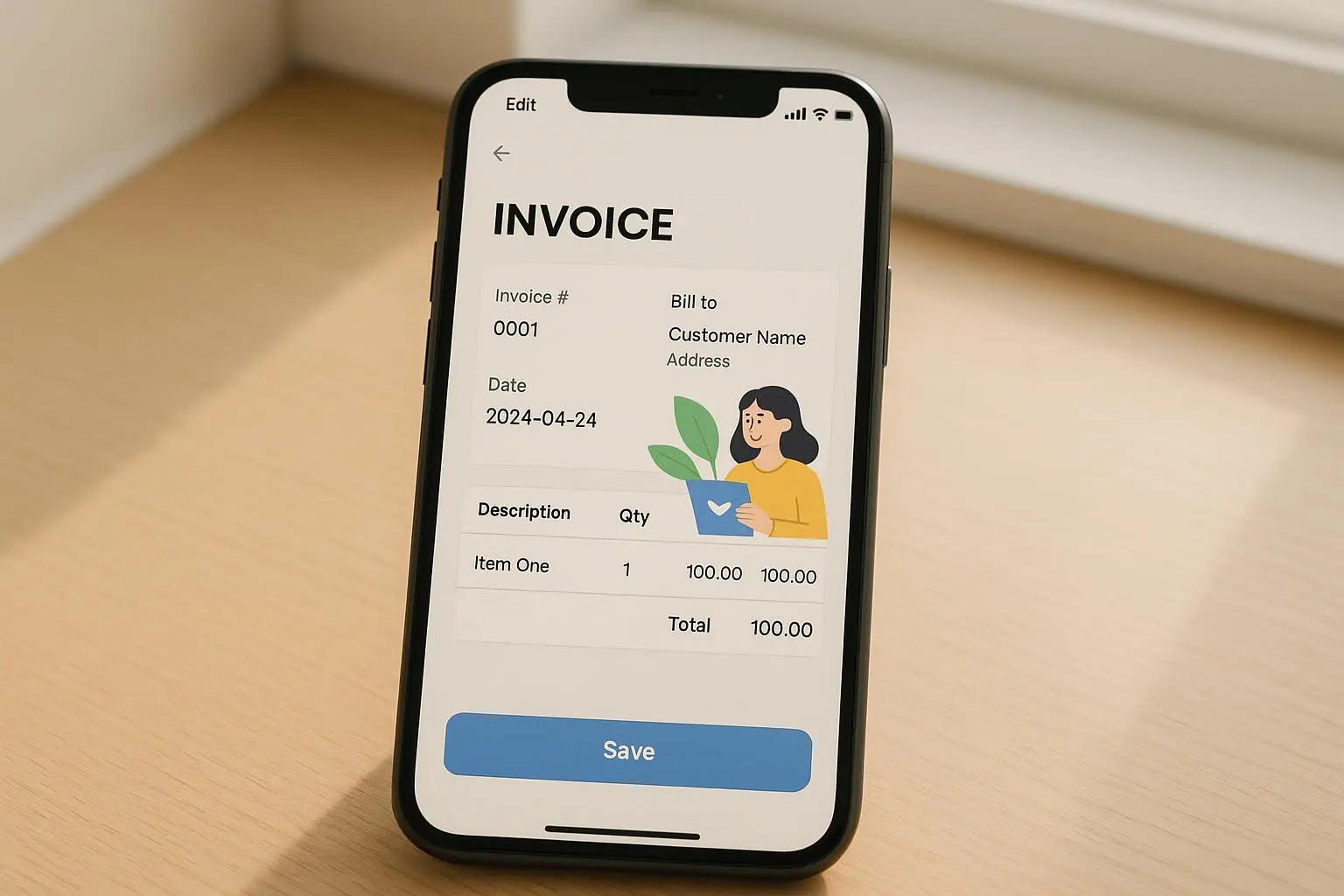
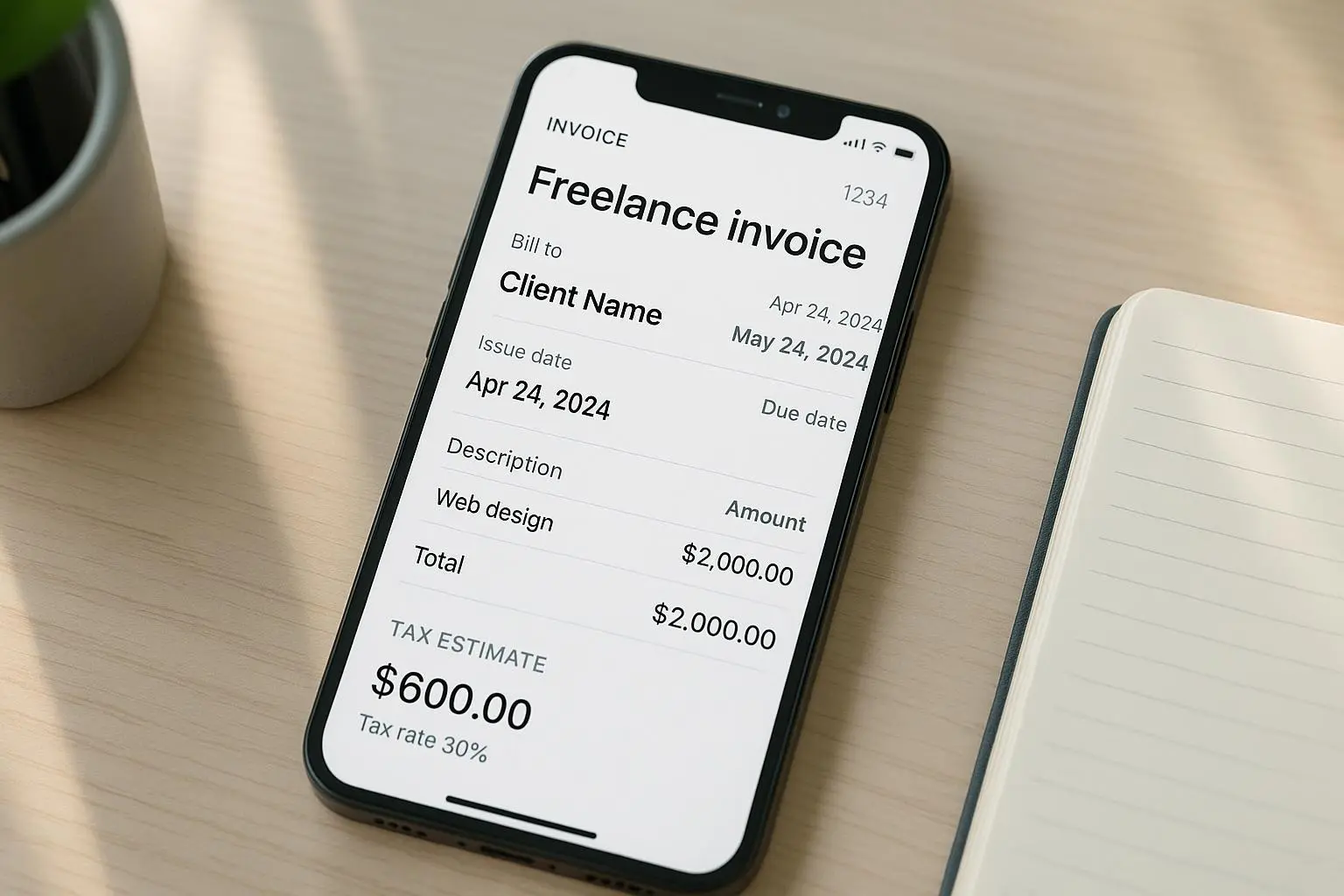
Here’s the checklist I follow every time. Mobile apps will format it for you, but you must supply the bits that matter.
- Your information: full legal name or business name, address, phone, email.
- Client information: legal or company name and billing address.
- Invoice number: unique, sequential (INV-2025-001). Make it obvious and searchable.
- Date of issue: when you created it.
- Payment due date: Net 15 or Net 30 are standard—pick one and state it.
- Itemized services: description, quantity (hours), rate, line total.
- Total due: clearly labeled. If tax applies, show it as a line item.
- Payment methods: bank transfer details, PayPal, Stripe link, or check info.
- Late fee terms: optional, but stating “1.5% monthly late fee after 30 days” reduces disputes.
A clean PDF on email looks professional. A messy Word doc does not. That matters—clients pay polished invoices faster.
How to generate that invoice on your phone, fast
You don’t need QuickBooks to start. I keep two approaches depending on the moment.
- Quick, one-off invoice (under 2 minutes)
- Open a simple invoicing app like Invoice Simple.
- Choose a template, fill the fields from the checklist, attach any deliverable, export PDF, hit send.
- Repeat client or hourly work (set it and forget)
- Use QuickBooks Self-Employed or FreshBooks.
- Save client details, default rates, and invoice terms.
- When the job finishes, select the client and invoice template—done.
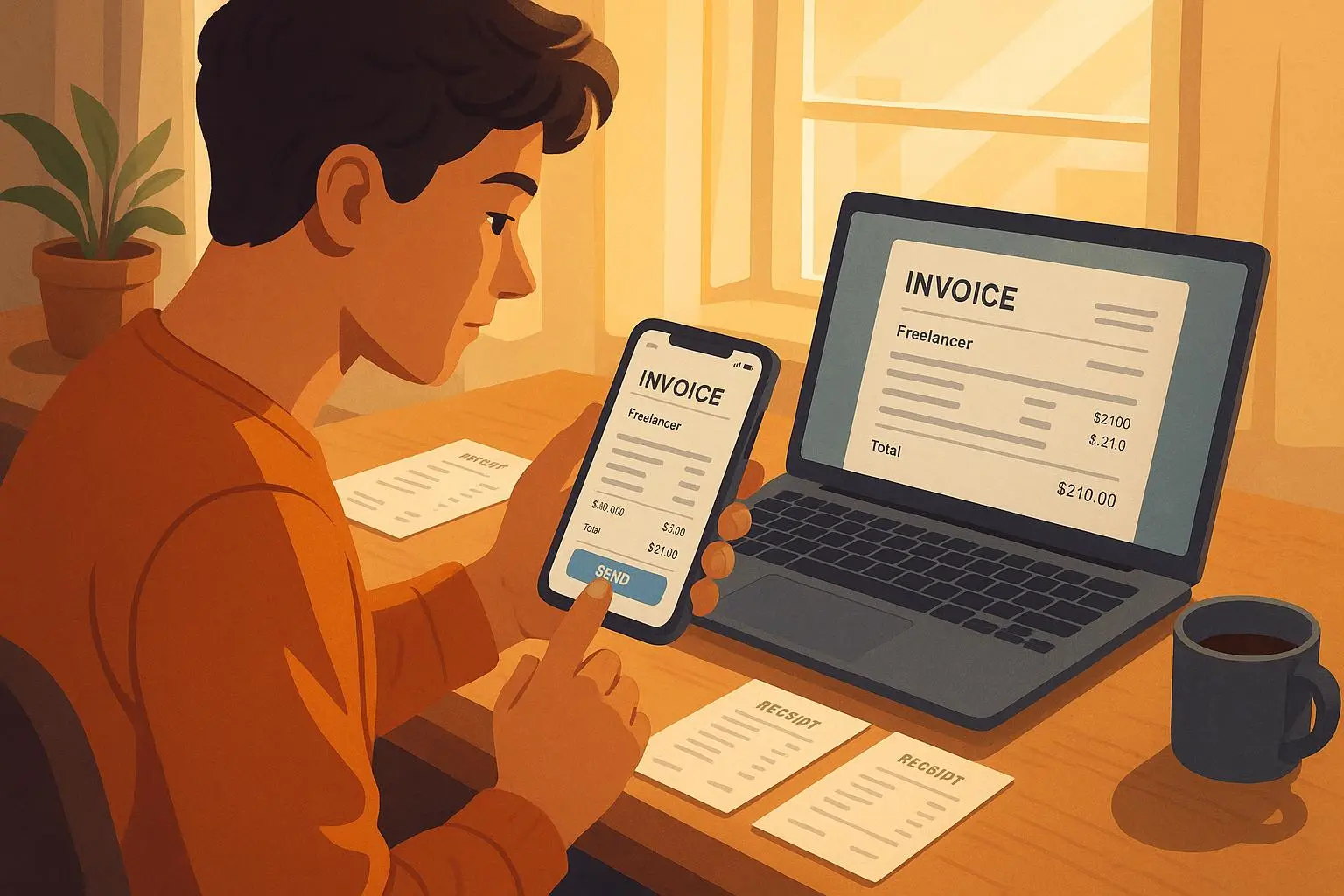
Why apps beat templates: automatic numbering, embedded payment links, and offline PDF generation. I once sent an invoice from an airport gate, hit send, and the client paid within 48 hours. It felt weirdly triumphant.
Micro-moment: the little thing that sticks? The “invoice number” pattern. I use INV-YYYY-### (INV-2025-007). It’s dumbly satisfying and saved me when a client asked which invoice matched a PO.
The simplest way to estimate quarterly taxes (no forms first)
You can do the IRS forms later. For now, use a practical rule: set aside a percentage of each payment.
- Conservative beginners: save 25% of every invoice.
- If you live in a higher-tax state or expect more deductions: save 30%.
- If you’re in a low tax bracket and will deduct heavily: 20% might work, but be cautious.
Example: you invoice $1,200. Move $300 into a separate tax savings account immediately. That $300 is untouchable until tax time.
Why it works: it creates discipline. You’ll have a buffer when quarterly payments hit, and the mental overhead of tax math disappears.
When you’re ready to get exact: estimate annual income, subtract expected deductions, and use tax tables or a calculator to compute estimated tax. But for most new freelancers, the percent-rule keeps you safe.
How to actually pay quarterly taxes (the practical checklist)
If you expect to owe $1,000+ for the year, you must pay estimated taxes quarterly[1]. Here’s the practical flow:
- Pick a tax payment method: IRS Direct Pay, EFTPS, or pay through your accounting app.
- Mark your calendar with the four deadlines: April, June, September, January (dates vary by year).
- Pay at least 90% of your current year tax or 100% of last year’s tax to avoid underpayment penalties.
- If you’re unsure, overpaying a little is better than underpaying.
Apps like QuickBooks Self-Employed will calculate your estimated quarterly amounts based on income tracked. That’s not perfect, but it reduces the dread.
Tools I actually recommend (and why I’d use them)
You don’t need every feature—pick a tool that fits how you work.
- Invoice Simple: Best for one-off invoices and offline PDF creation. Super fast, UX-focused.
- QuickBooks Self-Employed: Best if you want integrated tax estimates, mileage tracking, and receipts. Subscription-based, but it combines several chores.
- FreshBooks: If you bill hourly and need time-tracking + client project features, start here.
- Wave: Free and capable for basic invoicing and bookkeeping. Good if budget matters.
Pick one and stick with it for three months. If it’s costing you more in subscriptions than it saves in time, switch.
Common mistakes I see (and how to avoid them)
Here's what trips freelancers up—and the fix.
Mistake: Sending a casual request for payment (“Can you pay me?”) instead of a proper invoice. Fix: Always attach a PDF invoice. It frames the request as business.
Mistake: Not tracking client payment terms. Fix: Set reminders. Most apps auto-email a reminder; use it.
Mistake: Mixing personal and tax money. Fix: Separate accounts. Even a second savings account for taxes prevents accidental spending.
Mistake: Waiting until year-end to organize receipts. Fix: Snap receipts with your phone immediately. Export monthly.
Mistake: Relying solely on a mobile app without backups. Fix: Export CSV backups or PDFs monthly. If the company folds, you’ll still have records.
A cautionary anecdote: early in my freelancing I used a free app that kept everything in the cloud. It was lovely—until the app changed its pricing and locked my archived invoices behind a paywall. I spent two frantic evenings exporting every PDF and CSV. Since then I export monthly and keep a local backup. Cost me an hour a month and saved me a panic attack later.
When to level up to full accounting software
You’ll know when:
- You consistently have 20+ invoices per month.
- You hire contractors or employees.
- You need profit/loss statements for loans or investors.
- You want payroll and advanced reporting.
Until then, the mobile-first approach will be more than enough.
Quick guide to Net 15 vs Net 30 (because someone always asks)
Net 15: payment due 15 days after invoice. Use for smaller gig work or clients who pay faster.
Net 30: standard for business services. Use for larger clients or when you want more breathing room.
Tip: offer a small discount for faster payment (e.g., 2% if paid within 10 days). It boosts cash flow for a tiny cost.
Final checklist—what to do after every job (two minutes)
- Create invoice with template.
- Assign sequential invoice number.
- Set due date (Net 15/30).
- Email PDF and add a payment link.
- Move 25–30% of the payment to tax savings on receipt.
- Export and back up the invoice monthly.
Do this for a month and you’ll feel two levels more professional. Clients notice. Your bank account will too.
References
Footnotes
-
Internal Revenue Service. (2024). Tax Withholding and Estimated Tax. Retrieved from https://www.irs.gov/publications/p505 ↩